
Most founders do not need a designer to draft a v1 landing page anymore. They type a sentence, an AI generator returns a hero, three sections, and a pricing block, and they ship by lunch. The trade-off: every output looks the same, the copy is generic, and conversion stalls a week after launch.
This guide ranks the best AI landing page generator tools in 2026 by the criteria that actually matter to a founder shipping in public: how fast you get to a usable draft, how good the design looks before you touch it, how much you can customize without ejecting to code, and whether the output passes the "did a human make this" sniff test. We scored every entry on a five-point scale and included pricing.
TL;DR: Framer AI is the strongest end-to-end pick for founders who want a real, editable site with serious design ceiling. Durable wins on raw speed for local services. Mixo is the cheapest way to validate an idea this afternoon.
Best AI landing page generators: a brief overview
Framer AI: Best overall for founders who want a real design system, not a template clone. Generates a multi-section page in under a minute and lets you edit every pixel in the same canvas.
Wix AI (ADI): Best for non-technical operators who want a full site plus booking, ecommerce, and email in one bundle.
Webflow AI: Best for teams that already use Webflow and want AI to draft sections inside an existing CMS-driven site.
Durable: Best for local services, plumbers, agencies, and side hustles that need a one-page site with a CRM behind it in 30 seconds.
Hostinger AI Builder: Best for budget-conscious founders who want hosting, domain, and an AI builder in one cheap bundle.
10Web: Best for WordPress loyalists who want AI to clone or generate a site while keeping the WP plugin ecosystem.
Mixo: Best for indie hackers validating an idea: generates a launch page plus waitlist in under 30 seconds.
Tool | Key strength | Pricing | Platform |
|---|---|---|---|
Framer AI | Design-grade output with full canvas editing | Free tier; paid from $5/month per site | Web, Framer canvas |
Wix AI (ADI) | Full website plus booking, ecom, email bundled | Free tier; premium from $17/month | Web |
Webflow AI | AI-drafted sections inside a Webflow CMS site | Free starter; Site plans from $14/month | Web, Webflow Designer |
Durable | 30-second site for local services with built-in CRM | Free trial; from $15/month | Web, mobile app |
Hostinger AI Builder | Cheapest bundle of hosting plus AI builder | From around $2.99/month with hosting | Web |
10Web | AI-generated WordPress sites with managed hosting | Free trial; Personal from $10/month | WordPress, web |
Mixo | Launch page plus waitlist in under 30 seconds | Free tier; Solo from $9/month | Web |
Scoring: how the 7 AI landing page generators stack up
Every tool is scored 1 to 5 on four dimensions, then totalled out of 20. Speed measures time from prompt to live URL. Quality is how the unedited output looks. Customization is how far you can push the design without ejecting. Brand fit is how easily the output can be made to feel like yours.
Tool | Speed | Quality | Customization | Brand fit | Score |
|---|---|---|---|---|---|
Framer AI | 4 | 5 | 5 | 5 | 19 |
Wix AI (ADI) | 5 | 3 | 4 | 3 | 15 |
Webflow AI | 3 | 4 | 5 | 5 | 17 |
Durable | 5 | 3 | 3 | 3 | 14 |
Hostinger AI Builder | 4 | 3 | 3 | 3 | 13 |
10Web | 4 | 3 | 4 | 4 | 15 |
Mixo | 5 | 3 | 2 | 2 | 12 |
1. Framer AI, best overall AI landing page generator
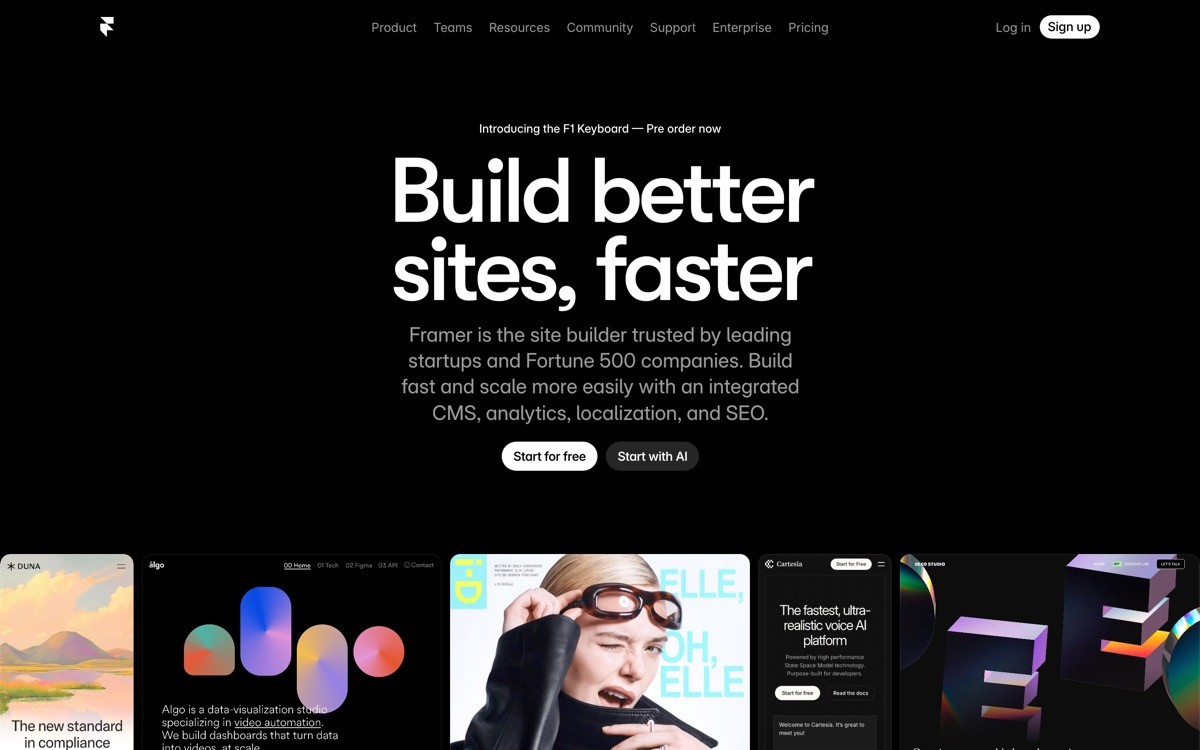
Framer AI is an AI landing page generator built into the Framer canvas that turns a single prompt into a multi-section, responsive site you can keep editing pixel by pixel. It is the only entry in this list where the "AI draft" and the "design tool" are the same product, so there is no migration step when you decide to make the output actually good.
It punches above its weight because the output uses Framer's own component system: real breakpoints, real interactions, real CMS. Founders who care about brand and conversion gravitate to it because the ceiling is much higher than a templated builder, even though the floor (the AI draft) is comparable.
Key strengths
Generates hero, features, social proof, pricing, FAQ, and footer from one prompt
Full canvas editing after generation, including breakpoints and interactions
Built-in CMS for blog, changelog, case studies on the same plan
One-click publish to a Framer subdomain or custom domain
AI rewrite tool inside text layers for fast copy iteration
Component library and remix from any public Framer site
Best for
Founders who want one tool for landing page, blog, and changelog without stitching three platforms
Design-led startups whose homepage is a conversion asset, not a brochure
Pricing
Free tier with a Framer subdomain
Mini plan from around $5 per month per site for custom domain
Pro from around $20 per month per site for CMS and analytics
Pros
Highest design ceiling in the category, the same tool used by serious design-led startups
No export step, what you draft is what you ship
Fast iteration on copy with AI rewrite inside the canvas
Cons
Learning curve if you have never used a design tool with layers and breakpoints
AI draft alone still looks templated, the value comes from editing
2. Wix AI (ADI), best AI website builder for non-technical operators
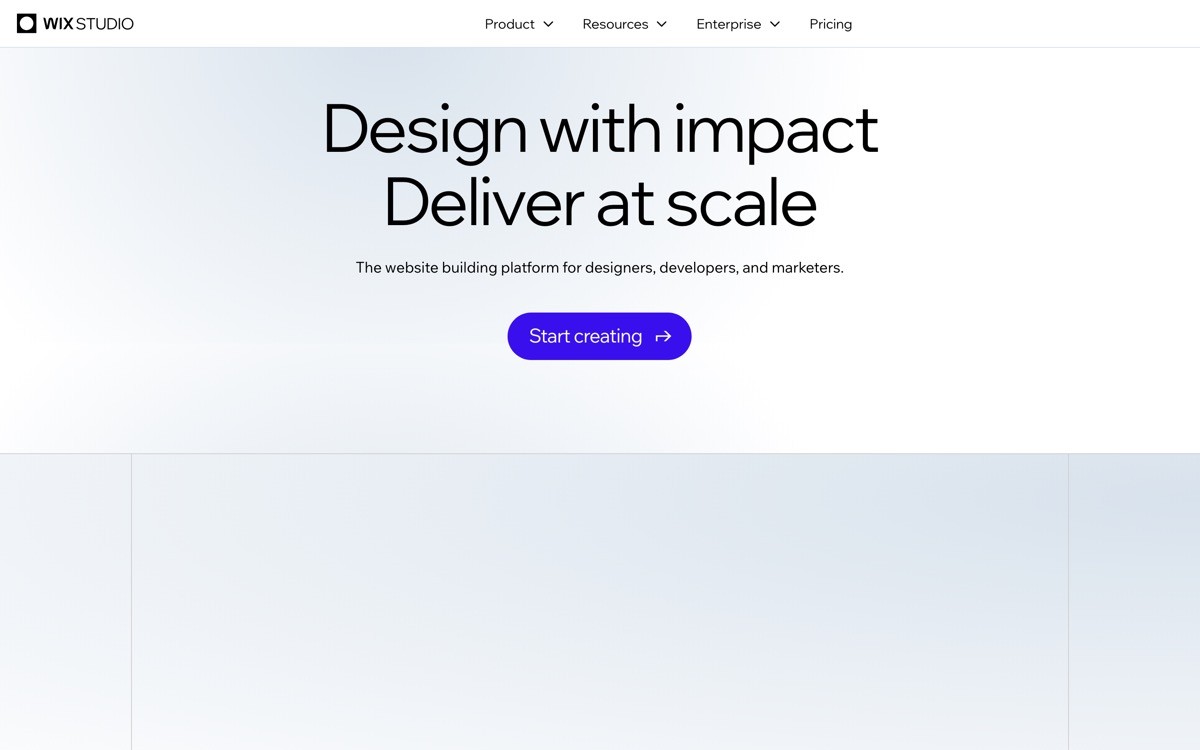
Wix AI is an AI website generator that produces a full multi-page site (landing, about, pricing, contact, booking) from a short interview about your business. It is the right call when you need a site plus the operational bits (bookings, ecommerce, email marketing, contact forms) inside one bill.
The output looks like a Wix site, which is fine for a service business or a side hustle but stops short of unicorn-grade. Customization is decent inside the Wix editor, but you cannot punch through to real code.
Key strengths
Full multi-page site from a single guided conversation
Bookings, ecommerce, email marketing, contact forms bundled
Large stock asset library and built-in image AI
Hosting, SSL, and CDN included
App market for adding chat, CRM, reviews
Best for
Service businesses, coaches, and SMB founders who need a site plus a booking system in one place
Operators who do not want to manage hosting or DNS
Pricing
Free tier with Wix branding
Light plan from around $17 per month
Business plans for ecommerce from around $36 per month
Pros
Fastest path from "I need a site" to "I have a site that books appointments"
One vendor for hosting, domain, builder, and operational tools
Cons
Output reads as a Wix site, design ceiling is modest
Hard to migrate off later, you are locked into the Wix ecosystem
3. Webflow AI, best for teams already on Webflow
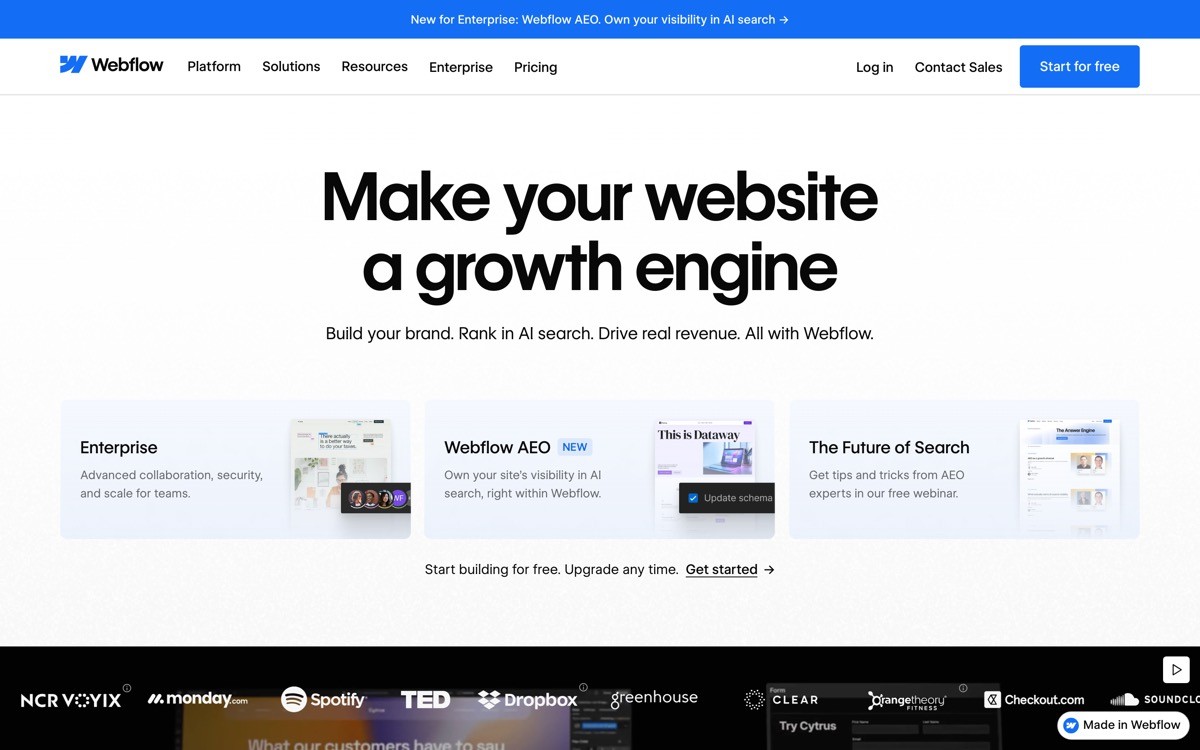
Webflow AI is a set of AI features inside the Webflow Designer that draft sections, generate copy, and propose layouts using your existing CMS, components, and brand styles. It is the right pick when you already maintain a Webflow site and want the AI to live inside that workflow rather than replace it.
Treat it as an AI-powered section drafter, not a full site generator. The strength is that anything it produces is real Webflow markup, fully editable, and tied to your existing design system.
Key strengths
AI-drafted sections that respect your existing Webflow styles and components
Integrates with Webflow CMS, so generated content can pull from collections
Custom code embeds and full HTML/CSS access for engineers
Strong ecosystem of templates, partners, and Relume integration
SOC 2 compliance and enterprise hosting for larger teams
Best for
Marketing teams already standardized on Webflow that want faster page drafts
Founders who plan to grow a content programme on the same site
Pricing
Free starter site for prototyping
Site plans from $14 per month for basic, $23 per month for CMS
Workspace plans add collaboration and AI seats
Pros
AI drafts inherit your design system, so output looks on-brand by default
Real production-grade hosting and CMS that scales beyond a landing page
Cons
Steepest learning curve of any tool here for first-time users
AI features are most useful inside an already-built site, less so for blank-canvas generation
4. Durable, best AI landing page generator for local services
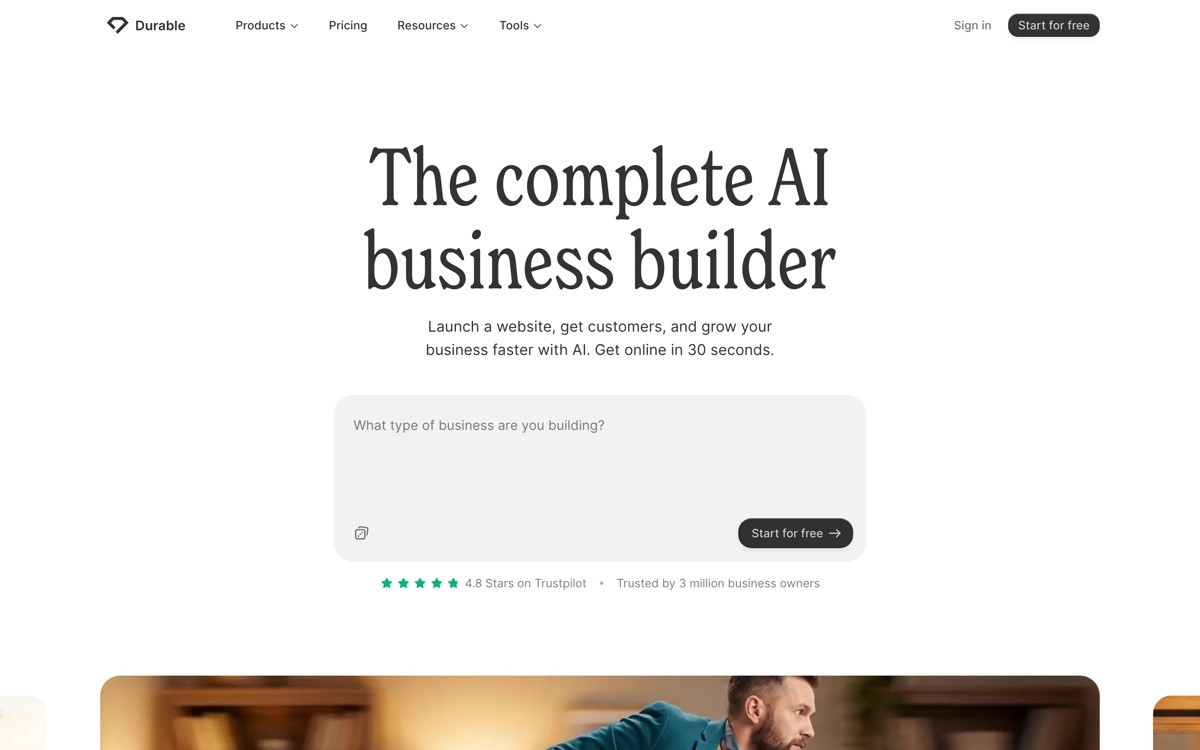
Durable is an AI website generator that produces a one-page site, logo, copy, and CRM in under 30 seconds, designed specifically for local service businesses and solo operators. It is the fastest tool in this list from prompt to live URL.
The output is intentionally simple: one page, hero, services list, testimonial, contact form. For a plumber, electrician, lawn care company, or freelance consultant, that is exactly the right shape. Customization is shallow on purpose, the bet is that you will spend zero time tweaking and 100% of your time selling.
Key strengths
Site, logo, and copy generated in 30 seconds from a category and city
Built-in CRM, invoicing, and AI assistant for inbound leads
Mobile app for managing the business on the go
Domain, hosting, email forwarding bundled
AI tools for blog post drafts and social posts
Best for
Local service businesses (plumbers, electricians, contractors, cleaners)
Solo consultants and side hustles that need a presence and a lead inbox
Pricing
30-day free trial
Starter from $15 per month
Business from $25 per month with CRM and invoicing
Pros
Fastest tool in the category, useful when "having a site" is the bar
CRM and invoicing in the same bill means one vendor instead of three
Cons
Design ceiling is low, not the right pick for a brand-led startup
Limited integrations compared to mature builders
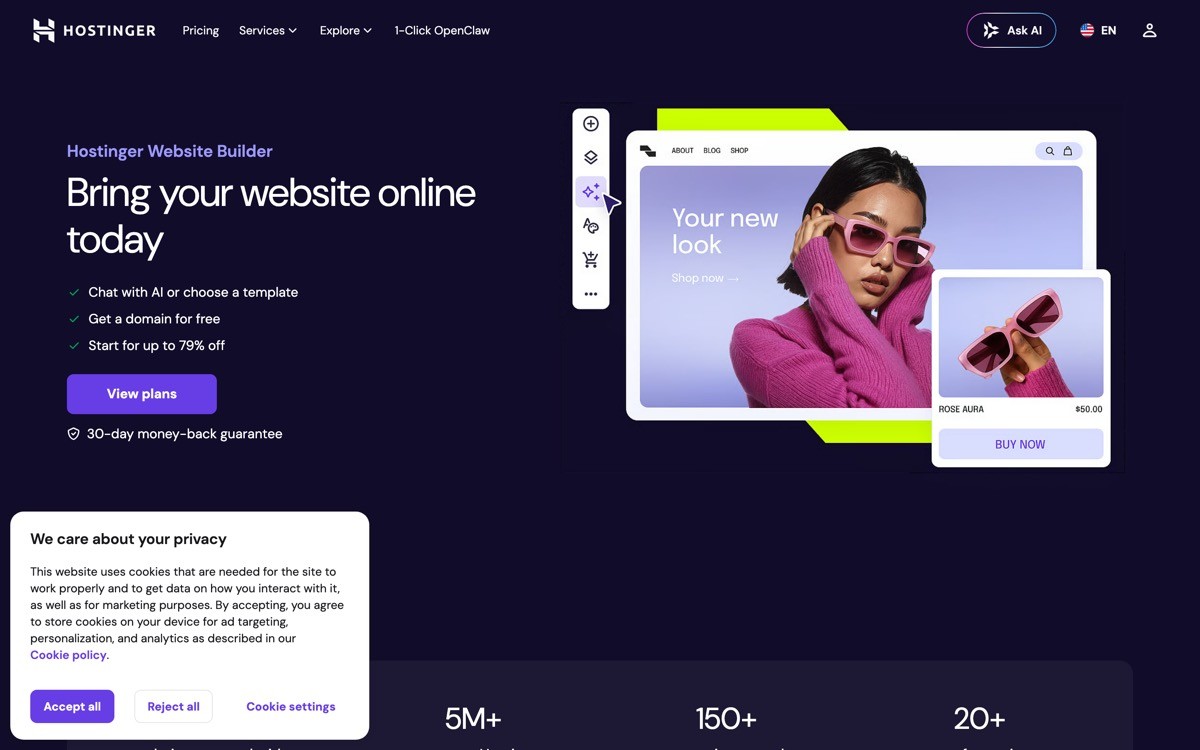
5. Hostinger AI Builder, best budget AI landing page bundle
Hostinger AI Builder is a low-cost AI website generator bundled with Hostinger hosting that produces a multi-page site from a short prompt. It is the cheapest serious option in this list because the AI builder is included in the hosting plan rather than priced separately.
If your priority is "lowest possible monthly bill" and you are willing to accept a generic output that you will customize manually, this is the rational pick. The builder is decent, the editor is straightforward, and the price is hard to beat.
Key strengths
AI website generator bundled with hosting at one price
Drag-and-drop editor for post-generation tweaks
AI logo maker, image generator, and writing assistant included
Free domain on annual plans
Decent template library for non-AI starting points
Best for
Budget-first founders who want hosting and a builder in one bill
Side projects where the goal is "spend nothing, ship something"
Pricing
Single plan from around $2.99 per month with hosting on annual billing
Business plans from around $3.99 per month with more resources
No standalone AI builder pricing, always bundled
Pros
Hardest price to argue with in the category
One vendor for hosting, domain, and builder simplifies ops
Cons
Output design is generic, brand fit requires real manual work
Upsell pressure inside the editor can be aggressive
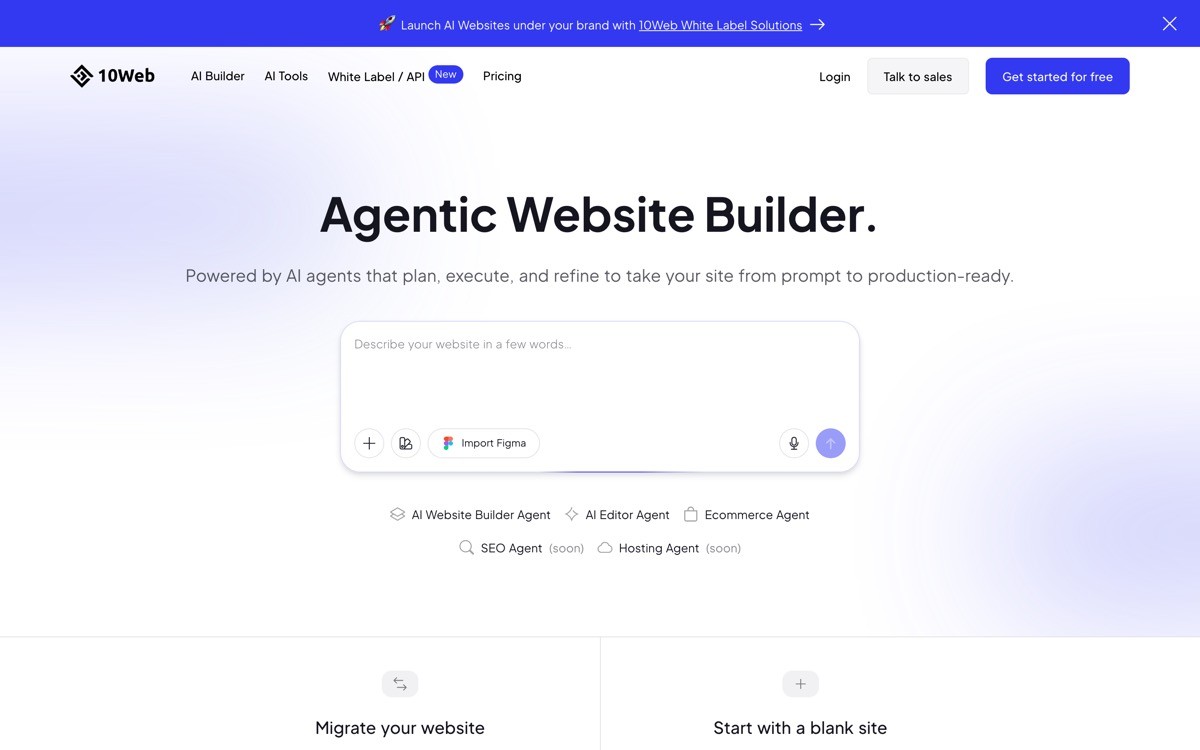
6. 10Web, best AI landing page generator for WordPress
10Web is an AI website builder that generates fully editable WordPress sites from a prompt or by cloning an existing URL, then hosts them on its own managed platform. It is the right pick when you need or want WordPress under the hood: plugins, the Gutenberg editor, WooCommerce, the whole ecosystem.
The AI handles the blank-page problem; everything after that is normal WordPress. Teams already invested in WP themes, plugins, or content workflows lose nothing by switching the generation step to 10Web.
Key strengths
AI generates real WordPress sites with Elementor, fully editable
Clone any URL into an editable WordPress site
Managed Google Cloud hosting included
Full WordPress plugin and theme compatibility
Built-in PageSpeed booster for Core Web Vitals
Best for
Agencies and freelancers building client sites at volume on WordPress
Founders who want plugin freedom and SEO control
Pricing
7-day free trial
Personal from around $10 per month for one site
Agency tiers from around $24 per month for multiple sites
Pros
You own real WordPress, easy to migrate, no proprietary lock-in
Managed hosting is fast and removes the usual WP server hassle
Cons
Inherits all of WordPress's plugin-update and security overhead
Output still benefits from manual design work to look unicorn-grade
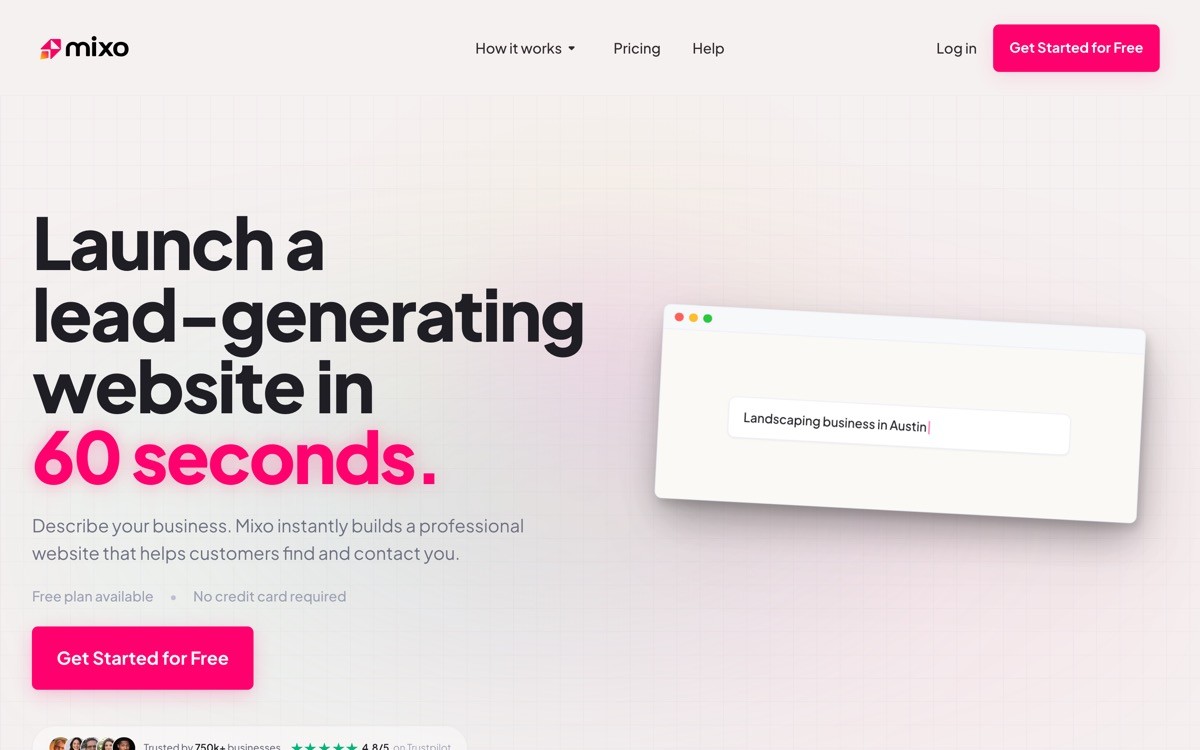
7. Mixo, best AI landing page generator for idea validation
Mixo is an AI launch page generator built specifically for indie hackers and pre-revenue founders who need a waitlist page in under 30 seconds. The output is intentionally minimal: hero, value prop, email capture, one or two supporting sections.
The reason it scores low on customization is that the product is opinionated about scope. You are not building a website, you are testing whether anyone wants the thing. For a one-week validation sprint or a "tweet this and see who signs up" experiment, that is the right shape.
Key strengths
Launch page plus waitlist plus subscriber emails in under 30 seconds
Built-in analytics and email collection
AI follow-up emails to your waitlist
Custom domain support on paid plans
Multi-language support for global launches
Best for
Indie hackers validating an idea before building
Pre-launch waitlist pages for new SaaS products
Pricing
Free tier with Mixo subdomain
Solo from $9 per month for custom domain
Agency tiers from around $29 per month for multiple sites
Pros
Lowest friction tool in the category, useful for fast experimentation
Waitlist plus email automation in one bill
Cons
Not built for a real production marketing site
Design customization is limited by design
How to choose the best AI landing page generator for your stage
1) Are you validating an idea or running a real business?
If you are testing demand and a waitlist is enough, use Mixo or Durable for speed. If you are running a real business with paying customers and a brand, use Framer AI or Webflow AI for design ceiling. The waitlist tools save time on day one but cost you brand equity on day 90.
2) Do you want the AI draft to be the final site, or just a starting point?
Tools like Durable, Wix AI, Hostinger, and Mixo treat the AI output as the final site with minor edits. Framer AI and Webflow AI treat the AI output as a draft you keep designing. If your homepage is a conversion asset, pick the second group.
3) How much do you care about owning your stack?
10Web outputs real WordPress, so you can migrate anywhere. Framer and Webflow have export options but you usually stay on platform. Wix, Durable, and Mixo are platform-locked. Founders who plan to scale a content programme or hire a marketing team often regret platform lock-in 18 months in.
4) What is your honest budget?
Hostinger AI Builder is the cheapest at under $5 per month all-in. Mixo and Framer free tiers are zero. The most expensive end-to-end is Webflow once you add CMS, then Wix Business. Pick on total cost over 12 months, not the first month price.
If you have picked your generator but want a design partner to turn the AI draft into a landing page that actually converts, that is what AY Design does. We take AI-built MVPs, Lovable apps, and generated landing pages and turn them into profitable, human-grade products: pages that convert, dashboards that do not look templated, and brand systems that feel unicorn-grade. Book a design audit to see what to fix first.
FAQ
What is the best AI landing page generator in 2026?
Framer AI is the best overall AI landing page generator in 2026 for founders who want design ceiling plus AI speed. It generates a full multi-section page in under a minute and lets you edit every pixel in the same canvas, so the draft is also the production site.
Are AI landing page generators good enough to replace a designer?
No, they replace the blank canvas, not the designer. AI generators are excellent for first drafts, validation pages, and side projects, but they produce templated outputs that look identical across hundreds of sites. A designer takes the draft and turns it into something that converts and feels on-brand.
Which AI landing page generator is free?
Framer AI, Wix AI, Mixo, and Webflow AI all have free tiers that let you generate and publish a landing page on a subdomain at no cost. Framer's free tier is the most generous if you care about design quality. Mixo's is the fastest if you just want a waitlist live in 30 seconds.
What is the difference between an AI landing page generator and an AI website builder?
An AI landing page generator produces a single page focused on conversion (hero, value prop, CTA, social proof). An AI website builder produces a multi-page site (home, about, services, pricing, contact). Mixo and Durable lean toward landing pages; Wix AI and 10Web lean toward full websites; Framer and Webflow do both.
Can I use an AI generator for a SaaS landing page?
Yes, but plan for serious customization. SaaS landing pages need product screenshots, integrations, pricing tiers, and trust signals that generic AI templates do not handle well. Framer AI or Webflow AI are the right starting points; expect to spend two to four days editing the AI draft, or hand it to a design partner.
How long does it take to generate a landing page with AI?
Most AI landing page generators produce a live URL in under 60 seconds. Durable and Mixo claim 30 seconds. Framer AI takes 30 to 90 seconds for a multi-section page. The slower step is always editing the output to make it actually good, which is where the design work begins.
Will Google rank an AI-generated landing page?
Yes, search engines do not penalize AI-generated pages as long as the content is useful, original, and matches user intent. The bigger risk is that AI-generated copy reads as generic, which hurts engagement signals and conversion. Rewrite the hero, value prop, and CTAs in your own voice before pushing for traffic.
Should I use an AI generator or hire a design agency?
Use an AI generator for v1, validation, and side projects where speed matters more than polish. Hire a design agency once the page is your main conversion asset and a 0.5 percent lift in conversion is worth more than the design fee. The two are sequential, not competing: AI for the draft, an agency to turn the draft into a conversion machine.
Checkout other Blogs:

Multi-agent system UX design guide for 2026
A pattern-by-pattern guide to designing multi-agent system UX in 2026, with a scoring matrix and references from Claude Code, LangGraph, Devin, and Replit Agent.
Author:
AY Designs Team

Human-in-the-loop AI design guide for 2026
A 2026 guide to human-in-the-loop AI design with patterns, scoring framework, and examples from Cursor, Claude Code, Stripe, and Notion AI.
Author:
AY Designs Team

How to design agentic AI products in 2026: a 7-step playbook
A seven-step design playbook for shipping agentic AI products that users actually trust, with scoring matrix and real product references from Cursor, Claude Code, Devin, and Perplexity.
Author:
AY Designs Team

How much does AI SaaS design cost in 2026?
AI SaaS design cost in 2026 by tier and engagement type, with ranges, timelines, and a value scorecard for founders shipping with Lovable, Bolt, and v0.
Author:
AY Designs Team