
Most SaaS teams have more conversion tools than they have conversion insights. The dashboard count grows every quarter, the trial-to-paid number does not move, and the analytics meeting devolves into a debate about which tool's funnel is right. The problem is rarely the tools themselves, it is that founders pick a stack before they pick a question.
This guide compares seven conversion optimization tools worth evaluating in 2026, with pricing context and the kinds of questions each one is actually good at answering. The picks span session replay, product analytics, experimentation, and personalization, so you can pick a stack tuned to your funnel rather than a duplicated set of dashboards.
TL;DR, PostHog is the best all-in-one starting point for most SaaS teams, Hotjar and FullStory lead on session replay and qualitative insight, Mixpanel and Amplitude remain the deepest pure product analytics tools, and Mutiny, VWO, and Optimizely cover personalization and experimentation at different price points.
Best conversion optimization tools for SaaS: a brief overview
PostHog: Best all-in-one starting point for SaaS teams that want analytics, replay, experiments, and feature flags in one tool.
Hotjar: Best lightweight session replay and heatmap tool for marketing-led teams.
FullStory: Best enterprise session replay tool with autocapture and frustration signals.
Mutiny: Best personalization platform for B2B SaaS landing pages.
Mixpanel: Best pure product analytics tool for funnel and cohort work.
Amplitude: Best product analytics tool for cross-team adoption across product, growth, and marketing.
VWO: Best mid-market experimentation platform with built-in personalization and replay.
Optimizely: Best enterprise experimentation platform for teams running large-scale tests across product and web.
Tool | Key strength | Pricing | Platforms |
|---|---|---|---|
PostHog | Open-source all-in-one with analytics, replay, experiments, and flags | Free tier, usage-based pricing scales with events | Web, mobile SDKs, self-hosted, API |
Hotjar | Lightweight replay, heatmaps, surveys for marketing teams | Free tier, paid from around $32 per month | Web, mobile, integrations with major analytics platforms |
FullStory | Enterprise replay with autocapture and frustration signals | Custom pricing, no public free tier | Web, iOS, Android, API |
Mutiny | B2B personalization tuned to ABM and account-based marketing | Custom pricing, typically enterprise | Web, integrations with major CRMs and ABM platforms |
Mixpanel | Funnels, retention, and cohort analysis for product teams | Free tier, paid from around $24 per month | Web, mobile SDKs, API |
Amplitude | Cross-team product analytics with strong governance | Free tier, paid plans on request | Web, mobile SDKs, API, warehouse integrations |
VWO | Mid-market experimentation with personalization and replay | Free tier, paid from around $200 per month | Web, mobile, server-side, API |
Optimizely | Enterprise experimentation across product and web at scale | Custom pricing, enterprise-focused | Web, mobile, server-side, full-stack, API |
1. PostHog, best all-in-one conversion stack for SaaS

PostHog is an open-source product platform that bundles product analytics, session replay, A/B experiments, feature flags, and surveys into a single tool. For SaaS teams that would otherwise stitch together four or five vendors, PostHog collapses the stack and removes the cross-tool data reconciliation pain that usually shows up around month six.
The distinctive advantage is the breadth at a startup-friendly price. Most teams reach the size where they need replay alongside funnels alongside flags, and at that point the combined cost of separate tools jumps fast. PostHog's usage-based pricing and free tier let small teams start with the same tool the enterprise tier scales into, which avoids the painful re-platforming most growth stacks suffer at Series A or B.
Key strengths
Product analytics, session replay, experiments, feature flags, and surveys in one platform
Open-source core with self-hosting available for compliance-sensitive teams
Generous free tier that covers most early-stage SaaS workloads
Strong SQL access for teams that want to skip the visual query builder
Warehouse sync and reverse ETL for connecting to existing data stacks
Heatmaps and toolbar overlays integrated into the same UI as analytics
Best for
Early-stage and growth-stage SaaS teams consolidating their analytics, replay, and experimentation tools
Engineering-led teams that want SQL and API access without vendor lock-in
Compliance-sensitive teams that need self-hosting or EU data residency
Pricing
Free tier with generous monthly event and recording allowances
Usage-based pricing that scales with events, recordings, and feature flag requests
Enterprise plan with SSO, advanced governance, and dedicated support
Pros
One of the few tools that genuinely replaces three or four separate vendors
Open-source positioning is a real differentiator for compliance and customization
Pricing scales linearly with usage rather than gating features behind enterprise tiers
Cons
Breadth means some individual modules are not the deepest in their category
The UI surface is large enough that new users need a session or two to find their way
2. Hotjar, best lightweight session replay and heatmaps
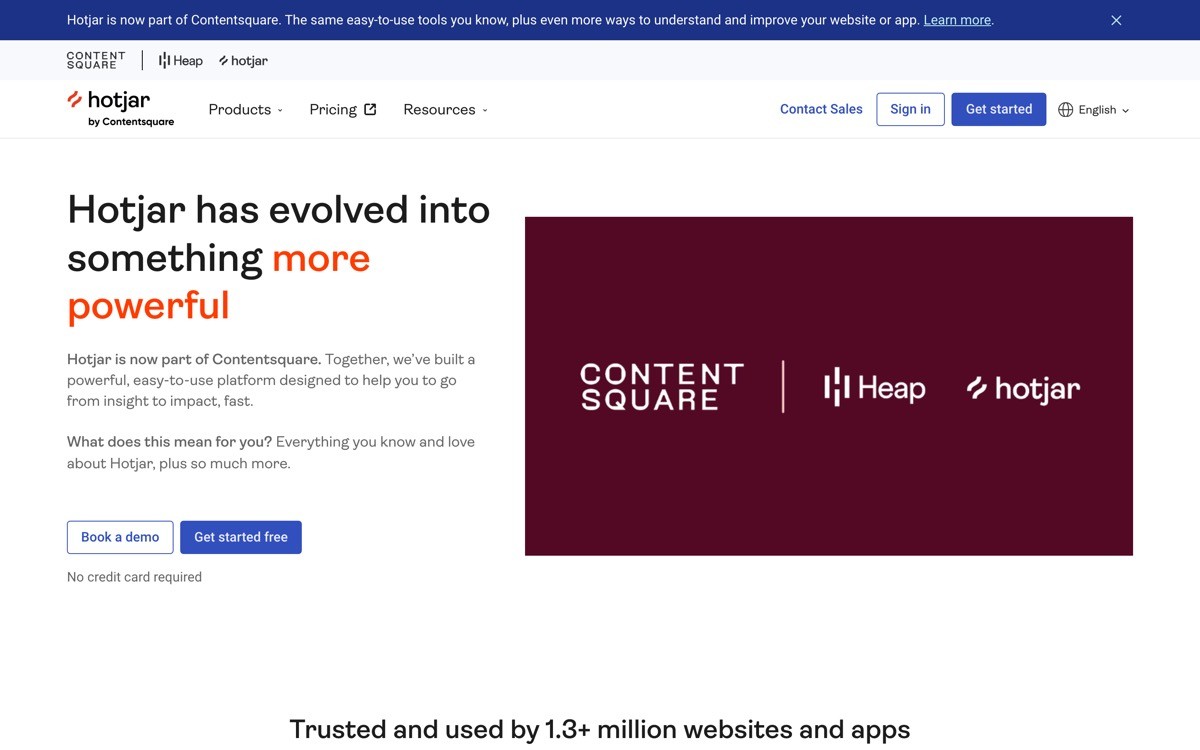
Hotjar is the most widely adopted session replay and heatmap tool for marketing-led SaaS teams. The installation is a single tag, the recordings and heatmaps appear within hours, and the surveys layer adds the qualitative signal that pure analytics tools miss. It is the tool most teams reach for when they want to see what is actually happening on their landing page or trial flow.
The distinctive design choice is keeping the product simple enough that marketing and design teams can use it without engineering support. Where FullStory targets the enterprise with autocapture and frustration signals, Hotjar stays focused on the use cases a growth or marketing lead actually runs, replay a sample of visitors, heatmap a key landing page, ask a question through an on-page survey. That focus is why it has stayed sticky against deeper competitors.
Key strengths
Session replay with sampling controls that keep cost predictable
Heatmaps for click, move, and scroll patterns on key pages
On-page surveys and feedback widgets with strong response rates
Simple installation that does not require engineering for setup
Integrations with major analytics, CRM, and CMS platforms
Privacy controls for masking sensitive fields and excluding regions
Best for
Marketing-led SaaS teams that need replay, heatmaps, and surveys without engineering overhead
Designers running landing page audits and pre-launch checks
Growth leads pairing quantitative analytics with qualitative session evidence
Pricing
Free Basic plan with limited sessions and surveys
Paid plans from around $32 per month, scaling with daily session count
Business and Scale tiers with extended retention and team controls
Pros
One of the easiest replay and heatmap tools to deploy quickly
Survey integration adds a qualitative dimension most analytics tools lack
Pricing model is friendly to mid-market SaaS without surprise enterprise jumps
Cons
Lacks the autocapture and event modeling of enterprise replay tools
Heavily sampled at lower tiers, which can hide rare but important behaviors
3. FullStory, best enterprise session replay with autocapture
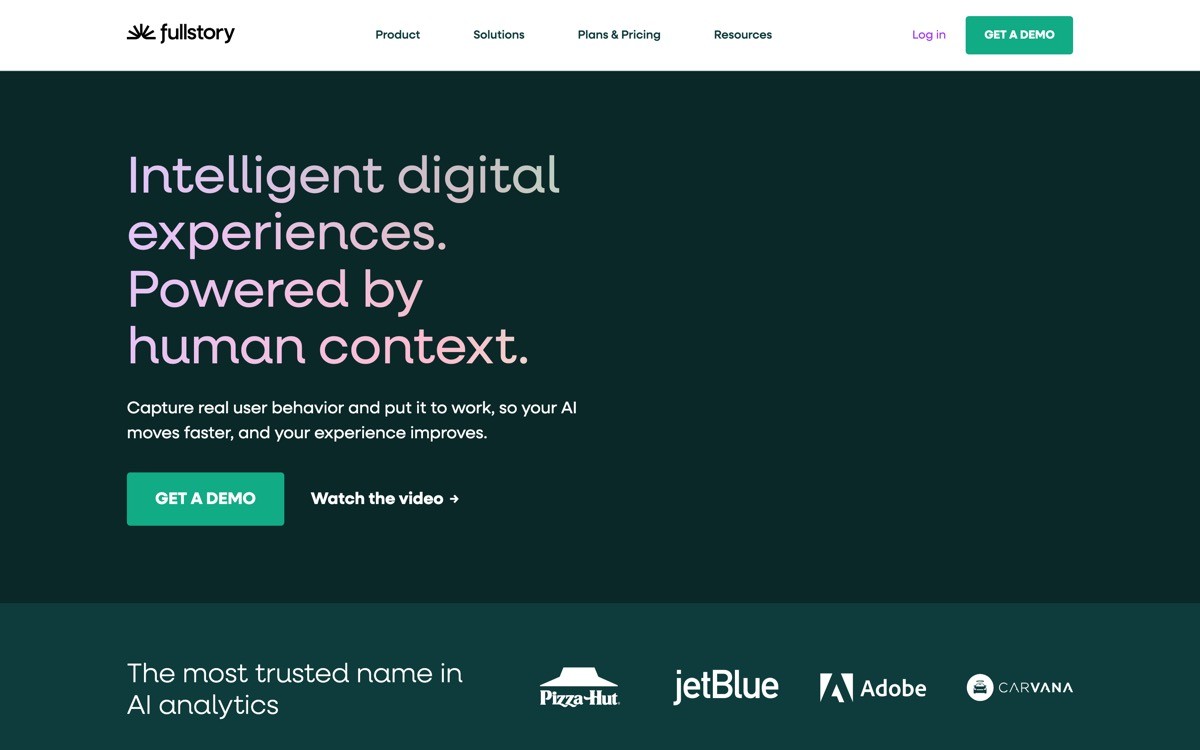
FullStory is an enterprise-grade digital experience platform that pairs unsampled session replay with autocapture, which records every click, scroll, and form interaction without engineering instrumentation. The result is a data model where teams can answer questions retroactively, including ones they did not know to track at install time.
The distinctive feature is frustration signals, an opinionated set of signals like rage clicks, dead clicks, and error clicks that flag where users are getting stuck. Combined with autocapture, this turns replay from a sampling exercise into a systematic detection mechanism. For SaaS teams running serious CRO programs, FullStory is the deepest replay tool in the category, with pricing that reflects that depth.
Key strengths
Autocapture that records every interaction without manual instrumentation
Frustration signals like rage clicks, dead clicks, and error clicks surfaced automatically
Unsampled replay at enterprise tiers, removing blind spots in low-traffic flows
Strong searchability across sessions, including search-by-behavior queries
Funnels and conversion analysis layered on top of replay data
Integrations with major analytics, BI, and customer success platforms
Best for
Enterprise SaaS teams running serious CRO and digital experience programs
Product and support teams that need to reproduce specific user issues
Growth teams that want to detect frustration patterns without prior instrumentation
Pricing
No public free tier, pricing is enterprise and quote-based
Plans typically scale with monthly session volume and seat count
Advanced features and integrations gated behind higher tiers
Pros
Autocapture removes the instrumentation overhead that slows down other tools
Frustration signals are a uniquely useful pattern for prioritizing fix work
Unsampled replay at the right tier is a real advantage for low-volume but high-value flows
Cons
Pricing is well above lightweight competitors and not a fit for early-stage teams
Depth means the UI takes longer to learn than simpler replay tools
4. Mutiny, best B2B personalization platform
Mutiny is a personalization platform purpose-built for B2B SaaS, which means it integrates with CRMs, ABM platforms, and intent data sources to tailor landing pages by company, industry, and account stage. For teams running account-based marketing programs, it is the cleanest tool for serving a different homepage hero to a target account versus an inbound trial signup.
The distinctive positioning is the focus on B2B rather than B2C personalization. Most personalization tools come from an ecommerce lineage and treat the visitor as an anonymous individual. Mutiny treats the visitor as a known or knowable company, which is the right unit of analysis for B2B SaaS. The pricing matches that positioning, with plans aimed at growth-stage and enterprise teams running multi-channel ABM.
Key strengths
Company-level personalization driven by IP, CRM, and ABM platform data
Native integrations with major B2B CRMs and intent data providers
AI-generated copy and image variants tuned to specific account segments
Built-in experimentation for testing personalized variants against control
Analytics tied to pipeline and closed-won outcomes, not just clicks
Strong handoff to sales teams when target accounts engage
Best for
B2B SaaS teams running ABM programs that need site-level personalization
Growth leads tying landing page experiments to pipeline outcomes
Marketing teams personalizing for target industries, company sizes, or account stages
Pricing
Custom pricing, no public free tier
Plans typically aimed at growth-stage and enterprise teams
Pricing usually scales with traffic volume and integration breadth
Pros
Only major personalization tool built around B2B rather than B2C signals
Pipeline-attribution is a useful differentiator for ABM teams
AI copy and image generation reduce the cost of running personalized variants
Cons
Pricing is not a fit for early-stage SaaS without an ABM motion
Effectiveness depends on the quality of the underlying CRM and intent data
5. Mixpanel, best pure product analytics tool
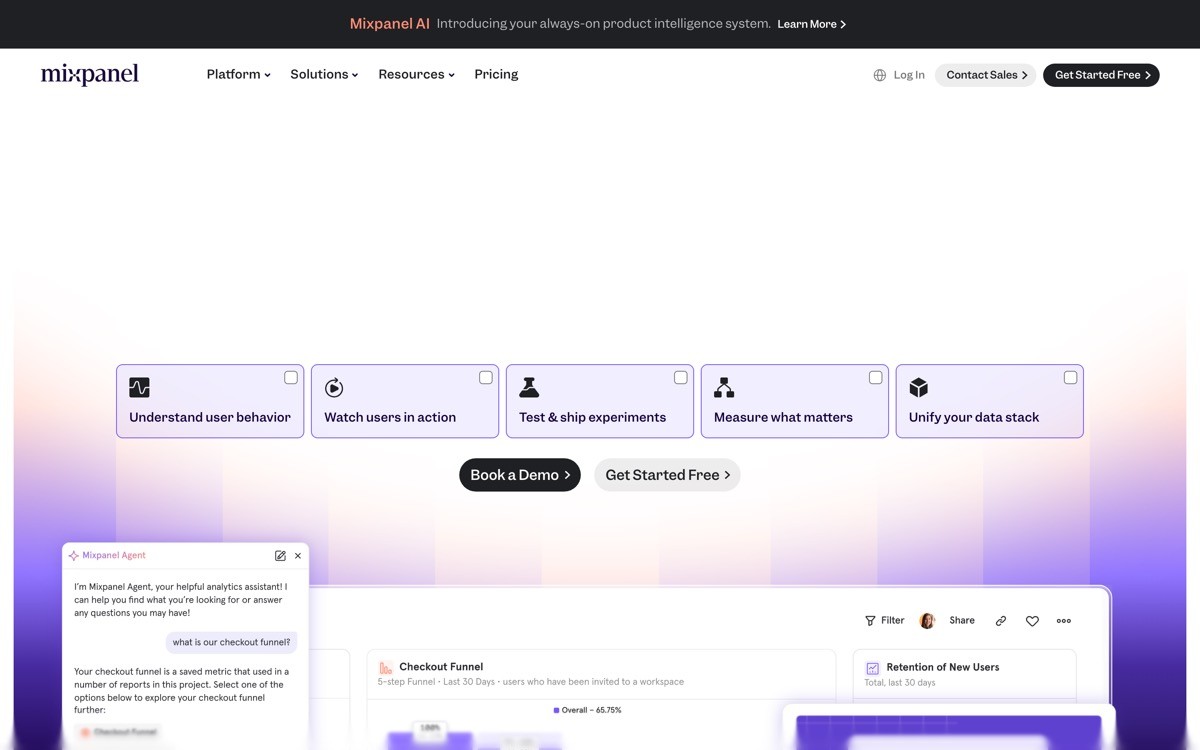
Mixpanel is a product analytics tool focused on funnels, retention, and cohort analysis, the three lenses most SaaS conversion work hinges on. The query model is event-based and flexible, which lets product and growth teams answer questions about activation, retention, and feature adoption without writing SQL.
The distinctive strength is the depth of the funnel and retention reports. Where general analytics tools treat funnels as a side feature, Mixpanel treats them as the core surface, with breakdown, segmentation, and time-window controls tuned for product teams. For SaaS founders running activation work on a defined trial flow, Mixpanel is the most direct path from event tracking to a useful chart.
Key strengths
Funnel reports with strong segmentation, breakdown, and conversion window controls
Retention cohorts with flexible event definitions
JQL and SQL access for teams that want to escape the visual query builder
Group analytics for accounts and workspaces, useful for B2B SaaS
Experiment analysis layered on top of event tracking
Strong integrations with warehouses, reverse ETL, and CDP platforms
Best for
Product and growth teams running activation and retention work
B2B SaaS teams that need account-level cohorts alongside user-level cohorts
Engineering-led teams that want to skip the visual builder and use SQL or JQL directly
Pricing
Free tier with generous monthly event volume
Growth plan from around $24 per month, scaling with monthly tracked users
Enterprise plan with SSO, governance, and advanced features
Pros
One of the deepest funnel and retention tools in the category
Free tier is genuinely usable for early-stage SaaS
Group analytics make it a strong fit for B2B SaaS that needs account-level views
Cons
Does not include session replay or feature flags natively
The learning curve for advanced reports is steeper than newer all-in-one tools
6. Amplitude, best product analytics for cross-team adoption
Amplitude is a product analytics platform similar to Mixpanel in core capability but distinguished by governance, taxonomy management, and cross-team adoption patterns. For larger product, growth, and marketing organizations that need a single source of analytics truth across functions, Amplitude is the more common pick.
The distinctive strength is the tooling around taxonomy and governance. Larger teams struggle with event sprawl, where every engineer ships their own event name and the analytics surface becomes unusable. Amplitude's data catalog, governance workflows, and tracking plan enforcement are the deepest in the category, which is why it tends to win at enterprise scale even when Mixpanel's core reports are equally strong.
Key strengths
Deep funnel, retention, and pathing analysis
Data catalog and governance workflows for taxonomy enforcement
Strong cross-team adoption patterns across product, growth, and marketing
Experimentation product layered on top of analytics
Warehouse-native architecture with reverse ETL integrations
Recommendations and behavioral cohort surfaces for activation work
Best for
Larger SaaS organizations with multiple teams sharing an analytics surface
Growth and product leads who need governance to keep event taxonomy sane
Teams that already use a warehouse and want analytics tied to it
Pricing
Free Starter tier with generous limits
Plus and Growth plans with custom pricing based on usage and seats
Enterprise plan with advanced governance and security features
Pros
Best-in-class governance for growing analytics organizations
Cross-team adoption patterns make it the safer bet for larger SaaS teams
Warehouse-native architecture is a real advantage for modern data stacks
Cons
Pricing at scale can rival enterprise replay tools
Like Mixpanel, it does not include native session replay or feature flags
7. VWO, best mid-market experimentation platform
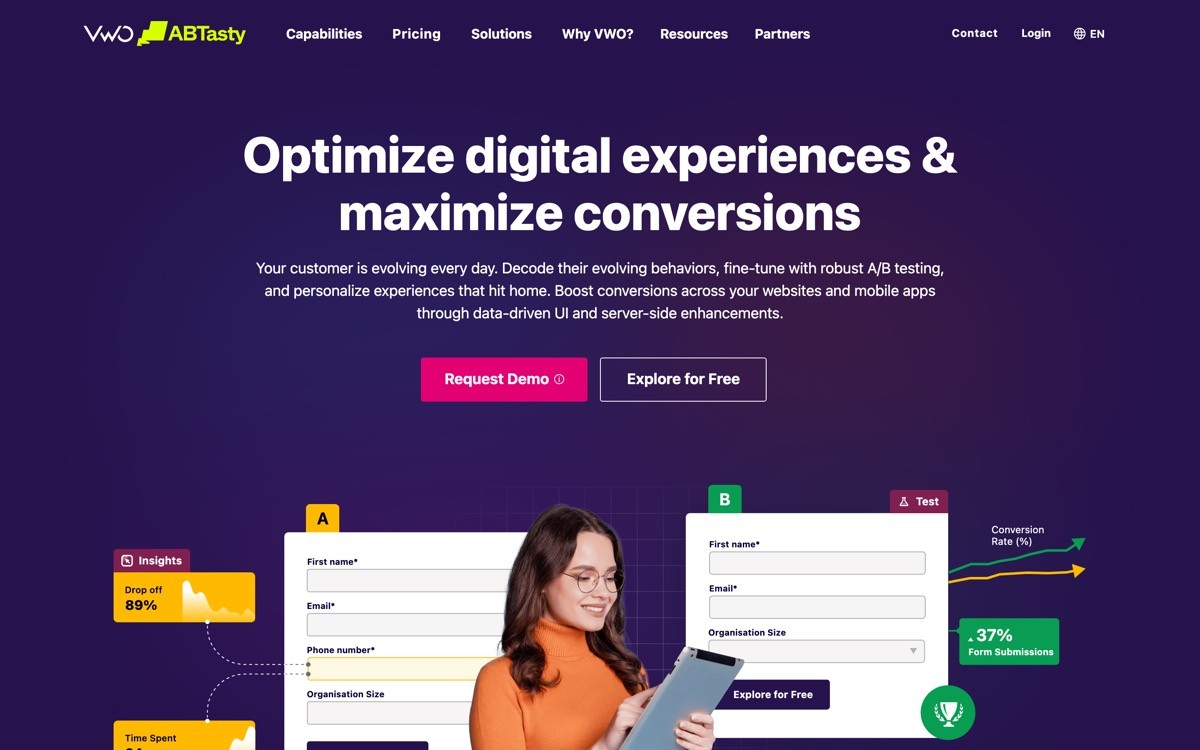
VWO is an experimentation platform that bundles A/B testing, personalization, session replay, and heatmaps into a mid-market offering between lightweight tools like Hotjar and enterprise platforms like Optimizely. For SaaS teams running structured experimentation programs without an enterprise budget, VWO is one of the most complete options in the category.
The distinctive positioning is the bundle. Where Optimizely targets enterprise full-stack experimentation, VWO covers the same pillars at mid-market pricing, with a slightly less powerful but still credible feature set. The visual editor, server-side SDKs, and personalization rules are good enough for most growth-stage SaaS programs, and the included replay and heatmap modules reduce the need for a separate qualitative tool.
Key strengths
A/B, multivariate, and split URL testing in one platform
Server-side and full-stack SDKs for product-level experimentation
Built-in session replay, heatmaps, and surveys
Personalization rules tied to visitor and behavior segments
Statistical engine with Bayesian and frequentist options
Strong handling of experiment lifecycle, from hypothesis to rollout
Best for
Mid-market SaaS teams running structured experimentation programs
Growth leads that want experimentation, personalization, and qualitative tools in one bundle
Product teams running server-side experiments without an enterprise budget
Pricing
Free tier with limited monthly tracked users
Paid plans from around $200 per month for mid-market traffic volumes
Enterprise plans with custom pricing and advanced features
Pros
One of the most complete bundles in the experimentation category
Mid-market pricing makes structured experimentation accessible
Included qualitative tools reduce the need for separate replay vendors
Cons
Individual modules are not always the deepest in their category
Server-side SDK ergonomics lag behind some specialist platforms
8. Optimizely, best enterprise experimentation platform
Optimizely is the enterprise reference for experimentation, with a platform that covers web, server-side, and full-stack experiments alongside content management and personalization. For SaaS teams running mature experimentation programs at scale, Optimizely's depth around governance, statistical rigor, and cross-channel testing is hard to match.
The distinctive strength is the breadth at scale. Where smaller platforms focus on either web or server-side testing, Optimizely covers both with a unified experiment definition, which matters when a single hypothesis touches the landing page, signup flow, and in-product surface. The pricing reflects the depth, with custom enterprise plans that are not aimed at early-stage SaaS.
Key strengths
Web, server-side, and full-stack experiment management in one platform
Strong statistical engine with rigorous result reporting
Audience builder for complex segmentation and personalization
Feature flag and progressive delivery features for product teams
Content management and personalization modules for marketing teams
Enterprise governance, SSO, and audit controls
Best for
Enterprise SaaS teams running mature experimentation programs at scale
Organizations that need web, server-side, and full-stack testing under one tool
Teams that need rigorous governance and result reporting for executive audiences
Pricing
Custom pricing, enterprise-only
Plans typically scale with monthly visitors and feature breadth
Specialist modules priced separately for content and feature delivery
Pros
Deepest experimentation platform in the category at enterprise scale
Unified experiment definition across web and server is a real advantage
Governance and audit features are best-in-class
Cons
Pricing and complexity are not a fit for early or growth-stage SaaS
Module sprawl can make the platform feel heavy for teams that only need core testing
How to choose the right conversion stack for your SaaS
1) Are you optimizing a marketing funnel or a product funnel?
If your bottleneck is the landing page, hero, and trial signup, lean on Hotjar plus a personalization tool like Mutiny. If your bottleneck is activation and feature adoption inside the product, lean on Mixpanel or Amplitude plus PostHog for replay and flags. The split between marketing and product funnels is the most common reason a stack feels duplicated.
2) How much can your team consolidate into one tool?
For early-stage and growth-stage SaaS, PostHog is the most credible all-in-one option in 2026, covering analytics, replay, experiments, and flags. As you scale, deeper specialist tools start to make sense, but most teams take on multi-vendor complexity earlier than they need to. Consolidation is almost always the right move under 50 employees.
3) Do you need session replay, and at what fidelity?
Lightweight replay through Hotjar or PostHog is enough for most marketing and design audits. If you are running structured CRO at enterprise scale, FullStory's autocapture and frustration signals justify the price. Mid-market teams that need replay alongside experimentation should look at VWO's bundle.
4) Are you running ABM or general inbound?
If you are running account-based marketing with a defined target list, Mutiny is the cleanest personalization tool in the category. For general inbound traffic, VWO or Optimizely's personalization features are usually enough, and the ABM-specific integrations of Mutiny are overkill.
5) What is your engineering bandwidth for instrumentation?
Tools like FullStory and PostHog autocapture significantly reduce instrumentation overhead, while Mixpanel and Amplitude expect a clean tracking plan from day one. If you have engineering bandwidth and want long-term flexibility, build a tracking plan and ship Mixpanel or Amplitude. If you need answers fast, lean on autocapture.
If you have the right conversion tools but the funnel still does not move, the constraint is usually upstream of analytics, in the page design, the trial UX, or the brand signals that decide whether visitors trust the product enough to convert. That is where AY Design works with founders shipping AI-built SaaS, running conversion-focused design audits and redesigning landing pages, onboarding, and dashboards so the analytics data has something better to measure. Book a design audit to find the highest-impact conversion fix in your current funnel.
FAQ
What is the best conversion optimization tool for SaaS in 2026?
PostHog is the best all-in-one conversion optimization tool for SaaS in 2026, especially for early-stage and growth-stage teams that want analytics, session replay, experiments, and feature flags in one platform. For mature enterprise programs, FullStory and Optimizely remain the deeper specialists.
Should I use Mixpanel or Amplitude for SaaS analytics?
Mixpanel and Amplitude are close in core capability, with Mixpanel slightly stronger for small to mid-sized teams running activation and retention work, and Amplitude stronger for larger organizations that need governance and cross-team taxonomy management. Most SaaS teams pick by who already uses each tool internally, not by feature comparison.
Is PostHog actually a replacement for Hotjar plus Mixpanel?
For most early-stage and growth-stage SaaS teams, yes. PostHog combines product analytics, session replay, experiments, and feature flags in a single platform, which collapses the typical Hotjar plus Mixpanel plus LaunchDarkly stack into one tool. Specialist programs at enterprise scale still benefit from deeper individual tools.
What is the difference between session replay and product analytics?
Product analytics answer aggregate questions like funnel conversion and retention, while session replay shows the actual user experience that produced those numbers. Most SaaS teams need both, analytics to find where the funnel breaks and replay to see why. Running only one usually leads to wrong fixes.
Is Mutiny worth it for early-stage SaaS?
Mutiny is rarely worth it for early-stage SaaS without an established account-based marketing motion. The pricing assumes ABM-level intent data and target account lists, and without those signals the personalization rules underperform a well-written single landing page. Growth-stage and enterprise SaaS running ABM see meaningful pipeline lift.
Which conversion tool has the best free tier in 2026?
PostHog and Mixpanel both have generous free tiers in 2026, with PostHog edging ahead on breadth because the free tier covers analytics, replay, experiments, and flags rather than just analytics events. For small SaaS teams testing tools, both are credible starting points before any paid commitment.
Do I need a separate feature flag tool alongside my analytics platform?
If you use PostHog, no, feature flags are included. If you use Mixpanel or Amplitude, most teams pair them with a flag tool like Statsig, LaunchDarkly, or Split, although Amplitude's experimentation product covers many of the same use cases. Coupling flags to your analytics tool reduces the data reconciliation overhead between experiments and outcomes.
Why is my conversion rate not improving even with all these tools installed?
Conversion stalls when the underlying design, copy, or trust signals are the constraint, not the measurement. Tools tell you where the funnel breaks, they do not fix the page that breaks it. If you have clean data but flat conversion, the next step is usually a focused design audit or a redesign, not another tool, and an AI-product design agency with a CRO focus can run that audit faster than most in-house teams.
Checkout other Blogs:

Multi-agent system UX design guide for 2026
A pattern-by-pattern guide to designing multi-agent system UX in 2026, with a scoring matrix and references from Claude Code, LangGraph, Devin, and Replit Agent.
Author:
AY Designs Team

Human-in-the-loop AI design guide for 2026
A 2026 guide to human-in-the-loop AI design with patterns, scoring framework, and examples from Cursor, Claude Code, Stripe, and Notion AI.
Author:
AY Designs Team

How to design agentic AI products in 2026: a 7-step playbook
A seven-step design playbook for shipping agentic AI products that users actually trust, with scoring matrix and real product references from Cursor, Claude Code, Devin, and Perplexity.
Author:
AY Designs Team

How much does AI SaaS design cost in 2026?
AI SaaS design cost in 2026 by tier and engagement type, with ranges, timelines, and a value scorecard for founders shipping with Lovable, Bolt, and v0.
Author:
AY Designs Team