
Dashboard UI is where AI-built SaaS products most often give themselves away. Lovable, Bolt, and v0 ship a fine marketing page but the in-product dashboard usually leaks the same dark sidebar, the same shadcn card grid, and the same chart styling. In 2026, the dashboard is the surface that earns retention, and a good UI kit shapes whether it feels like a real product or an AI scaffold.
This guide compares the seven best dashboard UI kits for SaaS and AI products in 2026. We cover what each is for, how the components hold up in production, framework support, pricing, and how to pick based on your stack and team.
TL;DR, for React and Next.js teams shipping inside their own codebase, shadcn/ui plus Tailwind Catalyst is the strongest combination. For data-heavy AI dashboards, Tremor adds the chart and metric components shadcn does not. For non-coding founders and designers, Untitled UI gives the highest-fidelity Figma foundation.
Best dashboard UI kits: a brief overview
shadcn/ui: Best overall for React teams that want a free, copy-and-paste component foundation with full customization.
Tailwind Catalyst: Best premium application UI kit for teams already on Tailwind UI, with production-ready dashboard components.
Tremor: Best for data-heavy AI dashboards that need charts, KPI cards, and metric components out of the box.
Untitled UI: Best Figma-first foundation for designers building dashboards before engineering touches them.
TailAdmin: Best mid-tier admin template for teams who want a full dashboard skeleton fast.
Material Tailwind: Best for teams that want Material Design conventions with Tailwind styling.
Mantis Dashboard: Best traditional Material UI dashboard for React teams on the MUI stack.
UI kit | Key strength | Pricing | Stack |
|---|---|---|---|
shadcn/ui | Free, open-source copy-and-paste React components with full customization | Free | React, Next.js, Tailwind, Radix UI |
Tailwind Catalyst | Premium application UI components from the Tailwind UI team | Included with Tailwind UI license, several hundred dollars one time | React, Tailwind |
Tremor | Open-source dashboard and chart components for React | Free open-source, paid blocks available | React, Tailwind |
Untitled UI | Highest-fidelity Figma component library for product UI | Free starter, Pro license one time fee | Figma, plus React port |
TailAdmin | Full dashboard template skeleton for fast launches | Free starter, Pro plan typically under $99 one time | HTML, React, Next.js, Vue |
Material Tailwind | Material Design components rebuilt with Tailwind | Free open-source, Pro Plus paid components | React, Vue, Tailwind |
Mantis Dashboard | Traditional MUI-based React admin dashboard template | Free version, Pro typically under $89 one time | React, Material UI |
1. shadcn/ui, best overall for React teams
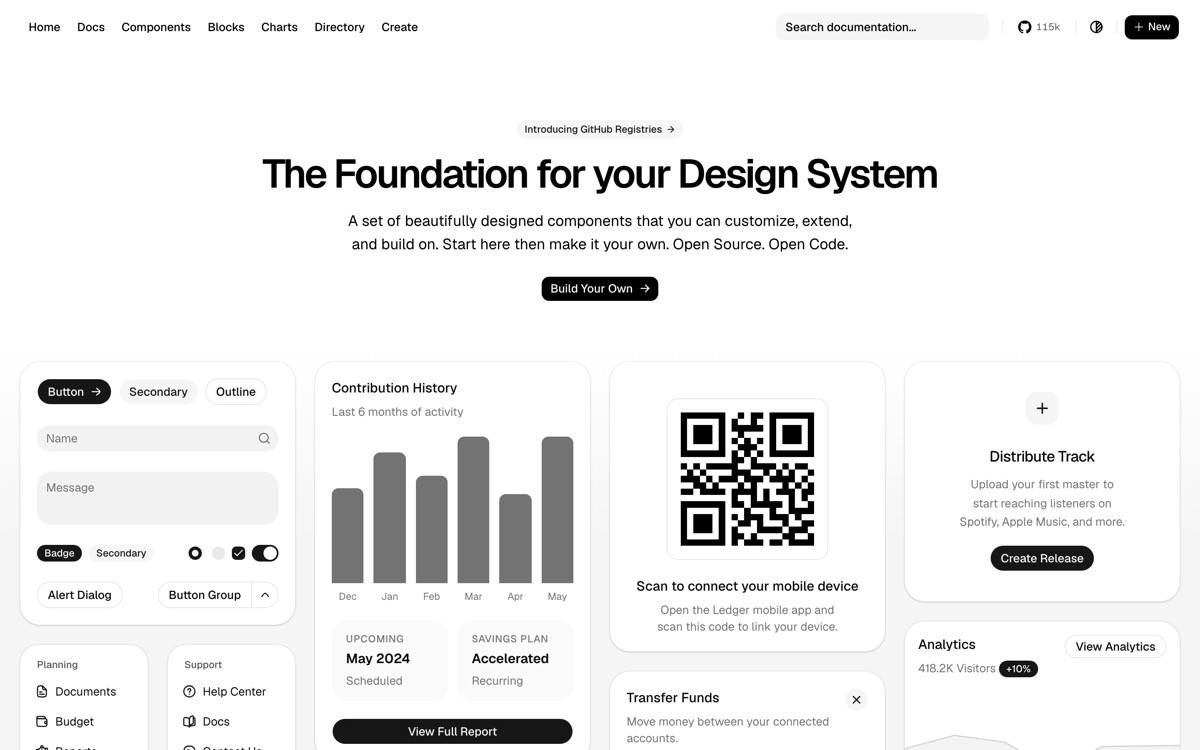
shadcn/ui is an open-source collection of copy-and-paste React components built on Radix UI primitives and styled with Tailwind CSS. It is not a library you install, it is a CLI that copies component source code directly into your repo, which means you fully own and customize every component without fighting an opinionated API.
For SaaS and AI dashboards in 2026, shadcn/ui has become the default starting point for React teams. The component coverage is broad enough to cover most dashboard needs, the accessibility is solid because of Radix, and the customization model fits how product teams actually work, copy in, edit, and ship.
Key strengths
Copy-and-paste model means you own the component code
Built on Radix UI primitives for accessibility
Tailwind CSS styling, full customization control
Wide component coverage including data tables, command menus, drawers
Active community and extensive third-party block libraries
Best for
React and Next.js teams building SaaS or AI dashboards
Teams that want full control over component code
Startups standardizing on Tailwind CSS
Pricing
Free, open source under MIT license
Paid blocks and themes from third-party vendors
Pros
Zero cost, zero lock-in
Owning the source code eliminates version upgrade pain
Plays well with Tailwind UI, Catalyst, and Tremor
Cons
Default styling is widely used, so dashboards using stock shadcn read as templated
Copy-and-paste means you maintain your own components, not just import updates
2. Tailwind Catalyst, best premium application UI kit
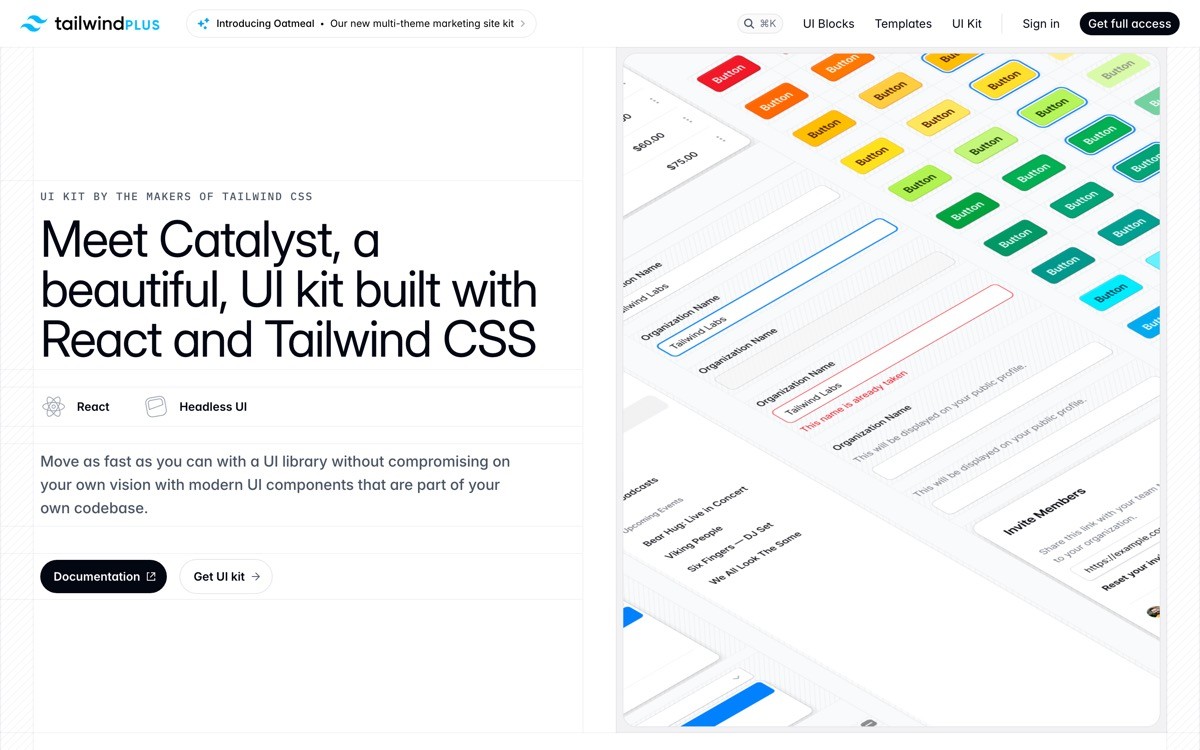
Catalyst is the application UI kit from the Tailwind UI team, focused specifically on dashboard and product UI rather than marketing pages. It ships as production-ready React components with the same code quality standards as Tailwind UI's marketing components.
For SaaS teams that have a Tailwind UI license already, Catalyst is the natural extension for the product side. The components fit together cleanly with marketing site components from the same library, which means brand and design consistency between the landing page and the dashboard comes for free.
Key strengths
Production-grade React application components
Built by the Tailwind CSS team
Coherent design language with Tailwind UI marketing components
Includes data tables, dialogs, navigation, form patterns
Lifetime updates with one-time license
Best for
Teams already using Tailwind UI for the marketing site
SaaS that wants brand consistency from landing page to dashboard
Engineering teams that value premium code quality
Pricing
Included with the Tailwind UI license
One-time fee, typically several hundred dollars
Pros
Highest code quality bar in the Tailwind ecosystem
Tight integration with marketing components
One license covers years of updates
Cons
Higher upfront cost than free open-source kits
Recognizable visual style needs brand customization to stand out
3. Tremor, best for data-heavy AI dashboards
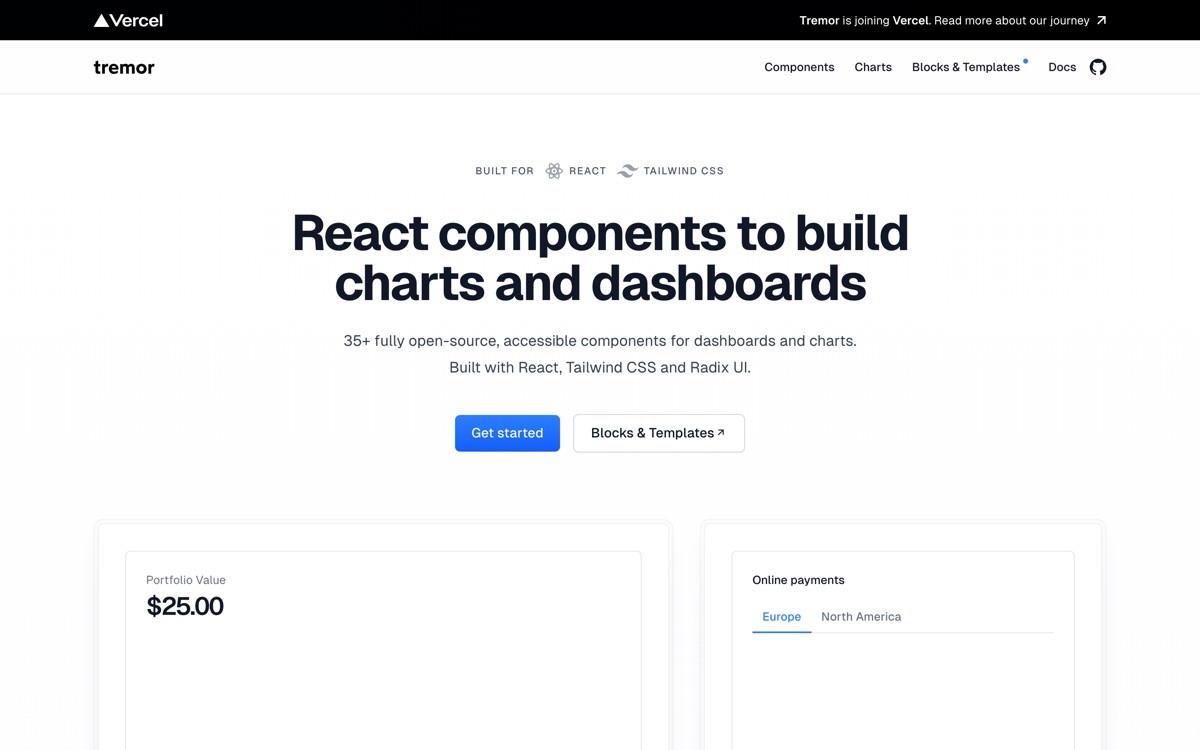
Tremor is an open-source React library focused on dashboard and analytics components, with strong chart, KPI, and metric primitives that most general-purpose component libraries lack. For AI products that surface model metrics, usage analytics, or evaluation dashboards, Tremor fills the gap shadcn/ui leaves.
The library covers area charts, bar charts, donut charts, KPI cards, callout components, and data tables specifically tuned for analytics rendering. It pairs well with shadcn/ui as the foundation, with Tremor providing the chart and metric layer on top.
Key strengths
Strong chart and metric components built for dashboards
KPI cards, callouts, and dashboard primitives
Tailwind CSS styling
Pairs cleanly with shadcn/ui
Open source with paid block library for advanced patterns
Best for
AI products with usage and model metric dashboards
SaaS with analytics-heavy product surfaces
Teams that need chart components beyond what shadcn covers
Pricing
Open source under Apache 2.0 license
Paid blocks available for advanced patterns
Pros
Best dashboard chart components in the React ecosystem
Free starting point
Composable with other Tailwind libraries
Cons
Narrower scope than general component libraries
Default chart styling is recognizable, customization required for distinctiveness
4. Untitled UI, best Figma-first foundation
Untitled UI is the largest and most polished Figma component library for product UI, with thousands of components, patterns, and full dashboard templates designed for Figma-first workflows. For teams where design happens in Figma before code, Untitled UI is the foundation that makes the design phase fast and the engineering handoff clean.
The library now includes a React port that mirrors the Figma components, so the design system can flow from Figma into a Tailwind and React codebase without rebuilding from scratch. For SaaS teams with both designers and engineers, this two-sided fidelity is the unique value.
Key strengths
Largest Figma component library for product UI
Full dashboard templates and patterns
React port for engineering implementation
Coherent design system with documented foundations
Free starter with substantial coverage
Best for
Teams where designers lead and engineers implement
SaaS with substantial product UI scope
Founders who want a designed foundation before engineering touches it
Pricing
Free starter Figma library
Pro license one-time fee for full library access
Pros
Best Figma-to-React workflow in the kits listed
High visual fidelity out of the box
Strong documentation
Cons
Design-first workflow does not fit engineering-led teams
Pro license is a meaningful upfront cost
5. TailAdmin, best mid-tier admin template
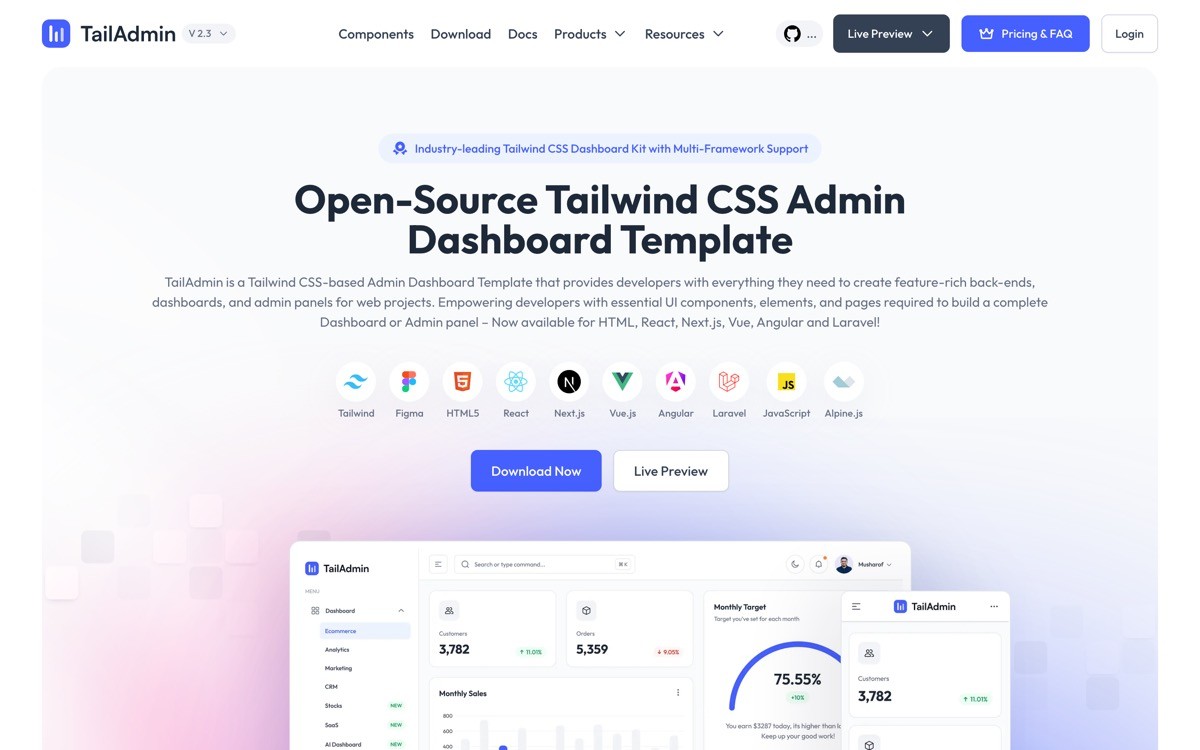
TailAdmin is a dashboard template that ships as a full admin skeleton in HTML, React, Next.js, and Vue. Unlike a component library, TailAdmin gives you a working dashboard application out of the box, login screens, navigation, dashboard pages, settings, and form patterns, all wired together.
For SaaS founders who need a fast dashboard launch and do not want to assemble components page by page, TailAdmin solves the cold start problem. The trade-off is the visual style, which reads as a template until customized.
Key strengths
Full dashboard skeleton, not just components
HTML, React, Next.js, and Vue versions
Tailwind CSS styling
Includes auth pages, forms, settings, and charts
Free starter with paid Pro upgrade
Best for
Founders who need a working dashboard fast
Internal tools and admin panels
Teams that prefer one-template purchases over assembly
Pricing
Free starter version available
Pro plan typically under $99 one time
Pros
Fastest path from zero to working dashboard
Multi-framework coverage
Cons
Recognizable template style without heavy customization
Less component flexibility than a library-based approach
6. Material Tailwind, best for Material Design conventions
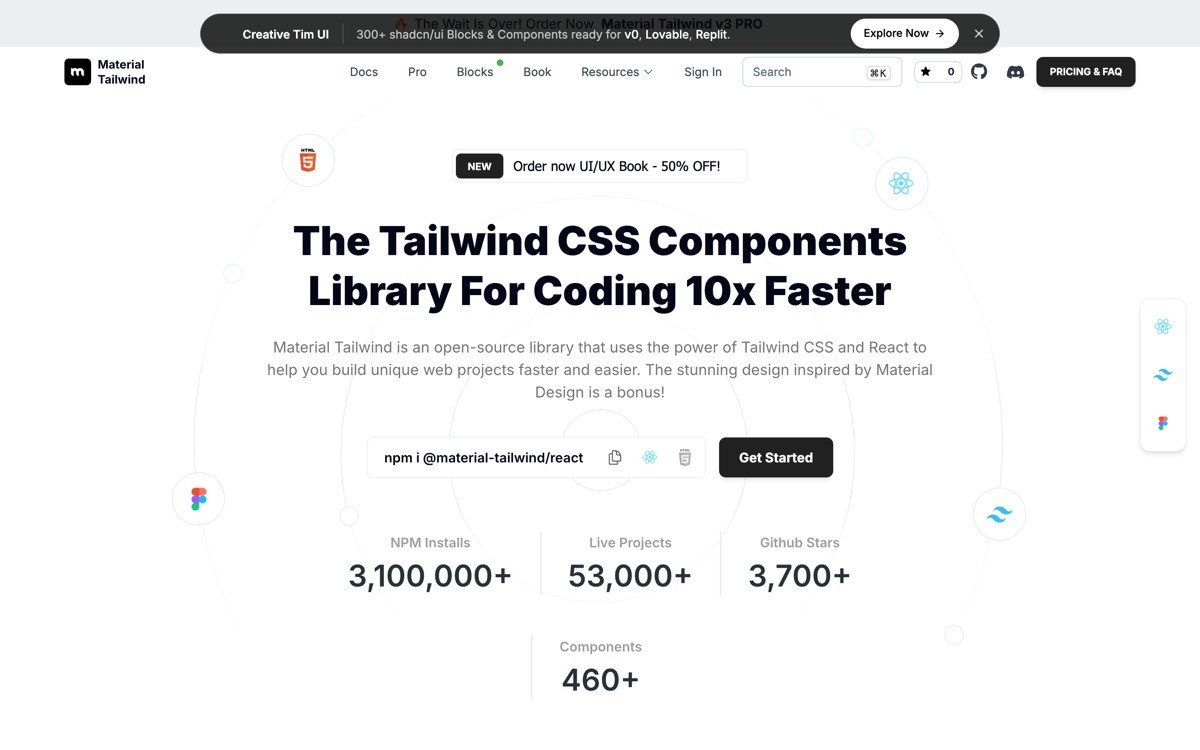
Material Tailwind is a component library that rebuilds Material Design conventions using Tailwind CSS. For teams that want the familiar Material UX patterns, density, motion, and component shapes, without committing to the full Material UI runtime, Material Tailwind is a middle path.
The component coverage includes inputs, navigation, cards, dialogs, and data display patterns sized for product UI. For SaaS targeting users used to Google or Material-styled tools, the visual familiarity reduces learning curve.
Key strengths
Material Design conventions with Tailwind styling
Available for React, Vue, and HTML
Free open-source core, Pro Plus for advanced components
Familiar UX patterns for Material users
Active development and updates
Best for
Teams that want Material UX patterns without Material UI
SaaS targeting users familiar with Google or Material apps
Internal tools and admin panels
Pricing
Free open-source core
Pro Plus tier for advanced components and templates
Pros
Bridges Material Design and Tailwind ecosystems
Familiar conventions reduce user learning curve
Cons
Material aesthetic is less distinctive for AI startups
Less flexibility than a Radix-based or copy-paste library
7. Mantis Dashboard, best traditional MUI dashboard
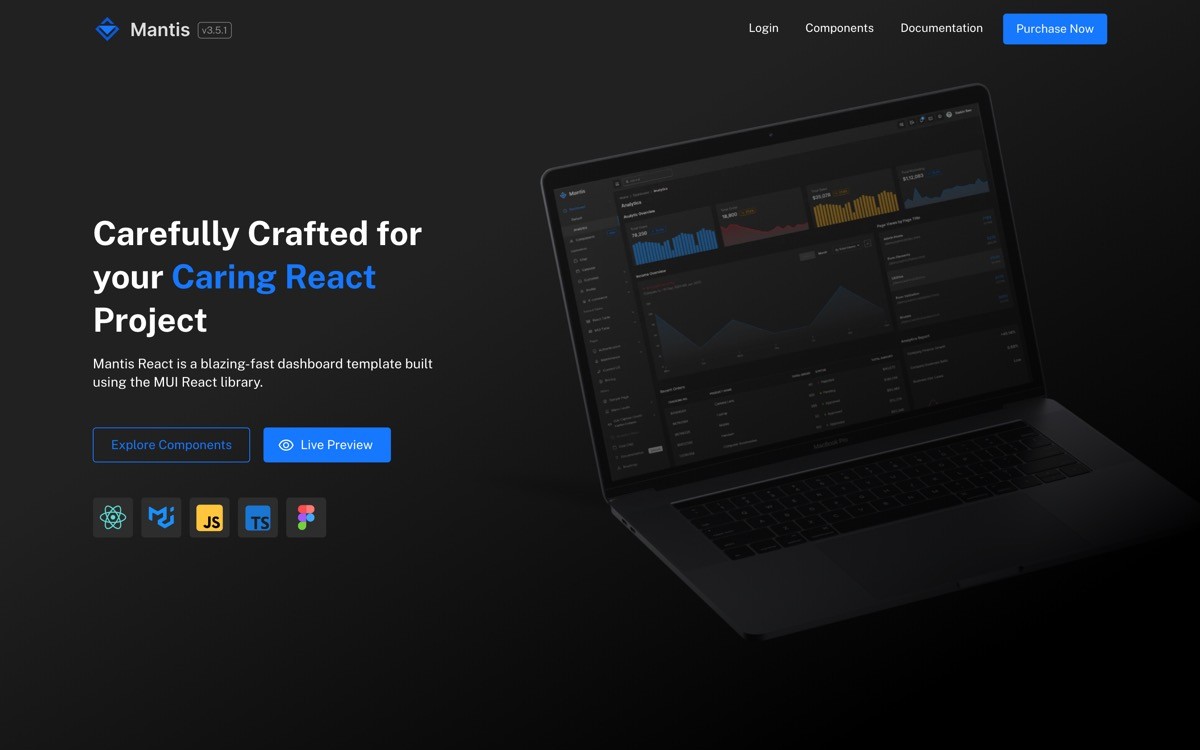
Mantis is a React admin dashboard template built on Material UI, with a full set of dashboard pages, charts, forms, and authentication flows. For teams already standardized on MUI, Mantis is one of the more polished and complete dashboard templates available.
The realistic positioning is for SaaS and internal tools where the team is committed to Material UI and wants a fast-start template rather than building from scratch. For AI startups choosing a new stack in 2026, MUI is less common than shadcn or Tailwind UI, but Mantis remains the strong pick within that stack.
Key strengths
Full dashboard template on Material UI
Includes auth, settings, charts, tables, forms
Mature codebase with documentation
Free and Pro versions
Active maintenance
Best for
Teams committed to Material UI
Internal tools and admin panels
SaaS taking advantage of the MUI ecosystem
Pricing
Free version available
Pro plan typically under $89 one time
Pros
Most complete MUI dashboard template
Mature and well-documented
Cons
MUI is heavier than Tailwind-based alternatives
Visual style reads as enterprise rather than modern startup
How to choose the best dashboard UI kit for your product
1) What is your existing stack?
If you are already on Tailwind CSS and React, the strongest base is shadcn/ui plus Tremor, with Catalyst as a premium upgrade if you have a Tailwind UI license. If you are on MUI, stay on MUI with Mantis. Mixing libraries across paradigms costs more long-term than picking the right one and committing.
2) Is design or engineering leading?
If a designer is leading the product UI work in Figma, start with Untitled UI as the foundation. If engineers are leading, start with shadcn/ui and add Tremor for charts. The wrong order, designing in Figma after engineering started building in shadcn, creates rework on both sides.
3) How data-heavy is your dashboard?
If your product surfaces charts, KPIs, and analytics as core value, Tremor is the right addition on top of shadcn or Catalyst. If your dashboard is form-heavy, settings-heavy, or workflow-heavy without much data viz, the chart layer is not the bottleneck and shadcn alone covers most needs.
4) How much time do you have to launch?
If you need a working dashboard in days, TailAdmin or Mantis ship as full skeletons. If you have a week or two to assemble components and build out pages thoughtfully, a component library approach (shadcn, Catalyst, Tremor) gives you a more distinctive result. The trade-off is speed against customization headroom.
5) What is the real cost of looking templated?
A dashboard that looks like every other shadcn or TailAdmin dashboard signals AI-built to users and investors. The cost is not in the kit, it is in retention and perceived quality. Budget time or designer cost to make the kit feel like a real product, not a starting skeleton.
If you have picked your UI kit but the dashboard still feels templated, that is the gap most AI products hit in 2026. Kits give you components. They do not give you a product opinion, an information hierarchy, or a brand system. AY Design takes templated SaaS and AI dashboards from generic to unicorn-grade through a focused design sprint, covering navigation, hierarchy, data viz, and the design system on top. Book a design audit to see what to fix first.
FAQ
What is the best dashboard UI kit for a SaaS product in 2026?
For most React and Next.js SaaS teams in 2026, the best foundation is shadcn/ui because of its copy-and-paste model, accessibility, and full control over component code. Teams that need chart-heavy dashboards should add Tremor on top, and teams with a Tailwind UI license should layer in Catalyst for premium application components.
What is the best dashboard UI kit for an AI product?
For AI products with usage analytics, model metrics, or evaluation dashboards, the strongest combination is shadcn/ui as the component base plus Tremor for charts and KPI components. This pairing covers both general dashboard UI and the analytics-specific patterns AI products typically need.
Is shadcn/ui free?
Yes, shadcn/ui is fully open source under the MIT license and free to use in commercial products. The model is copy-and-paste from a CLI rather than a package install, so you own the component code in your repo and can customize it without restriction.
What is the difference between shadcn/ui and Tailwind UI?
shadcn/ui is a free, open-source collection of copy-and-paste React components built on Radix UI and Tailwind CSS. Tailwind UI is a premium component and template library from the Tailwind CSS team, with a one-time license and lifetime updates. Many SaaS teams use shadcn/ui as the foundation and Tailwind UI or Catalyst as premium upgrades.
Do I need a UI kit if I am using v0 or Lovable?
AI builders like v0 and Lovable typically generate code that uses shadcn/ui and Tailwind under the hood, so you are already using the kit whether you realized it or not. The implication is that adopting shadcn/ui as your foundation lets you customize the generated code directly rather than fighting it.
What is the best dashboard UI kit for designers using Figma?
Untitled UI is the strongest Figma-first dashboard kit in 2026, with the largest component library and full dashboard templates designed for Figma workflows. Its React port lets the design system flow into a Tailwind and React codebase without rebuilding.
How much does a dashboard UI kit cost?
The strongest options span from free (shadcn/ui, Tremor open source, Material Tailwind core) to one-time licenses in the several-hundred-dollar range (Tailwind Catalyst). Full dashboard templates like TailAdmin Pro and Mantis Pro typically sit under $99 one time. Figma-first kits like Untitled UI use a one-time Pro license model.
Do I need a designer if I use a dashboard UI kit?
If the dashboard looks like the kit's demo, it will look templated to users and investors. A designer is what turns a kit into a product, fixes the information hierarchy, adjusts data viz for clarity, and adds the brand layer. For SaaS and AI products that want to look unicorn-grade rather than AI-built, a focused design sprint on top of a clean kit is usually the highest-ROI investment.
Checkout other Blogs:

Multi-agent system UX design guide for 2026
A pattern-by-pattern guide to designing multi-agent system UX in 2026, with a scoring matrix and references from Claude Code, LangGraph, Devin, and Replit Agent.
Author:
AY Designs Team

Human-in-the-loop AI design guide for 2026
A 2026 guide to human-in-the-loop AI design with patterns, scoring framework, and examples from Cursor, Claude Code, Stripe, and Notion AI.
Author:
AY Designs Team

How to design agentic AI products in 2026: a 7-step playbook
A seven-step design playbook for shipping agentic AI products that users actually trust, with scoring matrix and real product references from Cursor, Claude Code, Devin, and Perplexity.
Author:
AY Designs Team

How much does AI SaaS design cost in 2026?
AI SaaS design cost in 2026 by tier and engagement type, with ranges, timelines, and a value scorecard for founders shipping with Lovable, Bolt, and v0.
Author:
AY Designs Team