
Webflow remains one of the strongest design surfaces for SaaS marketing sites in 2026, but the platform alone does not get a team to launch. Pricing toggles, members areas, dynamic CMS interactions, ecommerce upgrades, the gap between a static homepage and a working SaaS marketing site is filled by a small set of component libraries, frameworks, and platforms that the best Webflow studios all rely on.
This guide compares six libraries and component platforms worth standardizing on in 2026, with pricing context and the kinds of SaaS use cases each one actually solves. The picks span structural frameworks like Finsweet Client First, design libraries like Relume and Flowbase, and platform extensions like Memberstack, Foxy, and Jetboost.
TL;DR, start with Finsweet Client First for structure and Relume for design system, layer Flowbase for animation and interactions, and add Memberstack, Foxy, or Jetboost when your SaaS needs auth, payments, or dynamic CMS behaviors Webflow does not handle natively.
Best Webflow components for SaaS: a brief overview
Finsweet Client First: Best structural framework for SaaS Webflow projects that need to scale across multiple designers.
Relume Library: Best component and section library for shipping SaaS marketing sites quickly with AI-assisted site building.
Flowbase: Best library for production-ready interactions, animations, and UI components on Webflow.
Memberstack: Best platform extension for adding auth, gated content, and members areas to Webflow SaaS sites.
Foxy: Best ecommerce and subscription engine for SaaS teams that need payments inside Webflow without Stripe stitching.
Jetboost: Best CMS power-up for dynamic filtering, search, and favoriting on Webflow CMS pages.
Library or platform | Key strength | Pricing | Platforms |
|---|---|---|---|
Finsweet Client First | Naming and structure system for scalable Webflow projects | Free | Webflow native, documentation and toolkit |
Relume Library | Massive Webflow component library with AI site builder | Free tier, paid from around $32 per month | Webflow native, Figma kit, AI site builder |
Flowbase | Production-ready interactions, animations, and Webflow UI kits | Free assets, Pro from around $99 per year | Webflow native, asset library |
Memberstack | Auth, gated content, and members areas for Webflow | Free dev plan, paid from around $25 per month | Webflow integration, JavaScript SDK, dashboard |
Foxy | Ecommerce and subscription payments inside Webflow | Paid from around $15 per month plus transaction fees | Webflow integration, hosted checkout, API |
Jetboost | Dynamic filtering, search, and favoriting on Webflow CMS | Free tier, paid from around $19 per month | Webflow integration, dashboard |
1. Finsweet Client First, best structural framework for SaaS Webflow
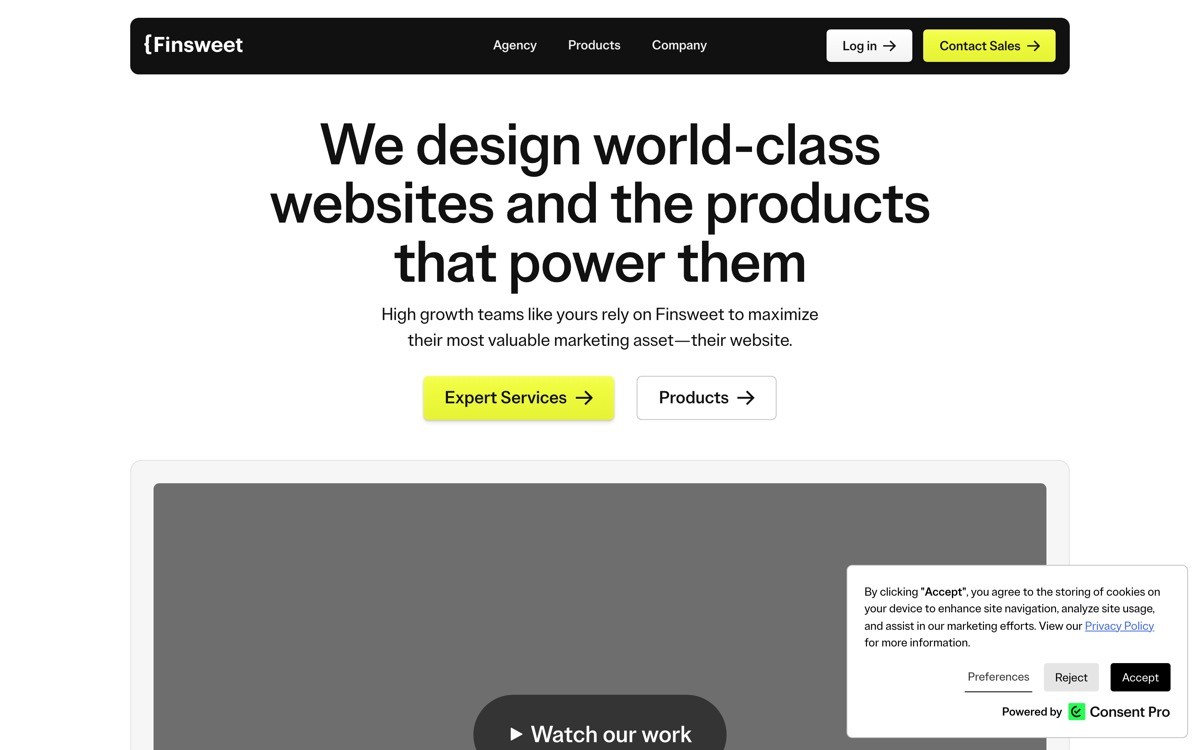
Finsweet Client First is a free naming convention and structure system for Webflow projects, built by one of the most established Webflow agencies. It is not a component library, it is the rulebook that lets multiple designers and developers work on the same Webflow project without the class list devolving into chaos by month three.
The distinctive value is operational rather than visual. SaaS marketing sites have a long maintenance tail, with content updates, new sections, and redesigns landing on the same project for years. Without a structure system, the project becomes unmaintainable, and most teams end up rebuilding from scratch around year two. Client First is the most widely adopted answer to that problem, and the documentation and toolkit make it easier to onboard new contributors.
Key strengths
Comprehensive naming convention covering classes, components, and page structure
Free toolkit and Chrome extension for project audits
Detailed documentation that doubles as training material for new contributors
Backed by one of the most established Webflow agencies, with strong community adoption
Compatible with Webflow's native components and CMS without overriding either
Naming convention scales from solo projects to multi-team enterprise Webflow sites
Best for
SaaS marketing teams that expect multiple designers to work on the same Webflow project
Agencies shipping client work where maintainability is part of the deliverable
Founders who want their Webflow site to survive a future rebuild without a full migration
Pricing
Free, including documentation, toolkit, and Chrome extension
Optional paid Finsweet Attributes and Cloneables for advanced functionality
Training and certification programs on request
Pros
The most widely adopted structure system in the Webflow ecosystem
Free and well-documented, with a low barrier to standardization
Significantly extends the lifespan of a Webflow project before a rebuild is needed
Cons
Requires team discipline to enforce, a single rogue contributor can break the system
The learning curve is non-trivial for designers who have not used a structured naming convention before
2. Relume Library, best component and section library

Relume is a component library that has become the default starting point for most Webflow SaaS marketing sites in 2026. The library covers thousands of sections across hero, features, pricing, testimonials, and FAQ, all available in both Webflow and Figma. The AI site builder takes a short brief and assembles a full sitemap and wireframe before any design work begins.
The distinctive feature is the AI site builder, which turns a description like a SaaS marketing site for a developer analytics tool into a complete sitemap, page wireframes, and section library picks. For founders shipping fast, this is one of the fastest paths from idea to working Webflow site. The component quality is high enough that the final site does not have to look like a template, especially when paired with a custom brand layer.
Key strengths
Thousands of sections covering every standard SaaS marketing page type
AI site builder for full sitemap and wireframe generation
Components available in both Webflow and Figma with identical structure
Component variants tuned for different verticals and visual styles
Style guide and design tokens that ship with each project
Updated frequently with new section types and patterns
Best for
SaaS founders and growth teams shipping marketing sites quickly without an in-house designer
Designers who want a starting structure for the page rather than a blank canvas
Agencies that need a consistent base layer to apply custom brand work on top of
Pricing
Free tier with access to a core set of components and the AI site builder
Pro plan from around $32 per month with unlimited access to the full library
Team plans with shared workspaces and brand controls
Pros
One of the fastest paths from idea to working Webflow site in 2026
Figma and Webflow parity means design and dev work do not drift apart
AI site builder is a genuine productivity win, not a gimmick
Cons
Default styling is widely recognizable, sites need a custom brand layer to avoid the templated look
Heavy use of the library across the ecosystem means some patterns feel generic without intentional differentiation
3. Flowbase, best library for production interactions and animations
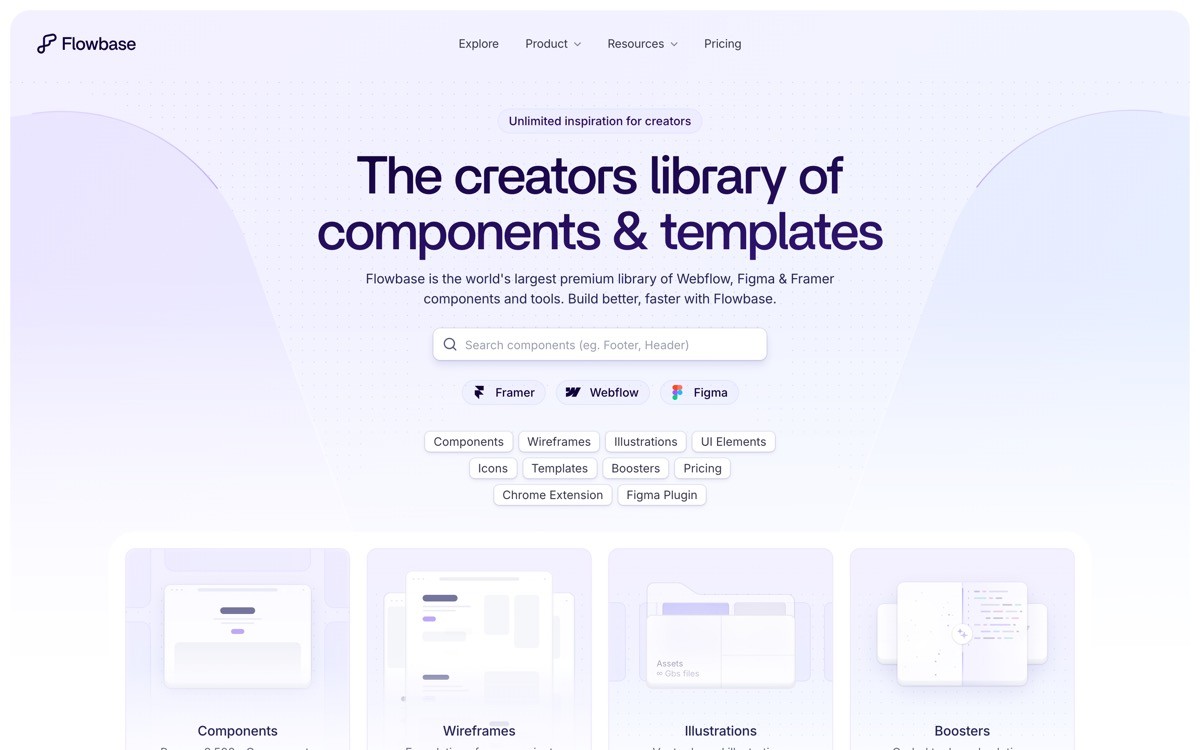
Flowbase is a Webflow asset library focused on production-ready interactions, animations, and UI components. Where Relume covers structure and Finsweet covers naming, Flowbase covers the small motion details that make a marketing site feel polished, hover states, scroll-triggered animations, mega menus, infinite logo marquees, and similar patterns that take hours to build from scratch.
The distinctive strength is the depth around interaction and animation. Webflow's native interactions panel is powerful but tedious to use, and most teams reuse the same handful of patterns. Flowbase ships pre-built interactions that drop into a project and just work, which compresses the time spent on motion details from hours to minutes. The free assets are useful enough to evaluate the library before any commitment.
Key strengths
Pre-built Webflow interactions for hover, scroll, and click patterns
UI kits with consistent visual language across components
Animation patterns like marquees, parallax, and scroll reveals
Mega menus, modals, and navigation patterns ready to paste in
Free asset tier for evaluation
Pro tier with the full library and updates
Best for
SaaS marketing teams that need polished interactions without hand-building each one
Designers who want production-ready animation patterns rather than starting from scratch
Agencies that need to deliver motion polish on a tight timeline
Pricing
Free assets for evaluation and small projects
Pro plan from around $99 per year with the full library
Lifetime access plan available
Pros
One of the deepest interaction libraries in the Webflow ecosystem
Pricing is friendly relative to most SaaS subscriptions
Free tier is useful enough to evaluate the library properly
Cons
Less structural and more visual, it is a complement to Finsweet and Relume rather than a replacement
Some animations need tuning to match a brand's pacing and feel
4. Memberstack, best auth and members area platform
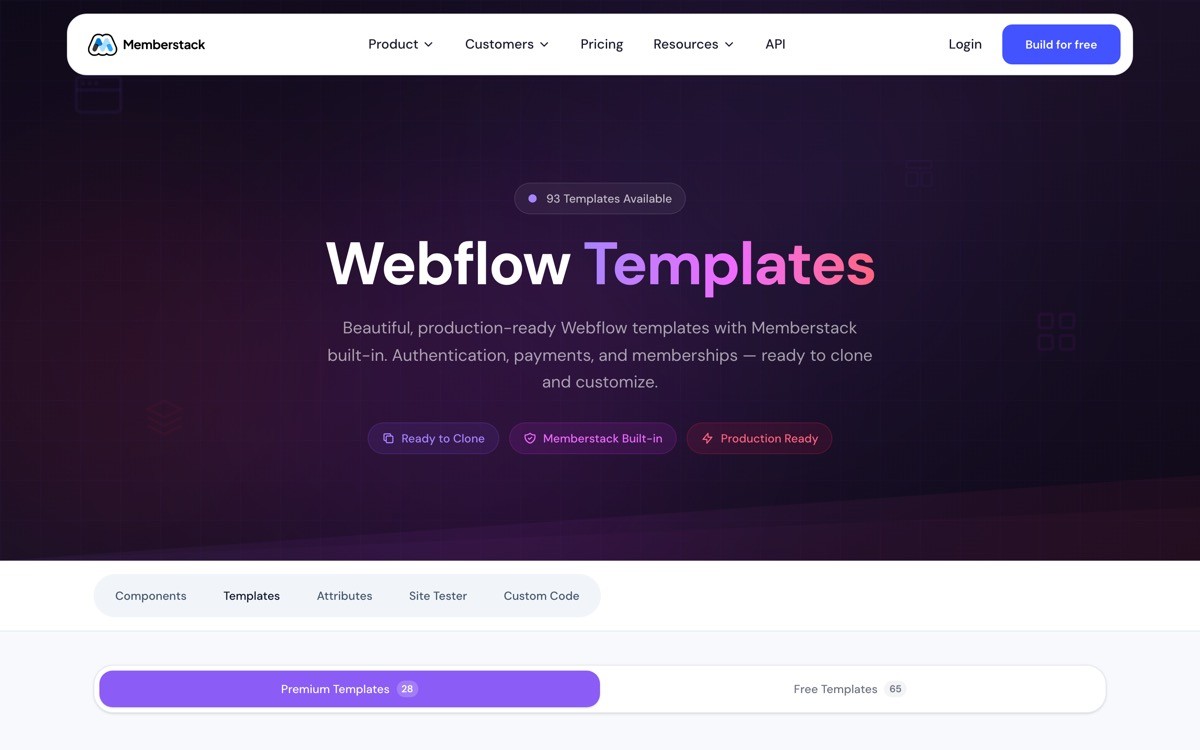
Memberstack is a platform extension that adds authentication, gated content, members areas, and Stripe integration to Webflow sites. For SaaS teams running freemium content, gated product hubs, customer dashboards, or login flows on Webflow, it is the most established option in the category and the integration with Webflow is clean enough that most projects ship without custom code.
The distinctive value is the depth of the Webflow integration. Other auth platforms can be bolted onto Webflow with custom JavaScript, but Memberstack ships native components, attributes, and CMS gating that work without engineering. The product also handles common pain points like passwordless login, role-based gating, and webhook events for customer lifecycle automation, which removes most of the reasons a SaaS team would build a separate auth stack outside Webflow.
Key strengths
Native Webflow integration with components and CMS gating
Stripe integration for paid memberships and subscriptions
Passwordless login, social auth, and password-protected pages
Role-based gating tied to plan, status, or custom fields
Webhook events for customer lifecycle automation
JavaScript SDK for teams that want to extend beyond the no-code surface
Best for
SaaS marketing teams running gated content, customer hubs, or login flows on Webflow
Founders shipping a freemium content motion that needs paid tiers without building auth from scratch
Agencies delivering Webflow sites that include a logged-in surface
Pricing
Free dev plan for testing
Paid plans from around $25 per month, scaling with member count and feature breadth
Business and Enterprise plans with advanced controls and dedicated support
Pros
Most established auth platform in the Webflow ecosystem
Native integration removes most of the engineering overhead for typical use cases
Stripe handling and role-based gating are deeper than competitors
Cons
Advanced workflows can require dropping into the JavaScript SDK
Heavy reliance on Webflow CMS for content gating creates a dependency on that platform's limits
5. Foxy, best ecommerce and subscription engine
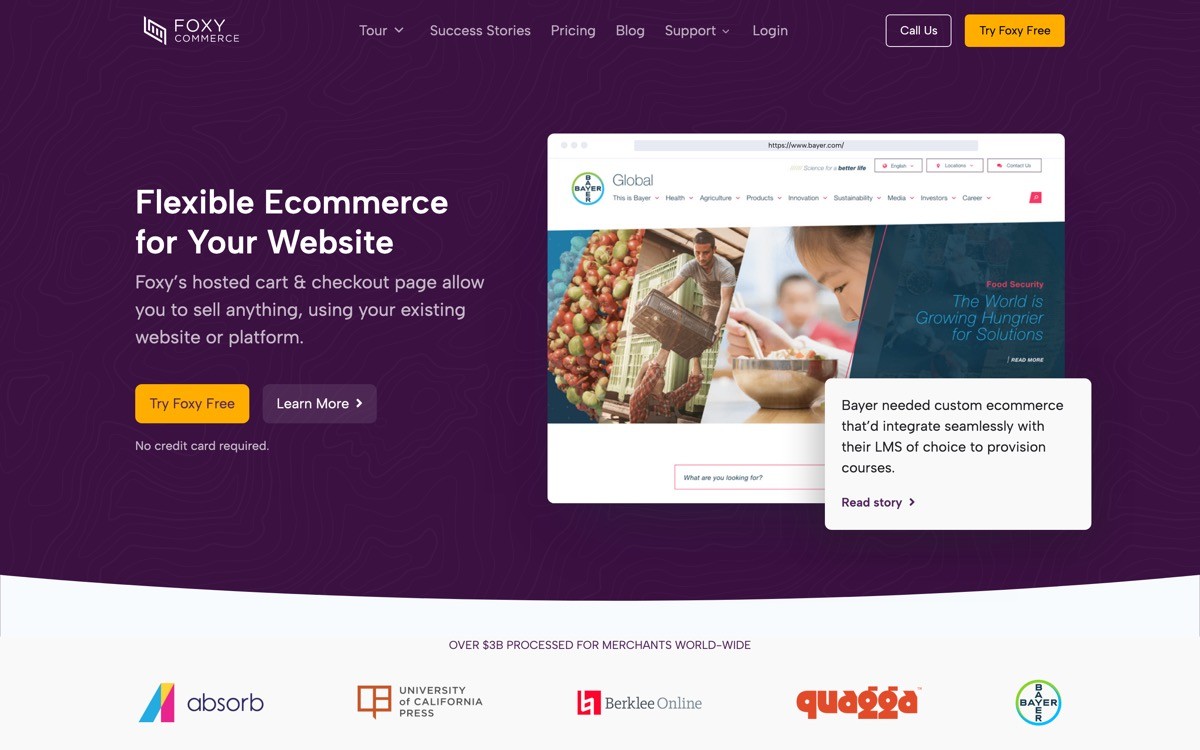
Foxy is an ecommerce and subscription payments platform that integrates with Webflow to handle cart, checkout, and recurring billing without forcing a Shopify migration. For SaaS teams that sell one-off products, paid templates, plans, or physical add-ons through their marketing site, Foxy is the cleanest option to add a working checkout to Webflow.
The distinctive value is the flexibility around subscriptions. Webflow Ecommerce itself remains limited around recurring billing, and Stripe Checkout requires custom integration work. Foxy handles subscription logic, trial periods, coupons, and upgrade flows out of the box, which is why most SaaS teams selling paid content or hybrid SaaS plus product offerings on Webflow end up using it.
Key strengths
Subscription and recurring billing handled natively, including trials and upgrades
Hosted checkout that integrates cleanly with Webflow without custom dev work
Strong coupon, gift card, and discount logic
Tax handling for global commerce
API access for advanced workflows
Integration with major fulfillment, CRM, and email platforms
Best for
SaaS teams selling paid content, templates, or hybrid product offerings on Webflow
Founders who need recurring billing without migrating to Shopify or building Stripe from scratch
Agencies delivering Webflow sites with commerce as part of the scope
Pricing
Paid plans from around $15 per month plus a small per-transaction fee
Higher tiers with extended features and lower per-transaction costs
Enterprise pricing for high-volume merchants
Pros
Best subscription support in the Webflow ecosystem
Hosted checkout is reliable and well-documented
Pricing is friendly to small and mid-market SaaS merchants
Cons
Less mainstream than Shopify, with a smaller ecosystem of apps and integrations
Some advanced UI customizations require custom code on the hosted checkout
6. Jetboost, best CMS power-up for dynamic Webflow sites
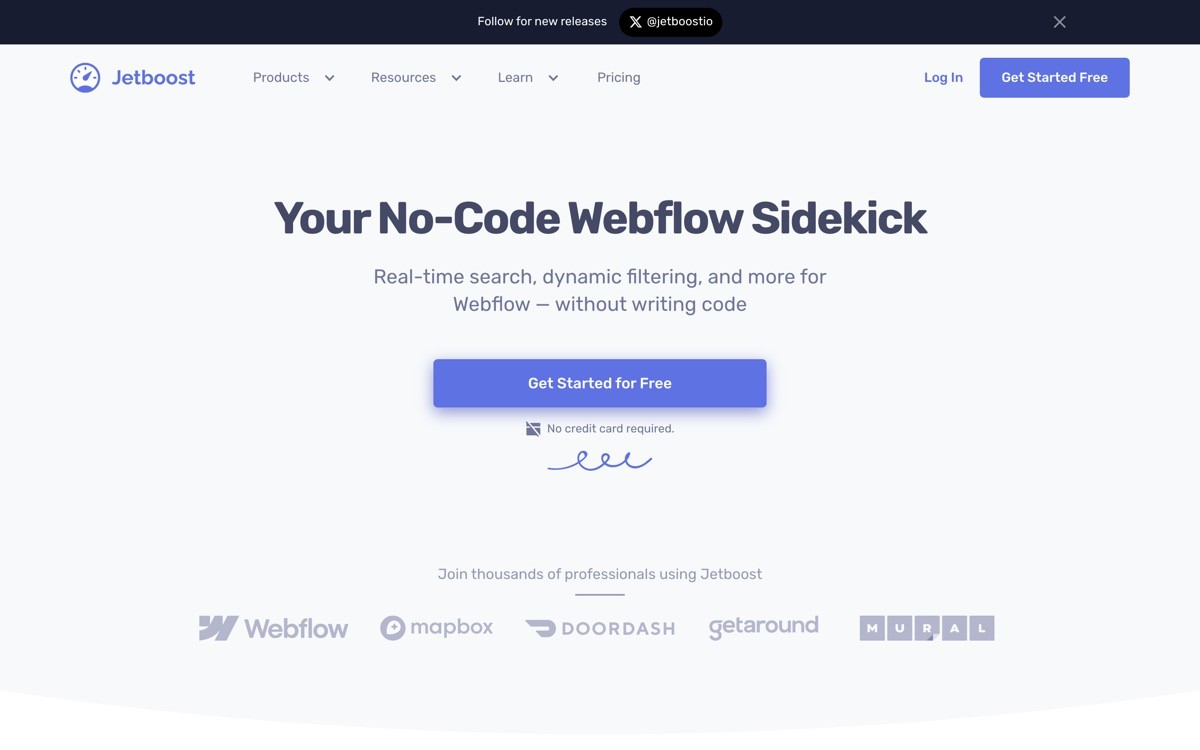
Jetboost is a no-code platform that adds dynamic behavior to Webflow CMS pages, including filtering, search, favoriting, and load-more pagination. For SaaS teams running content libraries, customer story hubs, integration directories, or any site where the CMS list is a key surface, Jetboost replaces a stack of custom JavaScript with a few attributes.
The distinctive value is the Webflow-native feel. Most dynamic CMS solutions require dropping into raw JavaScript or third-party scripts that fight Webflow's structure. Jetboost installs as Webflow attributes, which means designers can configure dynamic behavior without engineering and the result still feels like a Webflow site. For SaaS content programs, integration directories, and case study hubs, it is the most common pick in 2026.
Key strengths
Dynamic filtering, search, and pagination as Webflow attributes
Favoriting and saved-item features for logged-in users via Memberstack
Lightweight load-more pagination without breaking SEO
Multi-reference filtering for complex CMS structures
Fast configuration without custom JavaScript
Compatible with Finsweet Client First and other structural conventions
Best for
SaaS marketing teams running content hubs, customer story libraries, or integration directories on Webflow CMS
Agencies that need dynamic CMS behavior without writing custom JavaScript
Founders shipping CMS-heavy Webflow sites that need search and filter as first-class features
Pricing
Free tier for small projects with limited boosts
Paid plans from around $19 per month, scaling with site count and boost types
Agency and Business plans for higher volume needs
Pros
The cleanest dynamic CMS solution in the Webflow ecosystem
Configuration as Webflow attributes keeps designers in their normal workflow
Pricing is mid-market friendly without surprise enterprise jumps
Cons
Complex multi-reference filter configurations can take time to get right
Performance can lag on very large CMS collections without careful structure
How to choose your Webflow component stack for SaaS
1) Are you optimizing for shipping speed or long-term maintainability?
If shipping speed is the priority, lean on Relume for structure and components plus Flowbase for animation polish, and skip strict naming until the first launch is live. If maintainability is the priority, start with Finsweet Client First from day one and apply it consistently across every section. Most successful SaaS Webflow projects use both, with Client First as the rulebook and Relume as the starting structure.
2) Do you need auth, payments, or both?
For gated content and customer hubs, Memberstack covers most needs. For paid subscriptions, content sales, or hybrid commerce, Foxy is the cleanest payment engine. Teams that need both can run them together, since Memberstack handles user state and Foxy handles billing, with webhook events bridging the two.
3) Is your CMS list a static archive or a dynamic surface?
If the CMS list is a static archive that users scroll, Webflow native is fine. If the list is a real surface with filtering, search, or saved items, Jetboost is almost mandatory because building those behaviors in custom JavaScript on top of Webflow is consistently more work than it looks.
4) How much custom brand work do you have budget for?
Relume's default styling is recognizable across thousands of sites in 2026. If you ship a Relume site without a custom brand layer, it will look templated to anyone in the SaaS space. Budget for a brand pass that updates type, color, motion, and key custom sections so the site does not signal its origins.
5) Who maintains the site after launch?
Solo founders shipping a one-time marketing site can get away with looser structure. Agencies, in-house teams, and founders expecting frequent updates need Client First and a documented design system. The cost of imposing structure later is significantly higher than imposing it on day one.
If your Webflow stack is solid but the site still does not feel unicorn-grade, the constraint is usually the brand and design layer, not the components. That is where AY Design works with SaaS founders, taking Webflow projects built on Finsweet, Relume, Flowbase, and similar libraries and layering on the brand, motion, and conversion design that makes the site stop looking like a template. Book a design audit to see how to lift your current Webflow site without rebuilding it.
FAQ
What are the best Webflow components for SaaS in 2026?
The best Webflow components for SaaS in 2026 combine Finsweet Client First for structure, Relume for sections and AI site building, and Flowbase for interactions and animations. For platform features like auth, payments, and dynamic CMS, Memberstack, Foxy, and Jetboost are the established picks. Most successful SaaS Webflow sites use a stack of three or four of these together.
Is Relume worth paying for, or is the free tier enough?
Relume's free tier is enough to evaluate the library and ship a small project. For agencies, in-house SaaS teams, or any project with more than a handful of pages, the Pro plan pays back quickly because the full section library and AI site builder compress design and build time significantly. The cost is small relative to the time saved.
Should I use Memberstack or build auth from scratch?
For most SaaS marketing teams running Webflow, Memberstack is significantly faster than building auth from scratch and the native integration removes most of the maintenance burden. Custom auth makes sense when your product team already runs an auth stack and you want a single source of truth, but the engineering cost is rarely worth it for Webflow-only use cases.
What is Finsweet Client First and do I need it?
Finsweet Client First is a free naming and structure convention for Webflow projects. You need it if multiple people will touch the project over time, if you expect the site to live for more than a year without a rebuild, or if you want to onboard new contributors without weeks of context. Solo founders shipping a one-time landing page can skip it.
Can I use Webflow ecommerce instead of Foxy for SaaS subscriptions?
Webflow Ecommerce works for simple one-time product sales but is limited around subscription billing, trials, and complex coupon logic. For SaaS teams selling recurring plans, paid content, or hybrid commerce, Foxy is the established alternative because the subscription engine is more capable and the integration with Webflow is clean.
What is the alternative to Jetboost for dynamic Webflow CMS?
The main alternatives to Jetboost are Finsweet Attributes, which offers similar filtering and pagination as part of its broader toolkit, and custom JavaScript. For most SaaS teams, Jetboost or Finsweet Attributes are faster than custom code, and the choice between them usually comes down to which other tools the team already standardizes on.
Do Webflow components from Relume and Flowbase look templated?
Default styling from Relume and Flowbase is recognizable across the ecosystem in 2026 if shipped without a custom brand layer. The components themselves are not the problem, the lack of brand differentiation on top is. SaaS teams that pair these libraries with a custom brand and motion layer ship sites that feel original even though the underlying structure is standard.
Should I hire a Webflow agency or build it in-house with these libraries?
For SaaS marketing sites that need brand differentiation, conversion focus, and long-term maintainability, an experienced Webflow team usually ships faster and better than an in-house first attempt. If you are weighing the build, an AI-product design agency with Webflow experience can audit your current site or scope a new one, then deliver the brand and structural work that lifts the libraries above default.
Checkout other Blogs:

Best Webflow design agencies for SaaS in 2026
Eight Webflow design agencies compared on SaaS fit, technical depth, and how they ship marketing sites that convert in 2026.
Author:
AY Designs Team

Multi-agent system UX design guide for 2026
A pattern-by-pattern guide to designing multi-agent system UX in 2026, with a scoring matrix and references from Claude Code, LangGraph, Devin, and Replit Agent.
Author:
AY Designs Team

Human-in-the-loop AI design guide for 2026
A 2026 guide to human-in-the-loop AI design with patterns, scoring framework, and examples from Cursor, Claude Code, Stripe, and Notion AI.
Author:
AY Designs Team

How to design agentic AI products in 2026: a 7-step playbook
A seven-step design playbook for shipping agentic AI products that users actually trust, with scoring matrix and real product references from Cursor, Claude Code, Devin, and Perplexity.
Author:
AY Designs Team