
Most SaaS founders treat Webflow templates as a shortcut and end up shipping a site that looks identical to every other AI-built or template-built SaaS in 2026. The market is saturated with the same hero pattern, the same pricing grid, and the same testimonial carousel. A good template is still the fastest way to get a marketing site live in a week, but only if you pick one with a clean structure, real CMS scaffolding, and room to humanize.
This guide compares the seven best Webflow templates and template libraries for SaaS startups in 2026. We cover what each is for, how the structure holds up, pricing, and how to choose based on your stage and team.
TL;DR, for early-stage SaaS founders who need a clean, well-structured marketing site fast, BRIX Templates is the strongest single-template pick. For systems that grow with you, Finsweet Client First plus Relume's library is the more flexible foundation. The official Webflow Marketplace is still the safest middle ground for non-designers.
Best Webflow templates for SaaS startups: a brief overview
BRIX Templates: Best overall for SaaS founders who want a polished, conversion-ready template out of the box and minimal cleanup.
Finsweet Client First: Best foundation system for teams that plan to scale the site beyond launch and want maintainable class naming from day one.
Webflow Marketplace: Best safe default for non-designer founders who want a vetted, supported template with predictable structure.
Flowbase: Best for adding ready-made sections and components onto an existing Webflow site without a full template swap.
Relume Library: Best for design and growth teams that want a section library plus AI-assisted site map rather than a single fixed template.
Memberstack templates: Best for SaaS sites that need gated content, member areas, or auth on top of the marketing pages.
Foxthemes (Webflow): Best for founders who want a modern, animation-heavy template with strong visual opinion, accepting some cleanup work.
Template | Key strength | Pricing | Best fit |
|---|---|---|---|
BRIX Templates | Polished SaaS marketing templates with consistent structure and clean code | Single template from around $79 to $129, bundles available | Solo founders and small teams launching v1 marketing site |
Finsweet Client First | Naming and structure system, not a template, that scales as the site grows | Free, optional paid components and training | Teams that plan to extend the site post-launch |
Webflow Marketplace | Official, vetted templates with platform support and previews | Roughly $39 to $149 one time, free options available | Non-designer founders who want safety and support |
Flowbase | Component and section library to drop into existing Webflow projects | Free starter library, Pro plan typically under $20 per month | In-house teams iterating on a live site |
Relume Library | 1,000-plus section library, plus AI site-map and wireframe generator | Free tier, paid tiers from around $39 per month | Growth and design teams running constant page tests |
Memberstack templates | Membership and auth-ready Webflow starters | Most templates free with a Memberstack plan, plans from around $25 per month | SaaS with gated content or member areas |
Foxthemes (Webflow) | Modern, animation-led visual templates with strong opinion | Typically $49 to $129 per template | Founders who want a more distinctive look out of the box |
1. BRIX Templates, best overall for SaaS founders
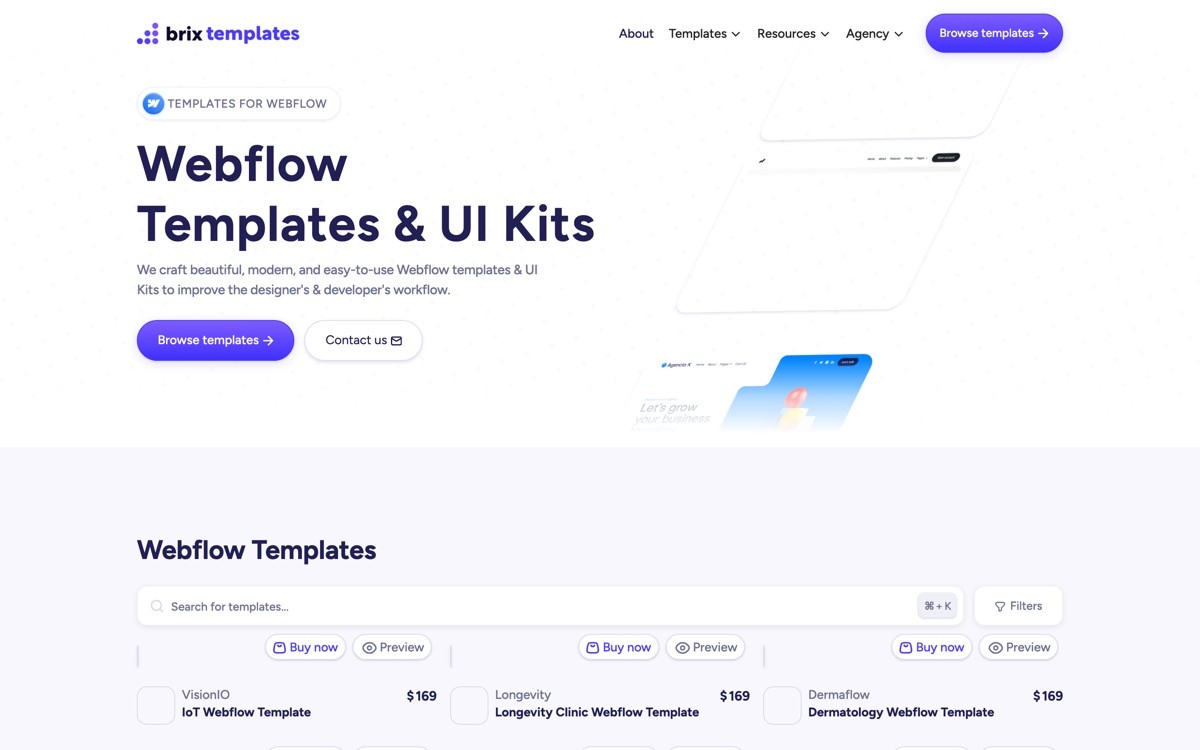
BRIX Templates is a Webflow template studio focused on SaaS, agency, and startup marketing sites with a consistent structure across their catalog. They are one of the longest-running Webflow template producers and most of their SaaS templates ship with the elements a real marketing site needs: a CMS-driven blog, careers page, changelog pattern, and a coherent component library.
The reason BRIX shows up first for SaaS is structural. The class naming follows a predictable system across templates, the page sections are isolated enough to remix, and the CMS collections are configured for a real content team, not just a portfolio. The visual style trends modern and clean rather than highly opinionated, which is a fit if you want to apply your brand on top rather than fight an aggressive template aesthetic.
Key strengths
Consistent class naming across the catalog, easier to learn once and reuse
CMS-ready blog, careers, and changelog collections built in
Strong starting structure for conversion sections (hero, social proof, pricing, FAQ)
Responsive behavior tested across the catalog, fewer mobile breakpoint surprises
Active update cycle, templates get refreshed for new Webflow features
Best for
Solo founders and small teams shipping a v1 marketing site in a week
Non-designers who want a sane structural baseline to brand on top of
SaaS startups with a content plan that needs CMS scaffolding from day one
Pricing
Single template typically $79 to $129 one time
Bundles and lifetime access available at higher tiers
Free starter templates for testing the structure before buying
Pros
Predictable structure, low cleanup cost compared with random marketplace templates
CMS scaffolding is real, not a single fake blog post
Good fit for founders who want to ship without learning Webflow deeply
Cons
Visual style is intentionally restrained, so the look will not be distinctive unless you brand on top of it
Many BRIX templates are visible on the public web, so expect to invest in differentiation
2. Finsweet Client First, best foundation system for teams
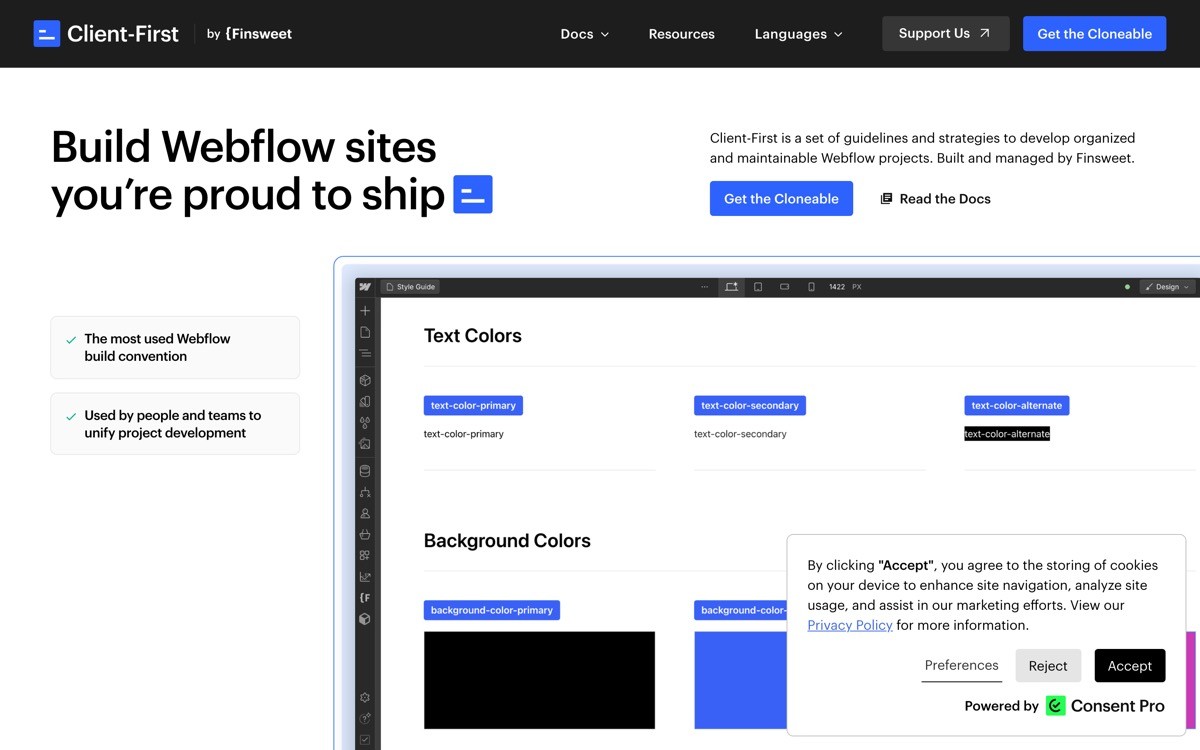
Client First is a class naming and structural system from Finsweet, not a single template. It standardizes how you name and organize classes inside a Webflow project so that a different person, designer or developer, can pick the site up later and extend it without rewriting the system.
For SaaS startups, Client First matters because the marketing site is rarely finished at launch. You will add pricing experiments, comparison pages, integration pages, and case studies for years. A site built on Client First grows cleanly; a site built on a one-off template usually collapses into a tangle by month six and ends up needing a rebuild.
Key strengths
Standardized class naming that any Webflow developer can pick up
Documented structural patterns for sections, components, and utility classes
Free to learn and adopt with a strong community
Compatible with Relume sections, which use Client First by default
Reduces handover and audit costs when working with agencies or freelancers
Best for
Series A and later SaaS teams that need the site to be maintained by multiple people
Founders who plan to bring in a Webflow developer after launch
Agencies and freelancers building for clients who will inherit the project
Pricing
The Client First system is free
Optional paid components, attributes, and training packs
Pros
Future-proof structure, low long-term maintenance cost
Huge ecosystem of compatible sections and components
Becomes the de facto standard for serious Webflow builds
Cons
Not a turnkey template, you need to learn the system or hire someone who has
Overkill if you are shipping a single static landing page and nothing else
3. Webflow Marketplace, best safe default for non-designers
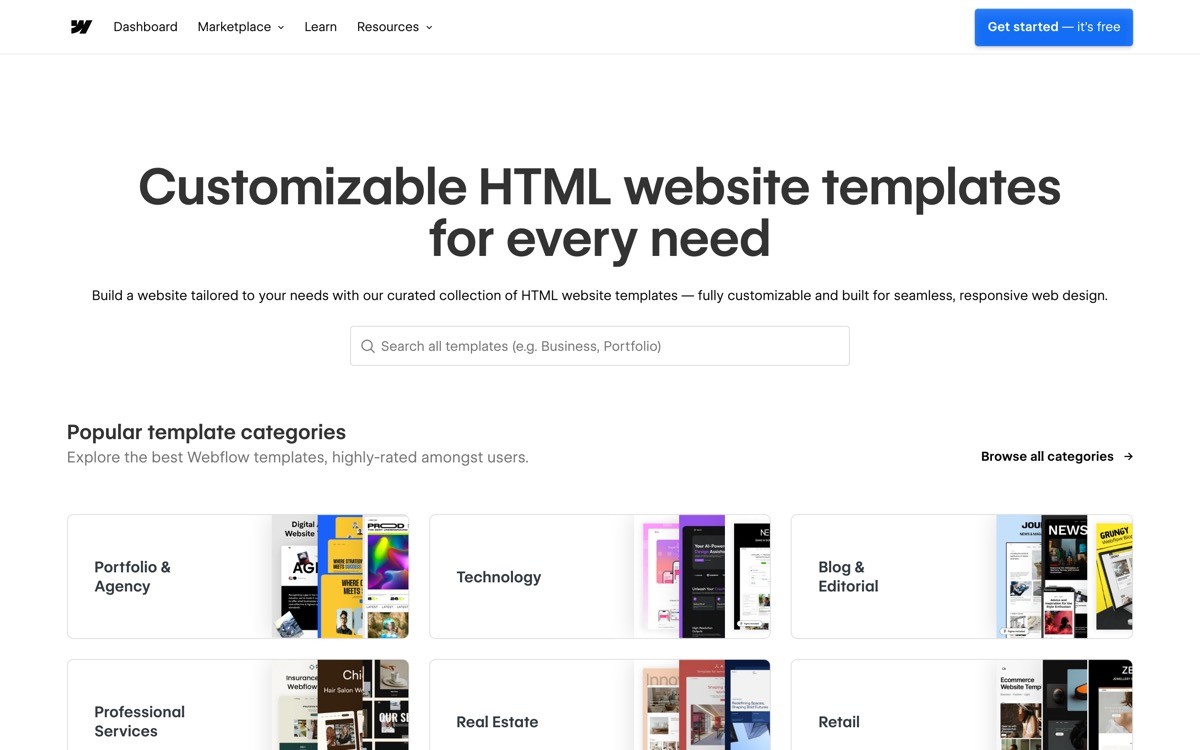
The official Webflow Marketplace is a curated catalog of templates reviewed and supported by Webflow itself. Compared with third-party stores, the marketplace gives you live previews, refund handling, and a baseline quality bar set by the platform.
For founders who do not have a design eye and do not want to vet third-party shops, the marketplace is the safest middle ground. The variance in quality is real, some templates are excellent and others are dated, but the listing structure makes it easier to compare CMS depth, page count, and design style before committing.
Key strengths
Vetted by Webflow with consistent listing structure
Live previews on every template
Direct support and refund flow through the platform
Many free templates for early experimentation
Easy one-click clone into your Webflow account
Best for
Non-designer founders who want platform-backed safety
Side projects and pre-seed teams testing positioning
Teams that want to clone a free template first and decide whether to invest
Pricing
Free templates available across categories
Paid templates typically $39 to $149 one time
Pros
No risk of buying from a dead shop, the marketplace is actively maintained
Predictable purchase, install, and clone flow
Good range from free starters to premium SaaS templates
Cons
Quality varies widely, some templates use outdated patterns
Less curatorial opinion than focused studios like BRIX
4. Flowbase, best component library for existing sites
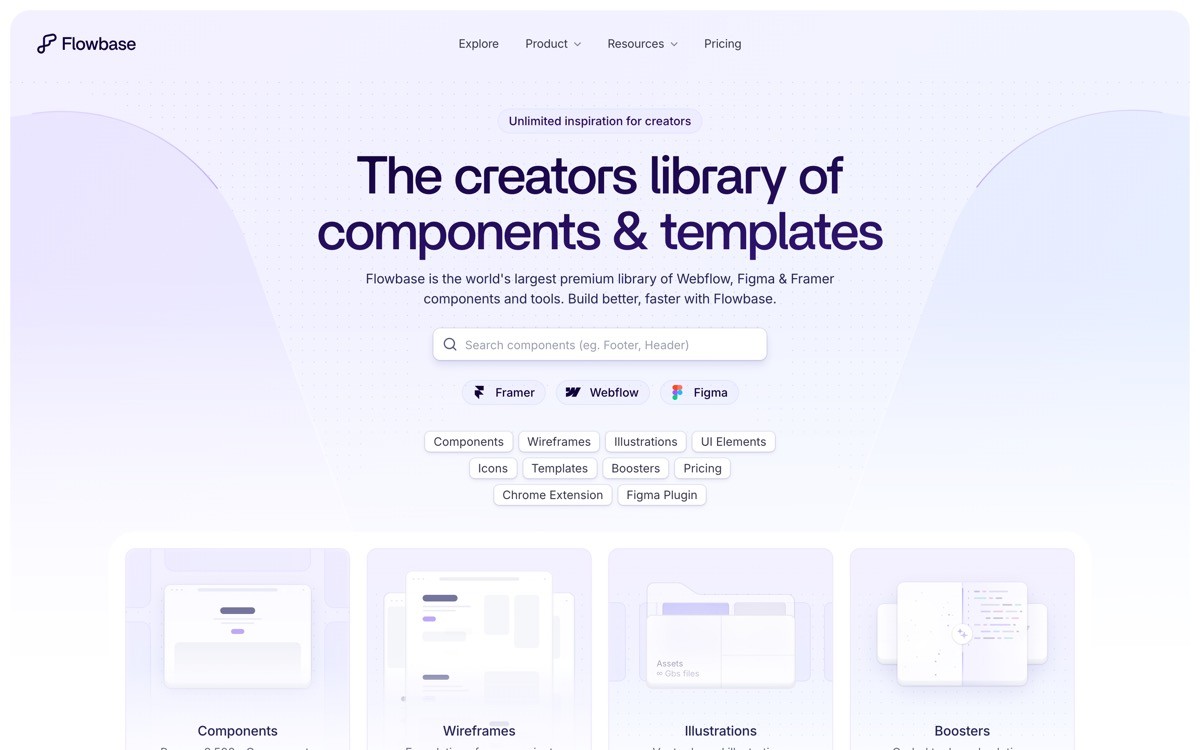
Flowbase is a Webflow ecosystem that combines templates, ready-made sections, and a browser extension that lets you drag sections into any Webflow site. For SaaS teams already on Webflow, Flowbase solves the day-two problem: you need a new feature page, a new pricing variant, a new comparison page, and you do not want to design every section from scratch.
The strongest use case is not picking a Flowbase template at launch but adding their sections to an existing site over time. The component coverage is wide enough that you can assemble most marketing pages from prebuilt parts and only customize the parts that carry real positioning weight.
Key strengths
Section library that drops directly into existing Webflow projects
Browser extension for one-click section insertion
Variety of styles and visual treatments per section type
Lower commitment than buying a full template
Useful for rapid landing page and campaign creation
Best for
In-house teams iterating on a live SaaS marketing site
Growth marketers building campaign and ad landing pages
Agencies running multiple Webflow projects in parallel
Pricing
Free starter library available
Pro plan typically under $20 per month for full access
Pros
Pays back quickly for teams that ship pages every week
Lower lock-in than committing to a full template
Mixes well with templates from BRIX or the marketplace
Cons
Sections still need brand customization to avoid looking obviously stock
Not a full site solution on its own
5. Relume Library, best section system for growth teams
Relume is a Webflow section library that includes more than 1,000 sections plus an AI tool that generates site maps and wireframes from a prompt, then assembles a full draft site you can copy into Webflow. The sections follow Client First conventions, so they slot into a maintainable system rather than fighting it.
For SaaS growth teams, Relume's value is speed of structured production. You can move from concept to a wireframed and sectioned page in hours, then bring a designer in only for the high-leverage areas. Compared with Flowbase, Relume leans more heavily on site planning and structure, which fits teams running constant page experiments.
Key strengths
1,000-plus sections organized by page type and use case
AI site map and wireframe generation
Built on Finsweet Client First, plays well with serious projects
Style guide system for keeping section variants on brand
Strong Figma and Webflow workflow integration
Best for
Growth and design teams that ship many landing pages
SaaS teams running structured page experiments
Agencies that need to scope and wireframe sites fast
Pricing
Free tier with limited section access
Paid tiers typically from around $39 per month
Pros
Combines planning, wireframing, and section assembly in one tool
Compatible with Client First, low rework cost later
Quality of sections is generally above average
Cons
Pricing climbs once you need full section access
AI-generated drafts still need real design judgment to feel on brand
6. Memberstack templates, best for gated SaaS content
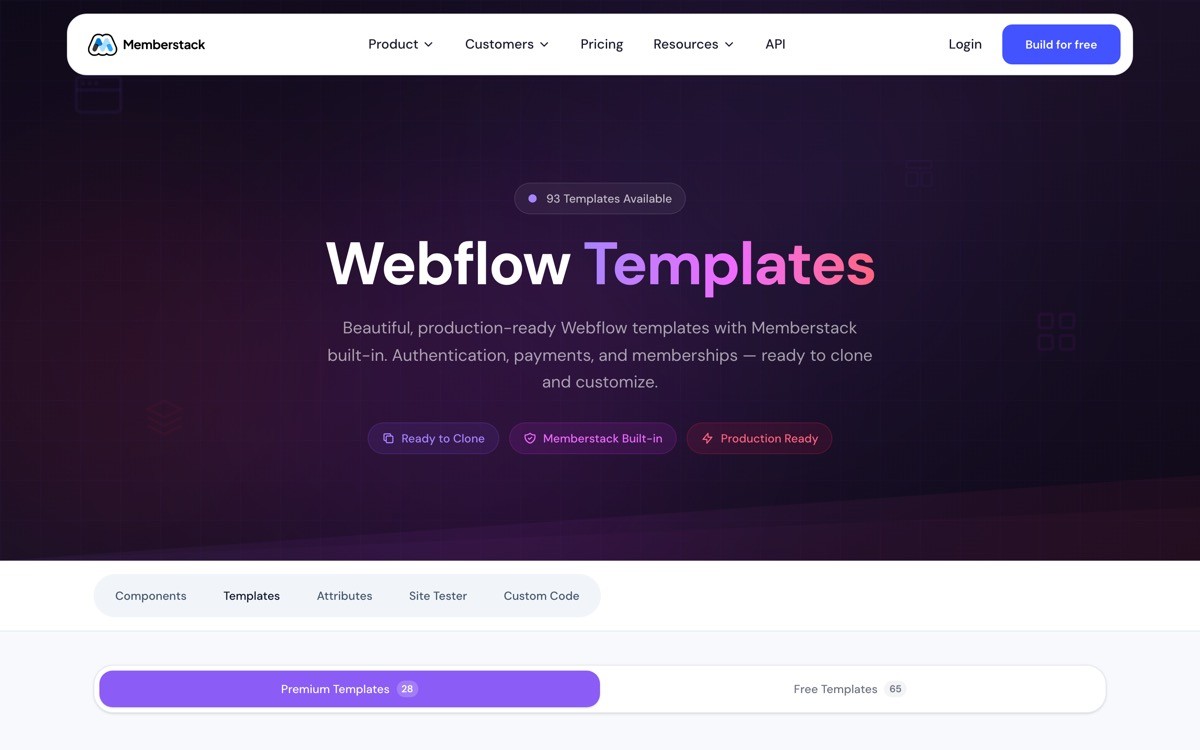
Memberstack provides authentication, gated content, and member-area infrastructure for Webflow sites, along with a library of Webflow templates pre-wired for memberships. For SaaS startups, this matters when the marketing site needs to host a freemium portal, a gated resource library, a customer-only changelog, or a basic user dashboard layered onto Webflow.
The templates themselves are typically free with a Memberstack plan and cover login, signup, gated pages, and account settings flows. The realistic positioning is not as a primary product surface but as a way to ship auth-gated content quickly without a full custom build.
Key strengths
Pre-built auth, login, signup, and gated content flows
Templates wired for membership behavior out of the box
Stripe integration for paid memberships
Lower lift than custom auth on a Webflow site
Useful for content-led SaaS with a resource library
Best for
SaaS with a gated content strategy or freemium portal
Communities, courses, or membership-led products
Founders prototyping a paid content layer before building a real app
Pricing
Most templates free with a Memberstack plan
Plans from around $25 per month, scaling with member count
Pros
Saves weeks of custom auth work
Templates are real, not just marketing pages
Practical for content-led monetization
Cons
Not the right foundation for a full product UI
Recurring cost on top of Webflow hosting
7. Foxthemes, best for distinctive visual opinion

Foxthemes produces visually opinionated Webflow templates with strong animation, modern typography, and a more distinctive aesthetic than the average marketplace template. The trade-off is the same trade-off you make with any opinionated design system: less neutrality, more cleanup if your brand does not match the template's voice.
For founders who want their site to feel less like a generic SaaS template out of the gate, Foxthemes is a reasonable starting point. Plan on spending real time customizing rather than treating it as a one-click solution.
Key strengths
Distinctive visual style with animation and motion treatments
Modern typography and layout patterns
Reasonable structural quality for the price band
Good fit for design-forward founders
Best for
Founders who want a stronger starting aesthetic
Design-led SaaS that wants to avoid the templated look
Pricing
Templates typically $49 to $129 one time
Pros
Lower risk of looking like every other Webflow SaaS site
Strong animation and motion patterns
Cons
Opinionated style means more cleanup if your brand does not match
Some templates lean heavier on animation than performance budgets allow
How to choose the best Webflow template for your SaaS
1) Are you launching a v1 site or scaling an existing one?
If you are launching v1 and want to ship in a week, start with BRIX Templates or a vetted Webflow Marketplace template. If you already have a live site and need to add pages weekly, invest in Flowbase or Relume as a section library on top of your existing structure.
2) Will the site need to scale beyond launch?
If yes, build on Finsweet Client First from day one, either by starting with a Client First-based template or by adopting the system as you build. The cost is a learning curve. The payoff is a site that does not need a rebuild at month twelve.
3) Do you need authentication or gated content?
If your SaaS has a freemium portal, gated resources, or any member area on the marketing site, start with a Memberstack template. Trying to bolt auth onto a generic template later costs more than starting with the right one.
4) How much do you care about looking different?
If looking templated is a deal breaker, treat any template as a structural starting point, not a finished site. Plan for at least a week of branding, typography, and section customization on top of the template, ideally with a designer who has shipped SaaS marketing before.
5) What is your real total cost?
A $99 template is not the real cost. The real cost includes hosting, your time customizing, your designer's time, and the cost of a rebuild later if you picked badly. Founders who only budget for the template usually rebuild within a year.
If you have picked your Webflow template but the result still looks templated, that is the gap most SaaS founders hit in 2026. Templates give you structure. They do not give you positioning, conversion logic, or a brand system that earns trust. AY Design takes Webflow-built SaaS sites from generic to unicorn-grade through a focused design sprint, covering positioning, hero, pricing, dashboards, and brand. Book a design audit to see what to fix first.
FAQ
What is the best Webflow template for a SaaS startup in 2026?
For most early-stage SaaS startups in 2026, BRIX Templates is the strongest single template pick because of its consistent structure, real CMS scaffolding, and clean code. Teams that plan to scale the site beyond launch should pair it with the Finsweet Client First system or start directly on a Client First-based template.
How much does a Webflow SaaS template cost?
Single Webflow SaaS templates typically cost between $39 and $149 as a one-time purchase. Section libraries like Flowbase and Relume run on monthly subscriptions starting around $20 to $39 per month. Hosting on Webflow itself is separate and starts around $14 per month for a basic CMS site.
Is Finsweet Client First a template?
No, Client First is a class naming and structural system from Finsweet, not a template. It defines how to name classes, organize sections, and structure components inside Webflow so the site can be maintained by multiple people without becoming a tangled mess.
Can I use a Webflow template for a real SaaS marketing site?
Yes, plenty of funded SaaS startups run on Webflow templates, but the template is only a structural starting point. The conversion work, brand customization, and positioning still need to be added on top. Templates that ship unedited usually underperform because they look identical to dozens of other sites.
Should I use Webflow or Framer for a SaaS marketing site?
Webflow is the stronger pick when you need a deep CMS, structured collections, and a site that will grow into hundreds of pages. Framer is faster for design-led launches, simpler marketing sites, and teams that want to design and ship without a developer. Many SaaS startups end up using Framer for the marketing site and a separate stack for the product.
What is the fastest way to launch a Webflow SaaS site?
The fastest path is to clone a BRIX or Webflow Marketplace SaaS template, replace copy and brand, and use Flowbase or Relume to fill in any missing sections. A solo founder can ship a functional v1 in three to five days using this approach, before any custom design work.
Are free Webflow templates good enough for a SaaS startup?
Free Webflow templates are good enough for testing positioning and getting a v0 site live, but most lack the CMS depth, conversion patterns, and structural quality you need at launch. The realistic move is to start free, validate that the site can convert at all, then upgrade to a paid template or a custom design once revenue justifies it.
Do I need a designer if I use a Webflow template?
If the template feels templated to you, it will feel templated to your prospects. A designer is what turns a template from a starting point into a brand. For SaaS startups that want to look unicorn-grade rather than AI-built, a focused design sprint on top of a clean template is usually the right investment.
Checkout other Blogs:

Multi-agent system UX design guide for 2026
A pattern-by-pattern guide to designing multi-agent system UX in 2026, with a scoring matrix and references from Claude Code, LangGraph, Devin, and Replit Agent.
Author:
AY Designs Team

Human-in-the-loop AI design guide for 2026
A 2026 guide to human-in-the-loop AI design with patterns, scoring framework, and examples from Cursor, Claude Code, Stripe, and Notion AI.
Author:
AY Designs Team

How to design agentic AI products in 2026: a 7-step playbook
A seven-step design playbook for shipping agentic AI products that users actually trust, with scoring matrix and real product references from Cursor, Claude Code, Devin, and Perplexity.
Author:
AY Designs Team

How much does AI SaaS design cost in 2026?
AI SaaS design cost in 2026 by tier and engagement type, with ranges, timelines, and a value scorecard for founders shipping with Lovable, Bolt, and v0.
Author:
AY Designs Team