Non-technical founders no longer need a co-founder to ship a working SaaS. In 2026, a single person with a clear idea can prompt their way to a working web app in a weekend, then iterate live with paying users by the end of the month. The constraint shifted from engineering capacity to taste, clarity, and choice of tool.
This guide compares the best AI app builders for non-technical founders in 2026, with a focus on what actually matters before you commit: output quality you can put in front of users, how it handles backend and auth, where it locks you in, pricing for solo builders, and whether the result looks like a real product or a templated demo. We covered free tiers, paid plans, and where each tool fits in the build-validate-scale loop.
TL;DR, for most non-technical founders Lovable is the strongest end-to-end pick in 2026, Bolt.new is the fastest way to ship a working prototype the same day, v0 is the best frontend-only tool when design polish matters most, and Replit Agent is the right choice when you want to run the resulting app in the same environment you built it in.
Best AI app builders for non-technical founders: a brief overview
Lovable: Best overall end-to-end builder. Generates a full-stack React app with auth, database, and deploys, designed for non-technical founders who want a real product, not a demo.
Bolt.new: Best for shipping a working prototype the same day. Runs the full Node stack in the browser, so you see the app working before you finish the prompt.
v0 by Vercel: Best for frontend polish and design-led founders. Generates React and Tailwind UIs using shadcn components, deploys to Vercel in one click.
Cursor: Best when you want to learn to read code. AI-first IDE that works on existing codebases, the natural next step after you outgrow a no-code builder.
Replit Agent: Best for builders who want hosting, database, and the AI agent inside one environment. No deploys to set up.
Base44: Best for internal tools and operations apps. Strong at admin dashboards, CRUD interfaces, and back-office workflows.
Same: Best for cloning and remixing existing apps. Generate a similar UI by pointing at a reference site, useful for inspiration and rapid iteration.
Tool | Key strength | Pricing | Platforms |
|---|---|---|---|
Lovable | Full-stack AI app builder with auth, database, deploys | Free tier with limits; Paid plans available | Web |
Bolt.new | Full Node stack running in the browser | Free tier; Pro paid plans | Web |
v0 by Vercel | React, Tailwind, shadcn UI generation | Free tier; Paid plans available | Web, deploys to Vercel |
Cursor | AI-first IDE for real codebases | Free tier; Pro paid plans | Desktop IDE (Mac, Windows, Linux) |
Replit Agent | Agent plus hosting, database, all-in-one | Free tier; Core paid plans | Web, mobile app |
Base44 | Internal tools and admin dashboards | Free tier; Paid plans available | Web |
Same | Clone and remix existing app UIs | Free tier with limits; Paid plans | Web |
1. Lovable, best overall end-to-end builder for non-technical founders
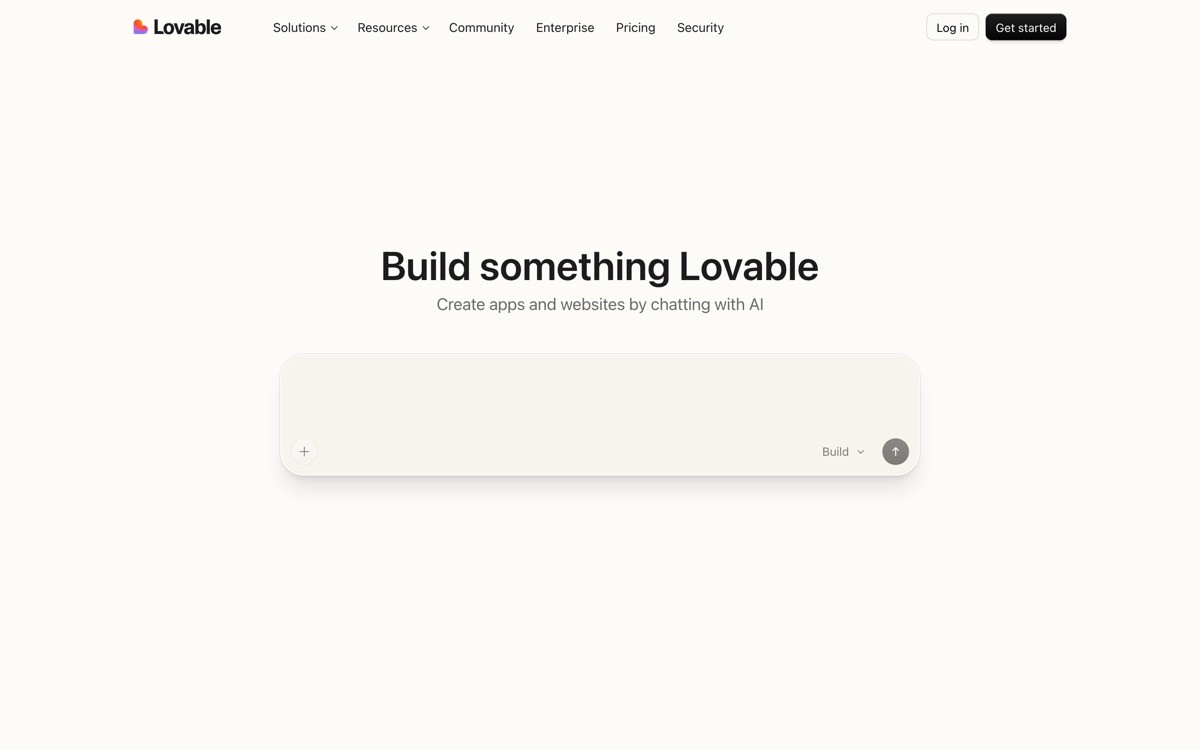
Lovable is an AI app builder that takes a plain-English prompt and ships a working full-stack React app with authentication, database, and a public URL in minutes. The shift in 2026 is that founders are using it to launch real products with paying users, not just throwaway demos.
What makes Lovable the strongest end-to-end pick is the gap between what gets generated and what a working product needs. Most builders stop at the frontend. Lovable wires up Supabase auth, persistent data, and a live deploy by default, so the gap between prompt and product is measured in iterations, not weeks of glue work.
Key strengths
Full-stack output by default, frontend plus auth, database, and hosting
Conversational iteration, change copy or layout by chatting in the editor
Live preview that updates as you prompt, no deploy step needed during build
Github sync so the codebase is yours, not locked to the platform
Supabase integration for data, auth, and edge functions
Active community and gallery of shipped apps to learn from
Best for
Non-technical founders who want a real product with auth and data, not a static landing page
Solo builders shipping a paid SaaS, internal tool, or community app in a weekend
Product people who want to validate an idea with a working app, not a Figma mock
Pricing
Free tier with daily prompt limits
Paid plans for higher message limits, private projects, and custom domains
Team plans for collaboration
Pros
Single tool covers prompt to deployed app, no separate hosting or backend setup
Generated code is real React you can export and keep working in any IDE
Best-in-class for non-technical founders who want a real product feeling
Cons
Default UI patterns can feel generic if you do not iterate on design
Complex business logic still benefits from a developer review before scaling
2. Bolt.new, best for shipping a working prototype the same day
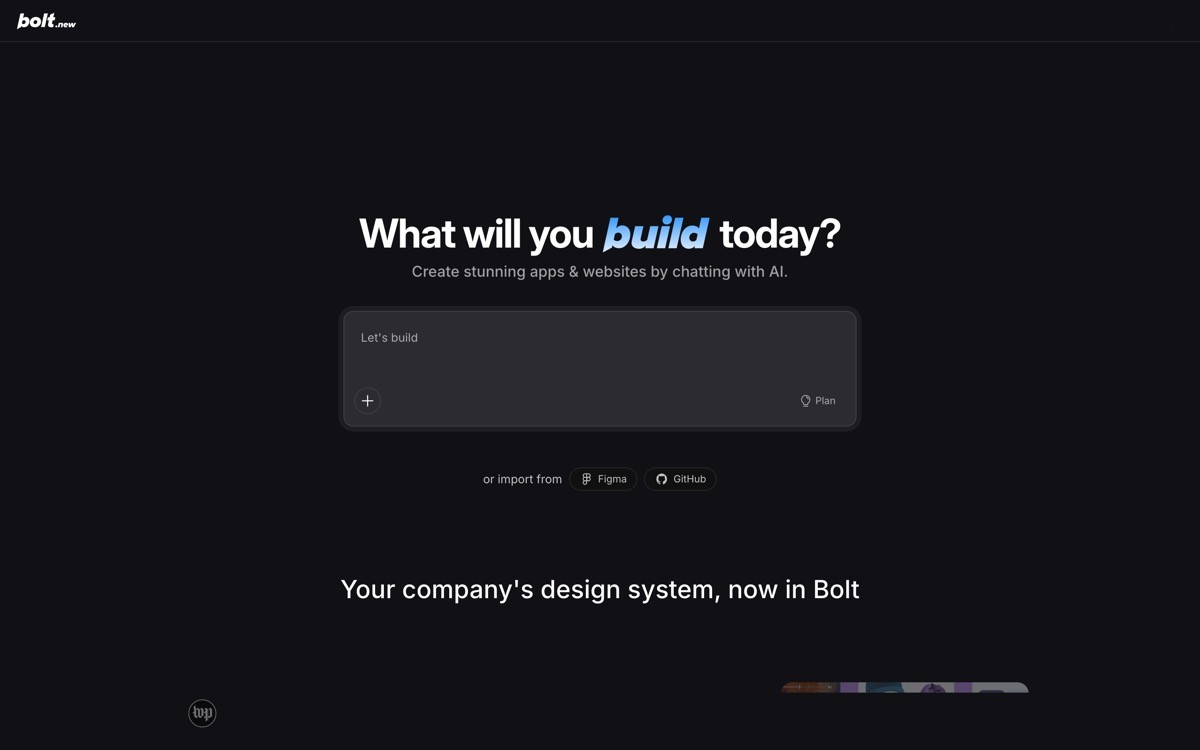
Bolt.new is a browser-based AI app builder that runs the full Node.js stack inside the browser using WebContainers, so you see the app actually executing before you finish prompting. It is built by StackBlitz and aimed at builders who want zero local setup and instant feedback.
The differentiator is execution speed. Other builders generate code that runs in the cloud after a build step. Bolt.new compiles and runs in the browser tab. That means you can prompt, see the result, modify, and iterate in seconds, which is the right pattern for one-day prototypes and live demos.
Key strengths
Full Node stack runs in browser via WebContainers, no install
npm packages install in the browser, including server-side libraries
Live preview reflects every edit in real time
One-click deploy to Netlify or similar host
Strong at React, Next.js, Astro, Svelte, Vue
Open-source variant available for self-hosting
Best for
Founders demoing a concept live in a meeting or pitch
Builders who want to skip local environment setup entirely
Developers prototyping ideas before committing to a stack
Pricing
Free tier with daily message limits
Pro paid plans for higher limits and longer sessions
Teams plan for collaboration
Pros
Fastest visible feedback loop of any builder in this list
No setup, no install, runs entirely in browser
Output is real code you can export to your own repo
Cons
Browser sessions can run out of memory on larger projects
Backend persistence requires connecting external services like Supabase
3. v0 by Vercel, best for frontend polish and design-led founders
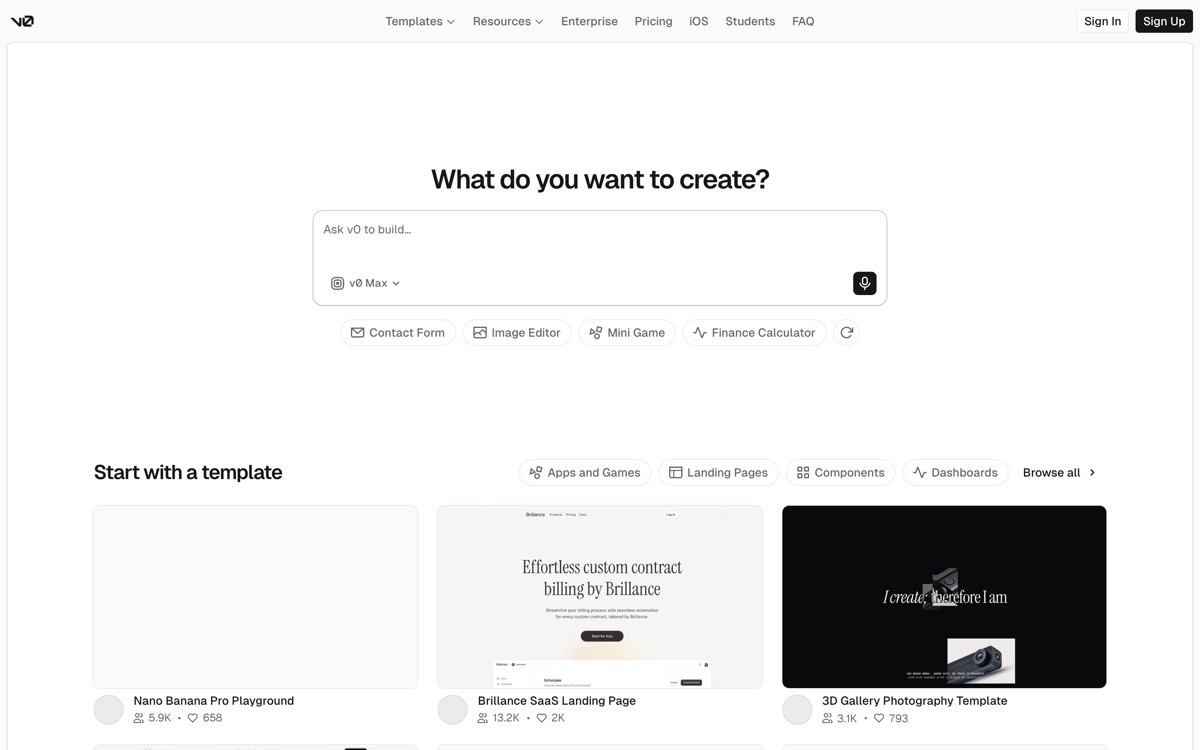
v0 is an AI generative UI tool from Vercel that produces React components styled with Tailwind CSS and shadcn/ui from a prompt or a reference image. It is the strongest pick when how the product looks is the differentiator and you want to keep the engineering in your own stack.
The distinctive value is design quality out of the box. Because v0 ships components built on shadcn primitives, the generated UI tends to look like a serious 2026 web product, not a templated AI demo. Pair that with one-click deploy to Vercel and the loop from prompt to live URL is among the cleanest in the category.
Key strengths
shadcn-based components for a modern, consistent look
Tailwind output that any frontend engineer can read and extend
Multimodal input, prompt with text or a reference screenshot
One-click deploy to Vercel with environment variable wiring
Direct integration with Next.js App Router patterns
Component library that grows as v0 evolves
Best for
Design-led founders who want a polished frontend without paying for design from day one
Teams already on the Vercel stack who want a fast UI prototype
Designers exploring product ideas with real components, not mockups
Pricing
Free tier with monthly message limits
Paid plans for higher limits, team usage, and private projects
Enterprise pricing on request
Pros
Highest visual ceiling of any AI app builder in 2026, especially for marketing pages and dashboards
Output drops directly into Next.js and React projects
Reference-image input is the cleanest in the category
Cons
Frontend-only by default, backend and auth require your own setup
Best results assume you are comfortable in a Next.js or React project
4. Cursor, best when you want to learn to read code
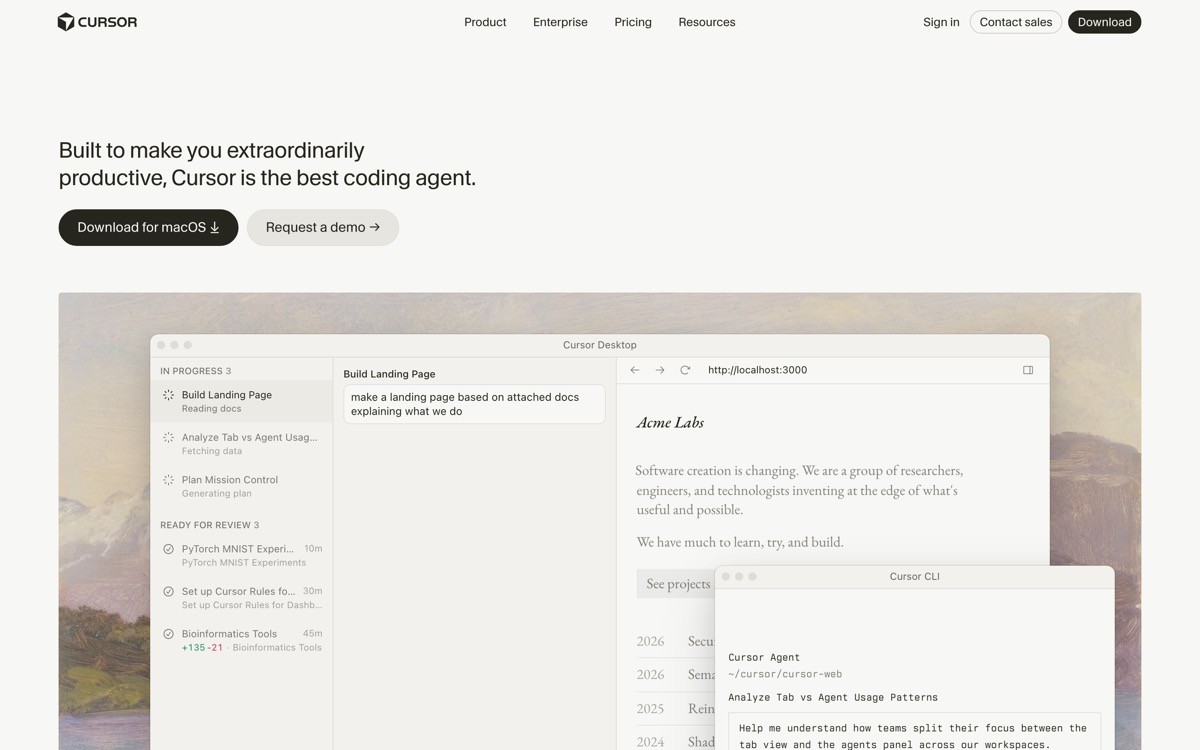
Cursor is an AI-first code editor built on top of VS Code that lets you chat with your entire codebase, generate features, and refactor with natural language. It is the right next step for a non-technical founder who has shipped a Lovable or Bolt project and wants to keep building inside the actual code.
What makes it distinctive is the depth of codebase awareness. Cursor indexes your project, references multiple files at once when generating, and runs agentic edits across the repo. That matters because at some point every AI-built SaaS hits a wall where prompt-only builders cannot reason about the existing architecture.
Key strengths
Built on VS Code, so every extension and keyboard shortcut still works
Agent mode runs multi-step edits across the repo
Inline chat with codebase context, references multiple files
Strong at Python, TypeScript, React, Swift, Kotlin, Go, Rust
Bring your own model keys, including Claude, GPT, and Gemini
Works with any git workflow and any deployment target
Best for
Founders graduating from a prompt-only builder to maintaining real code
Solo developers who want AI as a pair programmer, not a generator
Technical co-founders shipping at speed without leaving the IDE
Pricing
Free tier with limited monthly requests
Pro paid plans for unlimited completions and agent runs
Business plans for team usage and privacy controls
Pros
Best AI experience for working inside an existing codebase
Familiar IDE means existing developer workflows transfer one-to-one
Agent mode handles multi-file refactors that prompt-only builders cannot
Cons
Requires comfort opening a terminal and running commands
Higher ceiling than Lovable or Bolt, but steeper learning curve for non-technical users
5. Replit Agent, best for builders who want one environment for everything
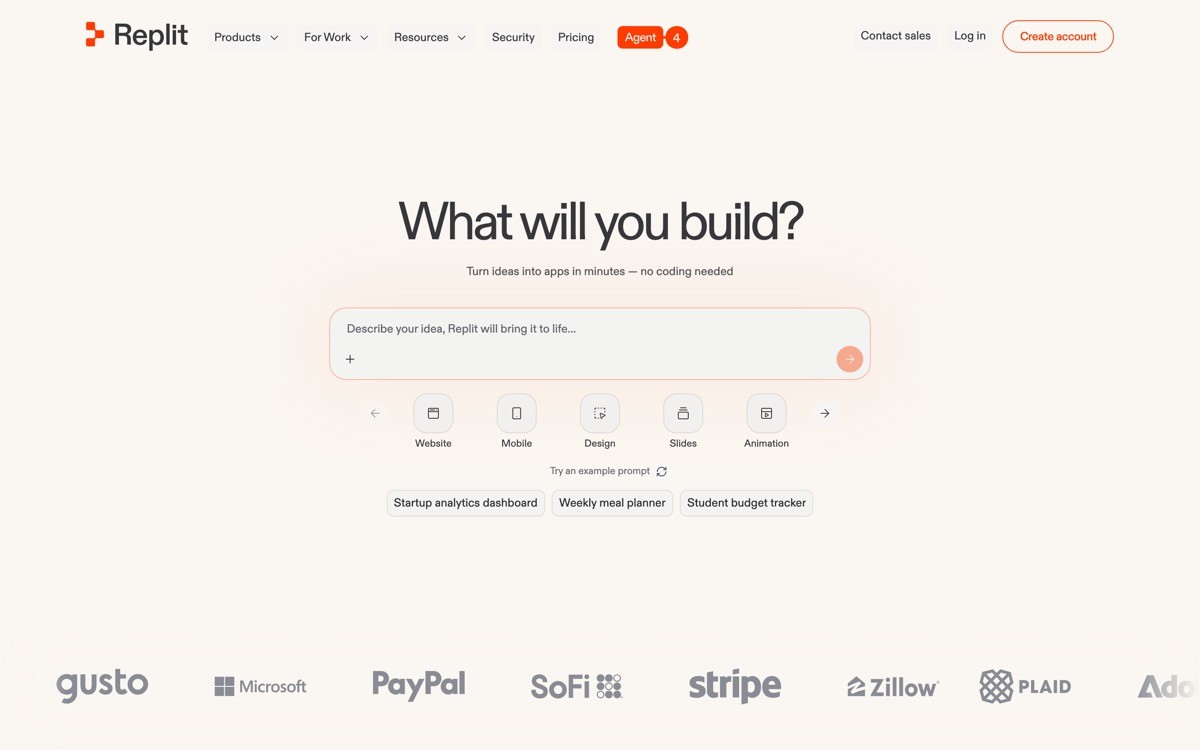
Replit Agent is the AI builder inside Replit's cloud development environment, which means the agent, the code, the database, and the hosting all live in the same place. For founders who do not want to manage deploys, secrets, or hosting separately, it is the most cohesive option in the category.
The distinctive value is the closed loop. You prompt the agent, it writes the code, the code runs in the same Replit workspace, and the live URL is already public. Replit also handles secrets, databases (via Replit DB or Postgres), and continuous running, which removes most of the operational drag a non-technical founder usually hits.
Key strengths
Agent, IDE, database, secrets, and hosting in one workspace
Always-on deployments for production apps
Replit DB and Postgres built in, no external setup
Mobile app for editing and chatting with the agent on the go
Strong support for Python and Node.js stacks
Large template gallery for common app patterns
Best for
Builders who want to skip every piece of infra setup
Educators and bootcamps teaching app building with AI
Founders prototyping back-office tools and small internal apps
Pricing
Free tier with usage limits and public Repls
Core paid plan for private projects, more compute, and always-on apps
Team plans for collaboration
Pros
Cleanest end-to-end environment, prompt to production in one tab
Mobile app is unique in this list, letting you ship from a phone
Always-on deploys remove ops burden for early-stage products
Cons
Performance on larger production workloads lags dedicated hosting platforms
Some users will outgrow the platform once their app needs custom infra
6. Base44, best for internal tools and operations apps
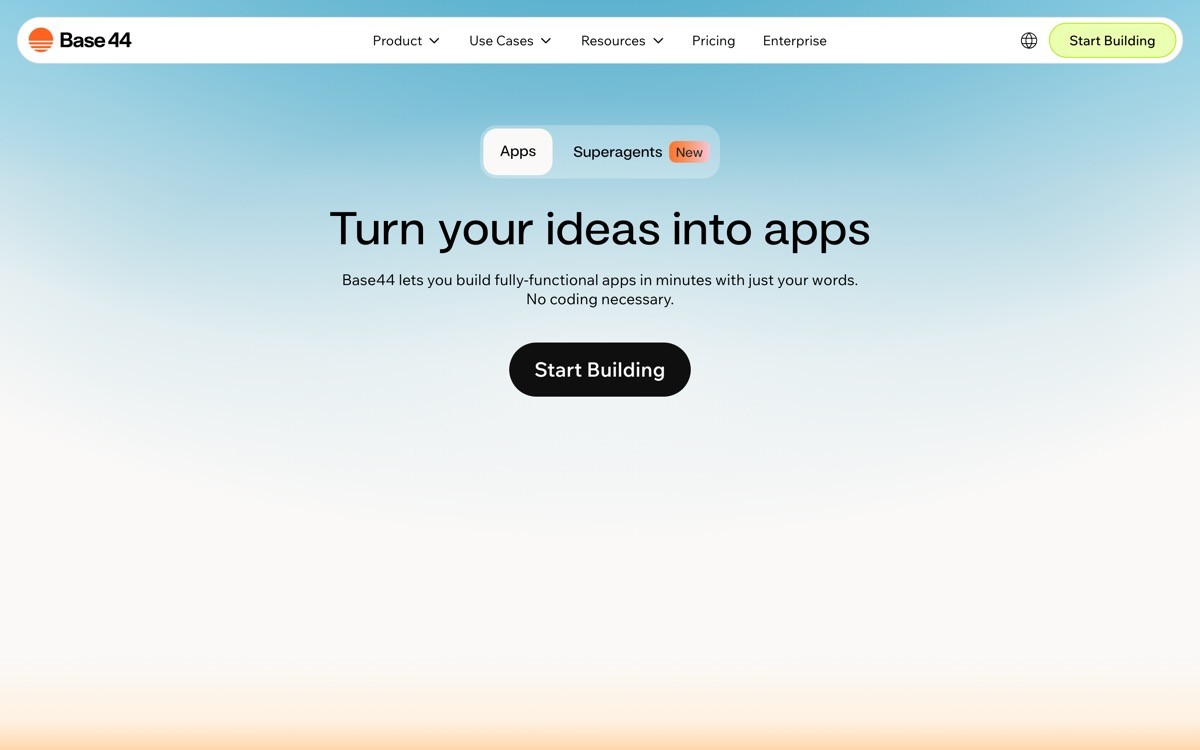
Base44 is an AI app builder focused on internal tools, admin dashboards, and operations workflows. While most builders in this list target customer-facing SaaS, Base44 is purpose-built for the back-office layer that every company eventually needs but no one wants to write from scratch.
The distinctive value is fit for purpose. Internal tools have predictable patterns (CRUD, tables, forms, role-based access, integrations with internal data sources), and Base44 ships those primitives by default. That removes the design and engineering grind that usually slows internal tooling to a crawl.
Key strengths
Purpose-built for admin panels, CRUD apps, and ops workflows
Database, auth, and role-based access included
Connects to common data sources like Postgres, MySQL, REST APIs
Generates editable React under the hood
Templates for common internal patterns, including dashboards and approvals
Hostable on the platform or exported to your own infra
Best for
Operators building internal tools without an engineering team
Solo founders running customer support, billing, or ops dashboards
Small teams that need a fast back-office layer for an existing product
Pricing
Free tier for small projects
Paid plans for more apps, users, and integrations
Team and enterprise plans available
Pros
Best fit in this list for back-office workflows where customer-facing polish is not the goal
Role-based access and data integrations work out of the box
Removes the design overhead that usually slows internal tooling
Cons
Not the right pick for customer-facing marketing sites or polished consumer apps
Smaller community and template library than category leaders
7. Same, best for cloning and remixing existing apps

Same is an AI app builder that lets you generate a UI by pointing at a reference website or screenshot, then iterate from that starting point. It is the most useful tool in this list when you have a clear visual reference but no design skills to translate it.
The distinctive value is the reference-first workflow. Instead of starting from a blank prompt, you describe the app you want to build by showing the agent a real product, then ask for changes. For non-technical founders who think in terms of "like X but for Y," this matches how the idea is already framed in their head.
Key strengths
Generates UI from a URL or screenshot as the starting point
Strong at replicating layout, typography, and component patterns
Iteration via chat, with the original reference as anchor
Exports to React and Tailwind
Useful for fast inspiration and side-by-side comparisons
Best for
Founders building a clear "X for Y" remix of an existing product
Designers exploring variations on a reference UI
Builders who think visually and want the agent to start where their reference is
Pricing
Free tier with daily generation limits
Paid plans for higher limits and more projects
Pros
Most natural workflow for founders who already have a reference product in mind
Output respects the structure and rhythm of the reference, not a generic template
Cons
Reference-first approach can encourage clones rather than original product thinking
Backend and data layers are not the focus, expect to wire those separately
How to choose the best AI app builder for your stage
1) Are you shipping an MVP or a real product with users?
If you are validating an idea this week, optimize for time-to-running-app. Bolt.new and Replit Agent will get you a clickable prototype faster than anything else, because there is no install, no deploy step, and the loop is measured in seconds. If you are shipping a product real users will pay for, prioritize full-stack output and a real backend. Lovable is the safest pick because auth, database, and deploys come together by default.
2) Do you need full-stack output, or only a polished frontend?
If the value of your product is the data, the workflow, and the persistence, you need a full-stack builder. Lovable and Replit Agent handle this. If the value is the look, feel, and flow of a marketing site, dashboard, or landing page, v0 is the strongest pick. You will save weeks of design work and the output drops into any Next.js project.
3) How much design polish does the output need before users see it?
Most AI builders ship a default look that screams "AI-built" after the first 30 seconds. If your product is competing on design (most SaaS in 2026 is), assume the generated UI is a starting point, not a finishing point. v0 ships the most opinionated and polished defaults. Lovable and Bolt.new give you a solid foundation but reward intentional iteration on type, spacing, and microcopy.
4) How much code are you willing to read?
If the answer is none, stay in prompt-only tools like Lovable, Bolt.new, Same, and Base44 as long as you can. If you are willing to read but not write, Cursor is the natural graduation. It lets you chat with an existing codebase generated by another builder and keep shipping without learning to type semicolons. Most successful AI-built SaaS in 2026 sit somewhere on this spectrum, the founder is reading code but not writing most of it from scratch.
5) Are you running customer-facing or internal-facing apps?
Customer-facing apps need design, branding, and a marketing layer. Reach for v0 for the frontend, Lovable for the full app. Internal apps need fast CRUD, role-based access, and integrations. Base44 is the right starting point. Matching builder to surface area is the single biggest leverage point in this category.
If you have picked your AI app builder but want a design partner to turn the AI-built output into a profitable, human-grade product, landing pages that convert, dashboards that do not look templated, brand systems that feel unicorn-grade, that is what AY Design does. We help non-technical founders and product teams ship AI-built SaaS that does not look AI-built. Book a design audit to see what to fix first.
FAQ
What is the best AI app builder for non-technical founders in 2026?
The best AI app builder for non-technical founders in 2026 is Lovable, because it ships a full-stack React app with auth, database, and a live URL by default, which is what a real product needs. Bolt.new is the strongest alternative if you want the fastest possible feedback loop, and v0 is the best pick when frontend polish is the differentiator.
Can a non-technical founder really ship a SaaS with an AI app builder?
Yes, in 2026 it is realistic for a non-technical founder to ship a working SaaS with an AI app builder and run it in production for paying users. The catch is that scaling beyond a few hundred customers usually requires reading code, fixing bugs, and handling edge cases that prompt-only tools cannot reason about, which is when Cursor or a developer typically enters the loop.
What is the difference between Lovable, Bolt.new, and v0?
Lovable is a full-stack AI app builder that includes auth, database, and deploys by default, aimed at non-technical founders shipping real products. Bolt.new runs the full Node stack in the browser for the fastest possible prototype loop. v0 is a frontend-only generative UI tool from Vercel focused on polished React and Tailwind components, best when design quality matters most.
Is there a free AI app builder?
Yes, Lovable, Bolt.new, v0, Cursor, Replit Agent, Base44, and Same all offer a free tier with daily or monthly usage limits. Free tiers are enough to ship a prototype and validate an idea, but most builders move to a paid plan within their first month once they hit the message or compute limit.
Which AI app builder is best for shipping a landing page?
For a polished landing page, v0 by Vercel is the strongest AI app builder because it generates UIs using shadcn components on Tailwind CSS, which produces a modern look out of the box, then deploys to Vercel in one click. Lovable and Bolt.new can both ship a landing page, but they are stronger when you also need the rest of the product behind it.
Which AI app builder is best for shipping a dashboard?
For a customer-facing dashboard, Lovable is the strongest pick because it wires up auth, data, and the UI together. For internal admin dashboards, Base44 is purpose-built for that use case. For a design-led dashboard where polish is the differentiator, generate the UI with v0 and wire the data in your own Next.js project.
Should I use an AI app builder or hire a developer?
Use an AI app builder until the cost of the next feature exceeds the cost of bringing in a developer or design partner. For most non-technical founders in 2026 that means shipping the first version with Lovable, Bolt.new, or v0, validating with real users, then bringing in specialists when the product needs custom engineering, real design work, or scale that prompt-only tools cannot deliver.
What happens when my AI-built app stops looking like a real product?
Most AI-built apps hit a design ceiling after the first month, when the generic look starts costing conversions, retention, or referrals. At that point founders typically bring in a design partner to redesign landing pages, rebuild the dashboard UX, and ship a brand system that makes the product feel intentional. An AI-product design agency handles the redesign sprint and conversion work end-to-end without forcing you to rebuild from scratch.
Checkout other Blogs:

Multi-agent system UX design guide for 2026
A pattern-by-pattern guide to designing multi-agent system UX in 2026, with a scoring matrix and references from Claude Code, LangGraph, Devin, and Replit Agent.
Author:
AY Designs Team

Human-in-the-loop AI design guide for 2026
A 2026 guide to human-in-the-loop AI design with patterns, scoring framework, and examples from Cursor, Claude Code, Stripe, and Notion AI.
Author:
AY Designs Team

How to design agentic AI products in 2026: a 7-step playbook
A seven-step design playbook for shipping agentic AI products that users actually trust, with scoring matrix and real product references from Cursor, Claude Code, Devin, and Perplexity.
Author:
AY Designs Team

How much does AI SaaS design cost in 2026?
AI SaaS design cost in 2026 by tier and engagement type, with ranges, timelines, and a value scorecard for founders shipping with Lovable, Bolt, and v0.
Author:
AY Designs Team