
The SaaS landing page market split in two over the last three years. On one side, founders ship a hero in a weekend with a no-code builder. On the other, agencies and in-house teams build conversion-optimized funnels with the same tools, just used with intent. The platform is rarely the constraint anymore. The constraint is how seriously you treat the page.
This guide compares the best no-code tools for SaaS landing pages in 2026, with a focus on what each platform can actually ship for a B2B or AI SaaS audience: speed of build, design ceiling, SEO and analytics surface, integrations with your stack, and what happens when the page needs to do real work (A/B tests, dynamic content, lead routing).
TL;DR, for most SaaS founders, Framer is the strongest design-led pick, Webflow is the best choice when you need a full marketing site plus CMS, and Unbounce or Carrd is the right pick when you only need a single conversion page and want to ship today.
Best no-code SaaS landing page tools: a brief overview
Framer: Best overall for design-led SaaS landing pages, advanced animation and breakpoints with native CMS and forms.
Webflow: Best for full marketing sites with a content team, mature CMS, strong SEO surface, large template economy.
Wix Studio: Best for designers coming from Wix who want pro-grade responsive controls without leaving the ecosystem.
Squarespace: Best for non-technical founders who need a polished page without thinking about breakpoints.
Carrd: Best single-page builder for indie SaaS and validation pages.
Unbounce: Best dedicated conversion platform with built-in A/B testing and AI optimization.
Tilda: Best block-based builder for editorial-style SaaS pages and long-form storytelling.
Dorik: Best lightweight Webflow alternative for solo founders on a budget.
Tool | Key strength | Pricing | Platforms |
|---|---|---|---|
Framer | Design-first builder with native animation and CMS | Free tier; Paid from $5/site/month | Web, custom domain, CMS |
Webflow | Mature CMS, large template economy, SEO depth | Free workspace; Site plans from $14/month | Web, CMS, ecommerce |
Wix Studio | Pro responsive controls within Wix ecosystem | Studio free; Premium plans from ~$17/month | Web, CMS, apps |
Squarespace | Polished templates, low learning curve | From $16/month | Web, ecommerce, email |
Carrd | Single-page builder for fast validation | Free tier; Pro from $9/year | Web |
Unbounce | Built-in A/B testing and conversion AI | From $99/month | Web, integrations |
Tilda | Block-based editorial pages | Free tier; Paid from ~$15/month | Web, CMS |
Dorik | Affordable Webflow alternative with AI builder | Free tier; Paid from $14/month | Web, CMS |
1. Framer, best overall for design-led SaaS landing pages
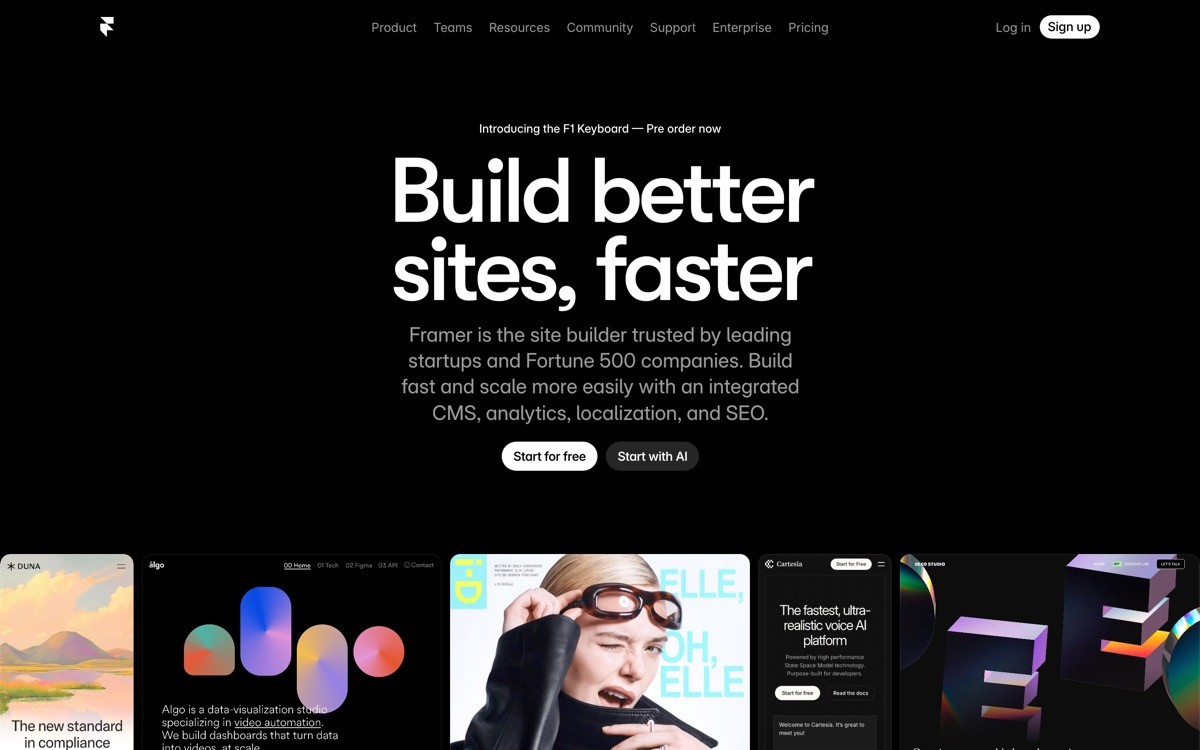
Framer is a design-first no-code builder where the canvas behaves like Figma and the output is production-grade React under the hood. For SaaS landing pages, that means animation, scroll effects, responsive control, and component reuse without writing CSS.
What makes Framer the strongest design-led pick in 2026 is the gap between what a non-designer can ship (a clean template-based page) and what a designer with intent can ship (a unicorn-grade marketing site with custom animation, scroll-tied scenes, and CMS-driven case studies). The ceiling is high enough to grow with the brand.
Key strengths
Figma-style canvas with auto-layout and breakpoints
Native animation and scroll effects without code
CMS for blog, case studies, and changelog with one-click filters and sorting
Built-in forms with integrations to popular CRMs and ESPs
SEO surface with meta, schema, sitemap, and redirects
Code components and CSS escape hatch for advanced work
Best for
AI SaaS and B2B founders who want a design-led marketing site
Product teams that already work in Figma and want a similar canvas for the website
Agencies and freelancers shipping client SaaS marketing sites
Pricing
Free tier with framer.website subdomain
Paid plans starting around $5 per site per month for custom domain
Pro and Team plans for CMS and collaboration
Pros
Highest design ceiling of any no-code builder in 2026
Output is fast (server-rendered, image-optimized, CDN-backed)
Marketplace of templates and components keeps growing
Cons
CMS is newer and less mature than Webflow's for content-heavy sites
Steeper learning curve for non-designers vs Squarespace or Carrd
2. Webflow, best for full marketing sites with a content team
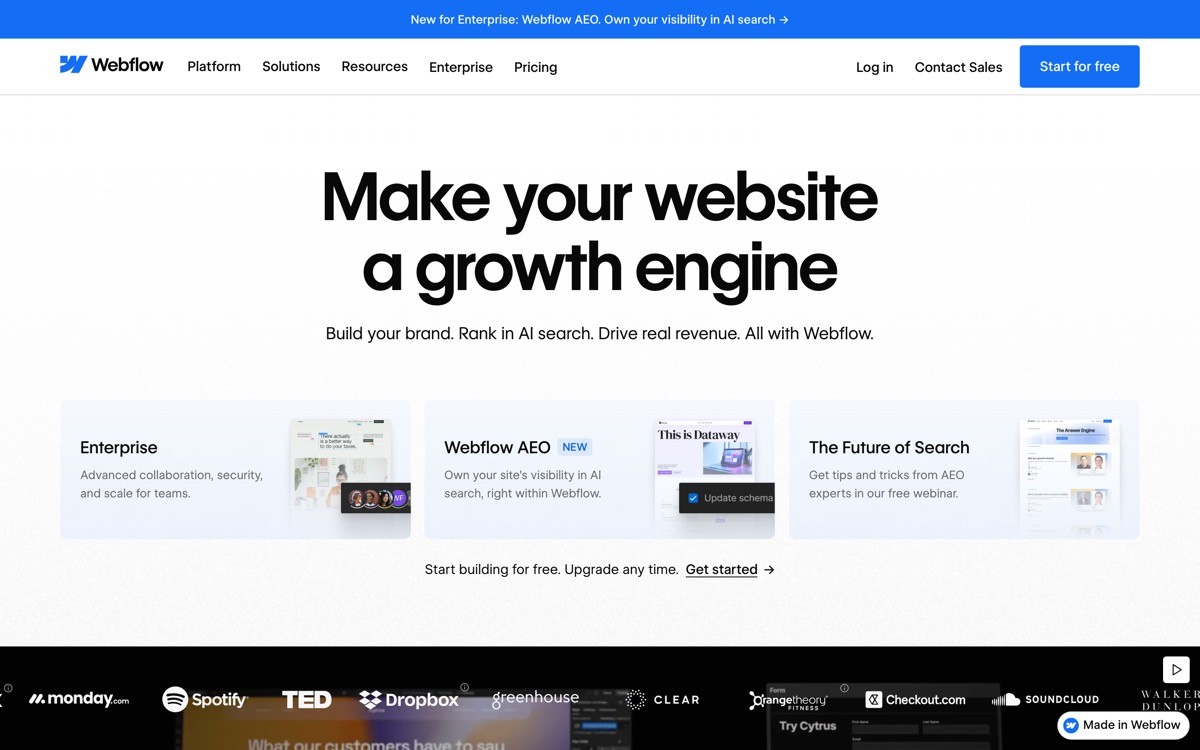
Webflow is a visual web builder with the most mature CMS in the no-code ecosystem. For SaaS teams that ship a full marketing site (blog, case studies, integrations directory, changelog, careers, docs), Webflow's content modeling, reference fields, and editor experience remain the benchmark.
The trade-off is complexity. Webflow expects you to understand the box model, flex, and grid before the canvas makes sense. That investment pays back at scale, but it can slow down a solo founder who just needs a hero and a pricing page.
Key strengths
Mature CMS with reference fields, multi-image fields, and rich content
Strong SEO surface with auto-generated sitemaps and clean output
Massive template marketplace and partner agency network
Built-in form handling, memberships, and ecommerce
Logic and workflows on higher tiers for conditional content
Excellent localization with Webflow Localization
Best for
SaaS teams with a content marketing motion (blog, case studies, integrations)
B2B brands that need a long-term marketing CMS
Agencies shipping multi-page sites for clients
Pricing
Free workspace for building, no hosting
Site plans starting around $14 per month, CMS plans around $23 per month
Business and Enterprise plans for scale
Pros
The most mature CMS in the no-code category
Strong agency and template ecosystem
Solid SEO performance out of the box
Cons
Learning curve is real, expect a week before you're productive
Animation surface lags behind Framer for design-led pages
3. Wix Studio, best pro-tier Wix experience
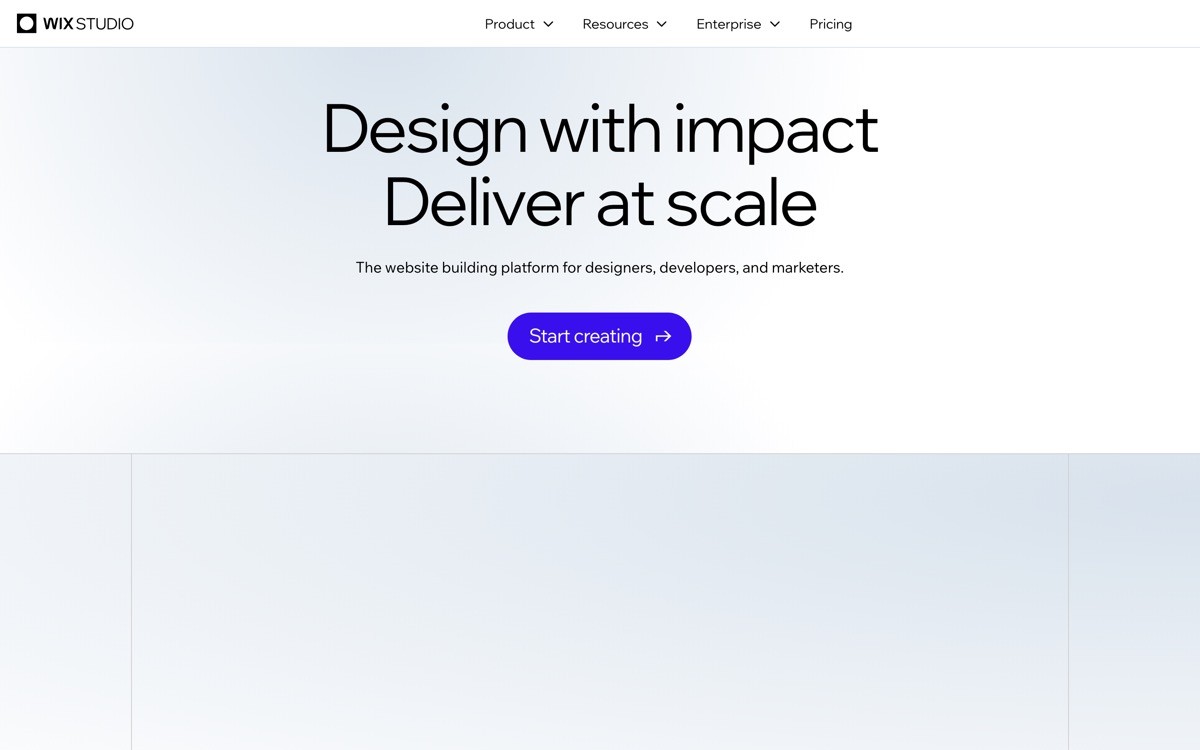
Wix Studio is Wix's professional-tier builder, designed for agencies and designers who want responsive control, custom breakpoints, and CMS without leaving the Wix ecosystem. It is a real upgrade over classic Wix, with a canvas that competes with Webflow on responsiveness.
For SaaS landing pages, Wix Studio is most useful when you're already in the Wix ecosystem (existing site, team familiarity) or you want the built-in apps marketplace (booking, members, ecommerce) without integrating third-party tools.
Key strengths
Responsive breakpoint controls comparable to Webflow
Built-in CMS with content collections
Large app marketplace for forms, bookings, ecommerce
AI site generation for fast template starts
Native integrations with the broader Wix ecosystem
Best for
Teams already using Wix who want to upgrade to a pro builder
Agencies serving SMB SaaS clients who need apps and bookings included
Founders who want a single platform for site, email, and bookings
Pricing
Wix Studio platform is free to build on
Premium plans starting around $17 per month for custom domain and hosting
Business and ecommerce tiers for advanced features
Pros
Real responsive control, not just hidden mobile views
App marketplace covers most SMB needs
Faster start than Webflow for non-designers
Cons
Smaller agency and template ecosystem than Webflow or Framer for B2B SaaS
Brand association with consumer / SMB sites can be a buyer signal in B2B
4. Squarespace, best for non-technical founders
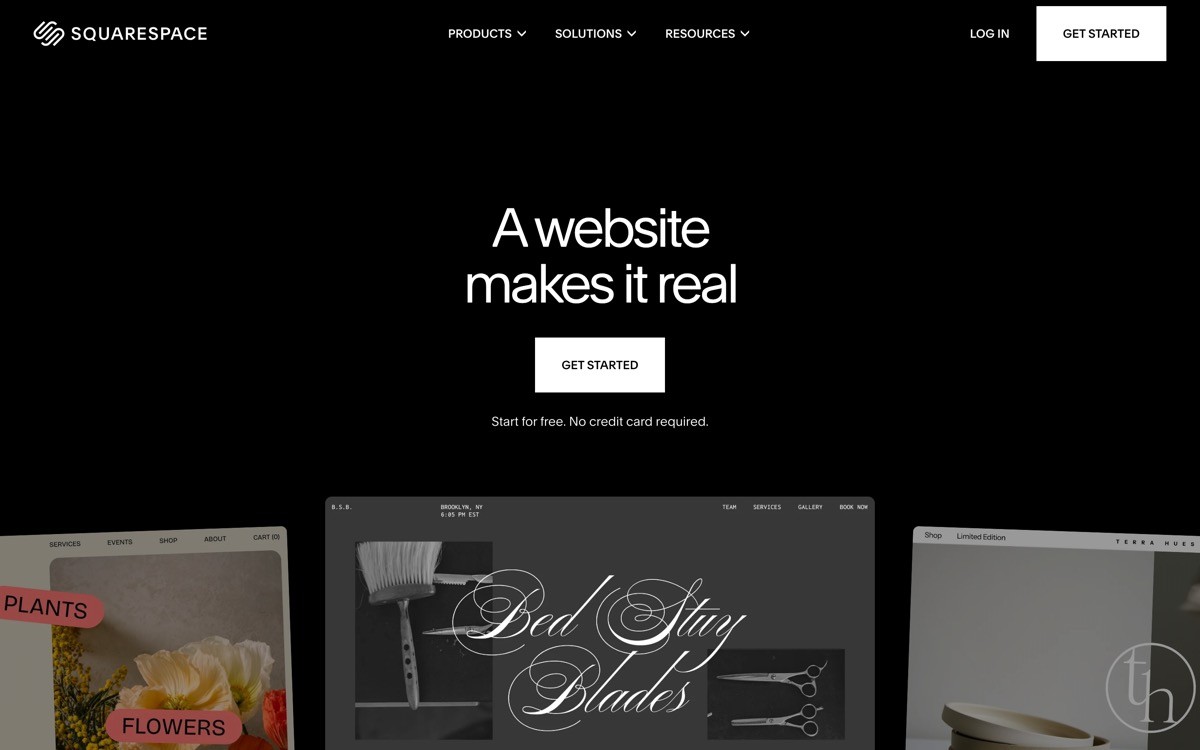
Squarespace is a template-led builder where the design system does most of the work. For non-technical founders who want a polished page without spending a weekend learning breakpoints, the template-plus-fluid-engine combination ships a respectable SaaS landing page in a few hours.
The ceiling is lower than Framer or Webflow, but the floor is much higher. There is almost no way to ship something ugly.
Key strengths
Polished templates with consistent typography and spacing
Fluid Engine layout system for flexible block placement
Built-in email marketing and scheduling
Stable SEO with clean URLs and meta controls
Best for
Non-technical SaaS founders shipping a first marketing page
Indie devs who want to focus on product, not the website
Small teams that don't want to maintain a custom design system
Pricing
Plans starting around $16 per month
Higher tiers include scheduling, email, and ecommerce
Pros
Easiest to ship something that looks decent
Built-in tools reduce third-party integrations
Cons
Low design ceiling for differentiated brand work
Customization beyond templates is limited compared to Framer or Webflow
5. Carrd, best single-page builder
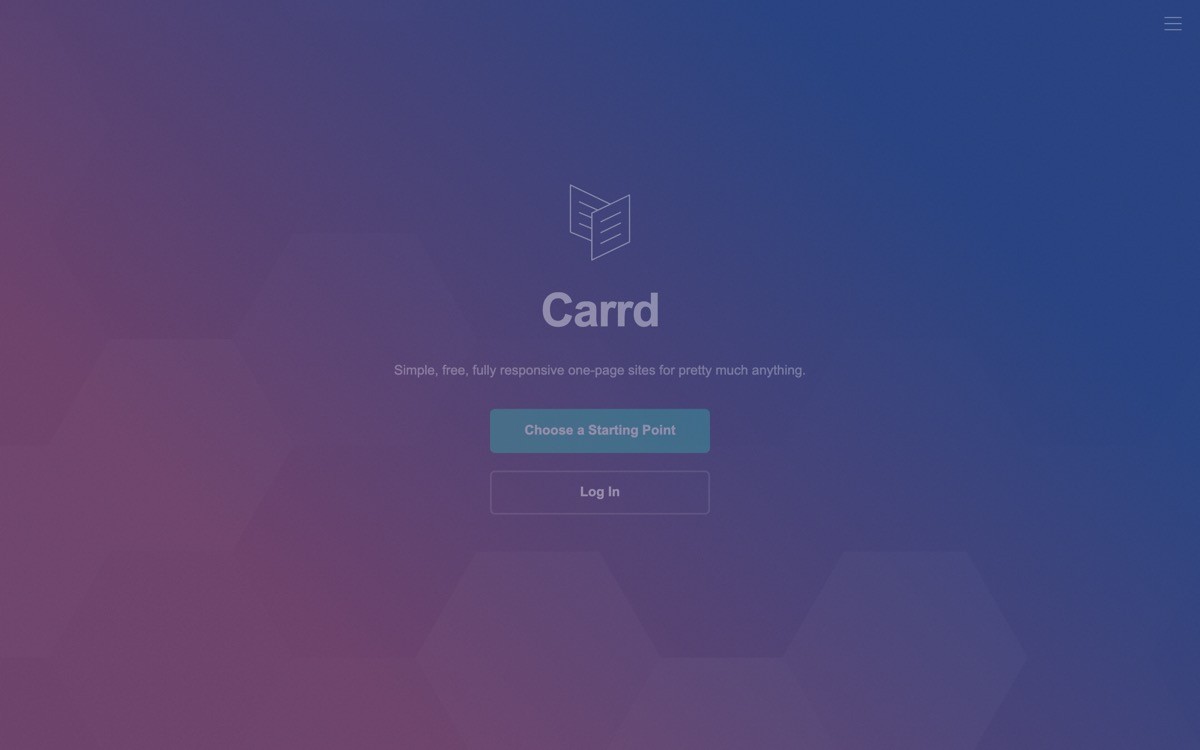
Carrd is a single-page site builder built for speed. You pick a template, fill in the copy, connect a domain, and ship in under an hour. For SaaS founders validating an idea or building a waitlist page before the product exists, it is the fastest option in the category.
The constraint is right there in the name: one page. If your strategy needs a blog, case studies, or pricing tiers across multiple pages, Carrd is the wrong tool. If you only need one page that converts a visitor into an email signup or demo request, it's the right one.
Key strengths
One-page sites optimized for speed of build
Form handling with email and webhook delivery
Stripe payment integration on Pro tier
Custom domain on the lowest paid plan
Tiny output: pages load fast on slow connections
Best for
Founders validating a SaaS idea with a waitlist
Indie hackers shipping a single product page
Side projects and pre-product MVPs
Pricing
Free tier with Carrd-branded site
Pro tiers from $9 to $49 per year (annual pricing, not monthly)
Pros
Cheapest serious option in the category
Fastest from idea to shipped page
Lightweight output performs well on Core Web Vitals
Cons
One page only, no real CMS or blog
Customization options are intentionally limited
6. Unbounce, best conversion-focused platform
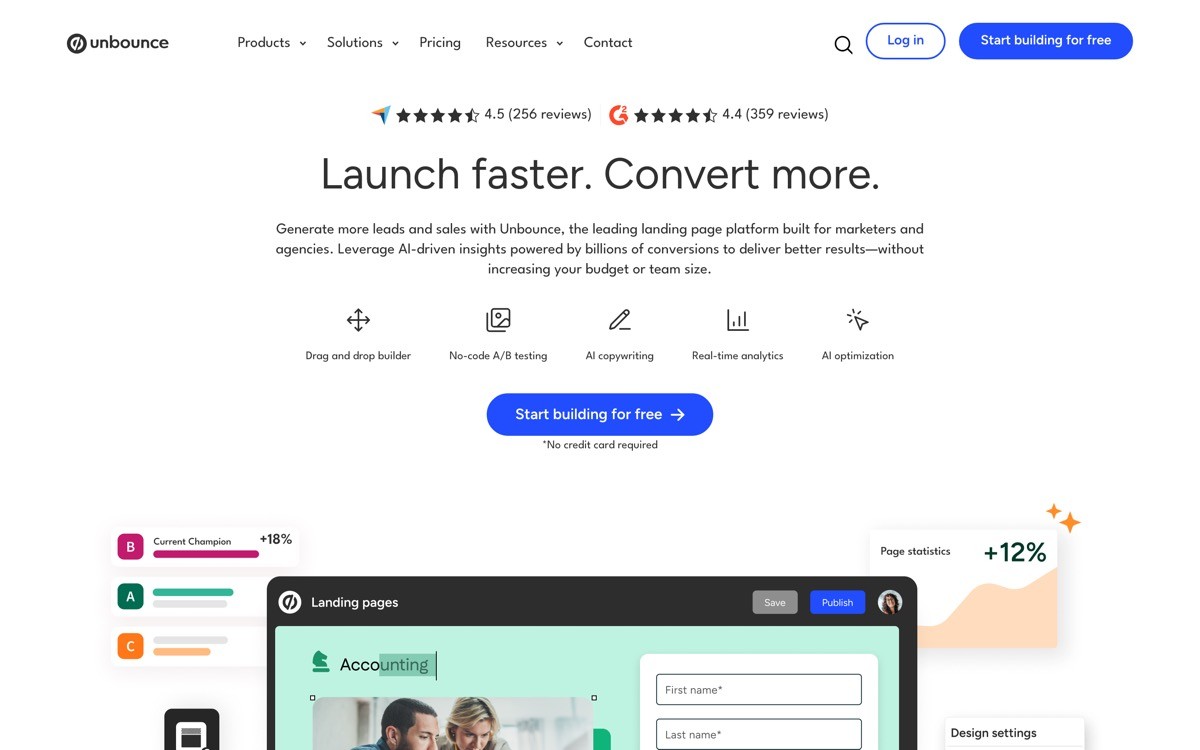
Unbounce is a conversion platform first, a website builder second. It is built specifically for paid-traffic landing pages: built-in A/B testing, dynamic text replacement, popups and sticky bars, and an AI conversion optimization layer that automatically routes traffic to the best-performing variant.
For SaaS teams running paid acquisition, Unbounce earns its higher price tag through measurable conversion lift, not aesthetic ceiling.
Key strengths
Built-in A/B testing across variants
Smart Traffic AI that routes visitors to the variant likely to convert
Dynamic text replacement for keyword-matched ad campaigns
Popups and sticky bars included
Strong integration with paid-acquisition stacks (HubSpot, Salesforce, Zapier)
Best for
SaaS teams running paid acquisition at scale
Marketing teams responsible for hitting MQL or signup targets
Performance marketers who want testing built in, not bolted on
Pricing
Plans starting around $99 per month
Higher tiers for unlimited domains and more conversions
Pros
Conversion features that pay back the price tag on paid traffic
Mature A/B testing without third-party tooling
Strong support and conversion playbooks
Cons
Pricing is steep for early-stage founders without a paid budget
Design ceiling lower than Framer or Webflow
7. Tilda, best for editorial-style SaaS pages
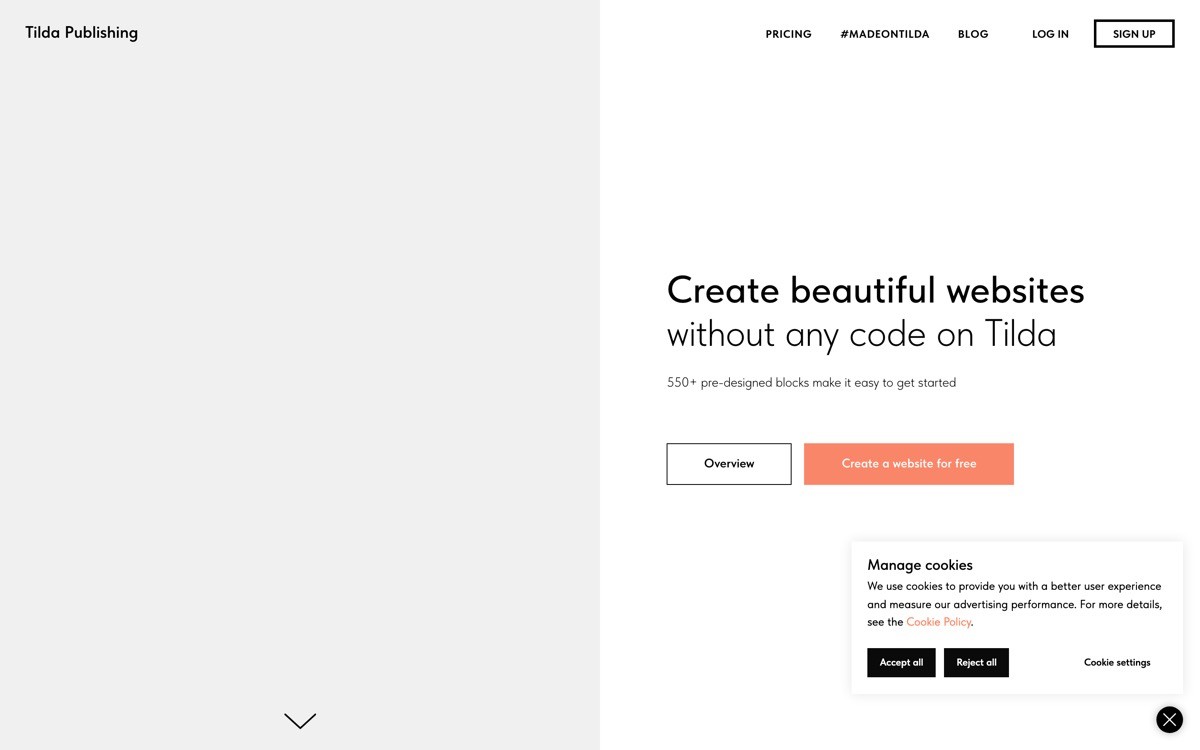
Tilda is a block-based site builder with a strong library of pre-designed sections: hero, features, testimonials, pricing tables, CTAs. Its aesthetic skews editorial, with strong typography defaults and a focus on long-form storytelling.
For SaaS products that lean on narrative (a manifesto-style launch page, a long landing page that walks through the problem and solution), Tilda's block library compresses days of work into hours.
Key strengths
Block library with hundreds of pre-designed sections
Strong typography defaults out of the box
Zero Block for custom design within a fixed canvas
Built-in CMS and form handling
Export to HTML/CSS on higher tiers
Best for
SaaS founders shipping long-form narrative landing pages
Teams that want editorial polish without hiring a designer
Founders who prefer block libraries to blank canvases
Pricing
Free tier with Tilda branding and limits
Personal plan around $15 per month, Business plan with multi-site
Pros
Block library is genuinely well-designed
Output performs well on Core Web Vitals
Affordable for what it ships
Cons
Less responsive control than Framer or Webflow
Animation and scroll effects are basic
8. Dorik, best affordable Webflow alternative
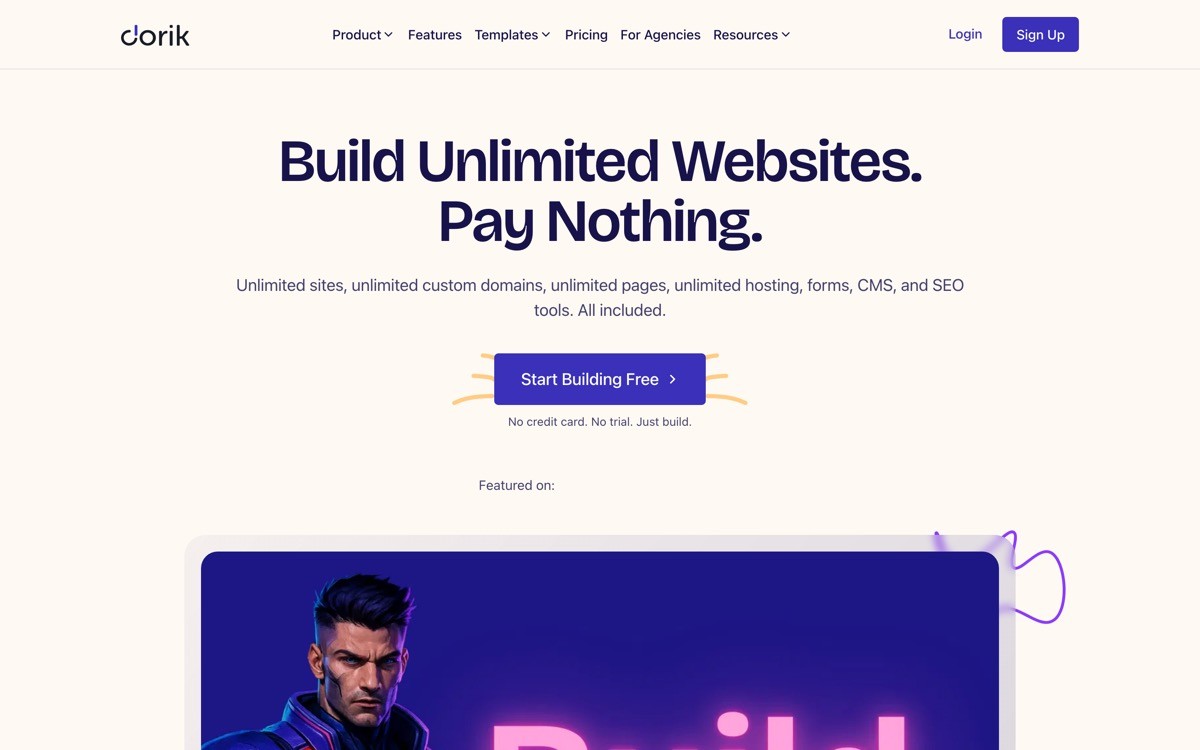
Dorik is a no-code site builder positioned as a lighter, cheaper alternative to Webflow, with an AI page builder that generates a starting site from a prompt. For solo founders on a tight budget who want CMS and multi-page capability without Webflow's learning curve, it's a credible mid-tier pick.
Key strengths
AI site generation from a prompt
Multi-page sites with CMS support
Lower learning curve than Webflow
White-label option for agencies
Best for
Solo founders who want CMS and multi-page on a tight budget
Freelancers shipping client SaaS sites at a low price point
Teams that find Webflow too complex but Carrd too limited
Pricing
Free tier with limits
Paid plans starting around $14 per month
Pros
Affordable for the multi-page + CMS feature set
AI builder shortens the blank-page step
Cons
Smaller template and agency ecosystem than Webflow
Design ceiling lower than Framer for animation-heavy pages
How to choose the right no-code tool for your SaaS landing page
1) One page or a full marketing site?
If you need one page and you need it shipped this week (validation page, waitlist, pre-launch), Carrd is the right pick. If you need a multi-page marketing site with a blog, case studies, and changelog, Webflow and Framer are the two serious options.
2) Design-led or content-led?
If your differentiation is brand and design (AI products competing on perceived sophistication, design tools, creator tools), Framer is the strongest pick. If your differentiation is content (long-form blog, SEO, case study library), Webflow's CMS gives you a longer runway.
3) Are you running paid acquisition?
If most of your traffic comes from paid (Google Ads, LinkedIn Ads, paid social), Unbounce's built-in A/B testing and conversion AI pay back the higher price tag. If your traffic is organic or product-led, the conversion features matter less than design and SEO surface, so Framer or Webflow win.
4) How much do you care about animation and scroll?
If scroll-tied animation and motion design are part of the brand, Framer is the only no-code builder in 2026 that does this natively without code. Webflow can get there with custom JavaScript and Lottie, but the workflow is heavier.
5) Solo founder or team with a content motion?
Solo founders should optimize for time-to-ship: Framer, Squarespace, or Carrd depending on scope. Teams with a content motion should optimize for editor experience and CMS depth: Webflow remains the benchmark, Framer is closing the gap.
If you've picked your no-code tool but want a design partner to turn your SaaS landing page into a conversion-focused asset (not just a pretty page), that's what AY Design does. We help founders and product teams ship marketing sites that look unicorn-grade and move signups, demos, and revenue. Book a design audit to see what to fix first.
FAQ
What is the best no-code tool for a SaaS landing page in 2026?
For most SaaS founders in 2026, Framer is the strongest no-code pick because it combines a Figma-style design canvas with native CMS, fast hosting, and a high design ceiling. Webflow remains the better choice if you need a mature CMS for a content-heavy marketing site, and Unbounce wins if you're running paid acquisition at scale and need built-in A/B testing.
Is Framer better than Webflow for SaaS landing pages?
Framer is better than Webflow for design-led SaaS landing pages that lean on animation, scroll effects, and a Figma-style canvas. Webflow is better when you need a mature CMS, a large template marketplace, and long-form content workflows. For a single hero page, Framer wins on time-to-ship; for a full marketing site with a blog, Webflow still leads.
What is the cheapest no-code tool for a SaaS landing page?
Carrd is the cheapest serious option, starting at $9 per year for a Pro plan with custom domain. For multi-page sites, Dorik's $14 per month plan undercuts Webflow and Framer while still offering CMS and AI generation. Squarespace and Tilda sit in the $15 to $17 per month range.
Can I build a SaaS landing page without code?
Yes, every tool in this list ships SaaS landing pages without writing code. The trade-off is design ceiling versus speed: builders like Carrd and Squarespace ship faster with less customization, while Framer and Webflow ship higher-design pages with a steeper learning curve.
Is Webflow good for SaaS landing pages?
Webflow is excellent for SaaS marketing sites that need a CMS, a blog, case studies, and a long-term content motion. For single-page or animation-heavy landing pages, Framer typically wins on time-to-ship and design ceiling. The right pick depends on whether your differentiation is content (Webflow) or design (Framer).
Does Framer rank well on Google for SaaS landing pages?
Yes, Framer's output is server-rendered, fast on Core Web Vitals, and supports the meta, schema, sitemap, and redirect controls you need for technical SEO. The Google ranking gap between Framer and Webflow in 2026 is small, content quality and backlinks matter more than the platform choice.
What is the best no-code tool for SaaS landing pages with A/B testing?
Unbounce is the best dedicated tool for SaaS landing pages that need A/B testing built in, including a Smart Traffic AI layer that auto-routes visitors to the best variant. For teams that want testing on Framer or Webflow, third-party tools like VWO or PostHog can layer on, but the workflow is heavier than Unbounce's native experience.
Can I migrate a Webflow site to Framer?
There is no one-click Webflow to Framer migration in 2026. Teams typically rebuild the site in Framer rather than migrating, because the underlying component models differ. The rebuild is usually faster than expected when the original site was template-based, and slower when it had heavy custom CMS schemas.
Checkout other Blogs:

Multi-agent system UX design guide for 2026
A pattern-by-pattern guide to designing multi-agent system UX in 2026, with a scoring matrix and references from Claude Code, LangGraph, Devin, and Replit Agent.
Author:
AY Designs Team

Human-in-the-loop AI design guide for 2026
A 2026 guide to human-in-the-loop AI design with patterns, scoring framework, and examples from Cursor, Claude Code, Stripe, and Notion AI.
Author:
AY Designs Team

How to design agentic AI products in 2026: a 7-step playbook
A seven-step design playbook for shipping agentic AI products that users actually trust, with scoring matrix and real product references from Cursor, Claude Code, Devin, and Perplexity.
Author:
AY Designs Team

How much does AI SaaS design cost in 2026?
AI SaaS design cost in 2026 by tier and engagement type, with ranges, timelines, and a value scorecard for founders shipping with Lovable, Bolt, and v0.
Author:
AY Designs Team