
Most AI SaaS founders pick a website platform in fifteen minutes, then live with that choice for two years. The split between Webflow and Framer is the most common forking point in 2026, and the gap between the two has widened in ways that change which one is right for a given team.
This guide compares Webflow vs Framer across seven decision dimensions that actually shape how your marketing site behaves, scales, and gets edited day to day. We covered animation depth, CMS power, hosting and performance, pricing fairness, developer workflow, ecosystem maturity, and team friendliness. The goal is to help you pick the platform that fits your stage, not the one your competitor uses.
TL;DR, for animation-heavy product pages and design-led AI SaaS marketing sites Framer is the faster, cleaner pick in 2026, while Webflow remains the right call for content-heavy programmatic SEO, complex multi-language sites, and teams with a developer who wants deeper control.
Webflow vs Framer: a brief overview
Animation and interaction: Framer wins for native motion, page transitions, and effects without code. Webflow handles standard interactions but feels heavier for advanced timelines.
CMS power: Webflow wins on scale, reference fields, and programmatic SEO. Framer's CMS has caught up for blogs and case studies but still lags for relational content.
Pricing for startups: Framer is generally cheaper for a small marketing site. Webflow gets expensive once you add CMS items and contributor seats.
Developer workflow: Webflow exposes more of the underlying HTML and CSS through class systems. Framer lets developers ship React components and now exposes a Server API for headless workflows.
Hosting and performance: Both ship on premium CDNs with strong Core Web Vitals out of the box. Framer's edges are slightly faster for static, image-heavy pages; Webflow gives more cache and rule control.
Ecosystem and plugins: Webflow has the deeper marketplace, mature agency network, and university content. Framer's plugin store has grown fast and now covers most marketing needs.
Team and editor friendliness: Framer's editor feels closer to Figma and is easier for designers and founders to use directly. Webflow's editor mode is built for non-designers handing copy edits to a CMS.
Criterion | Webflow | Framer | Winner for AI SaaS |
|---|---|---|---|
Animation and interactions | Strong, code-heavy timelines | Native, designer-first motion | Framer |
CMS power and scale | Deeper reference fields, programmatic SEO | Solid blog and case study CMS | Webflow |
Pricing for early-stage | Tiered, climbs with CMS items | Cheaper for small marketing sites | Framer |
Developer workflow | Class systems, custom code embeds | React components, Server API | Tie, depends on team |
Hosting and performance | AWS-backed, fine-grained controls | Edge CDN, fast static pages | Tie |
Ecosystem and plugins | Mature marketplace and partners | Growing plugin store | Webflow |
Team and editor friendliness | Editor mode for CMS handoff | Figma-like, founder-friendly | Framer |
1. Animation and interactions, where Framer pulls ahead
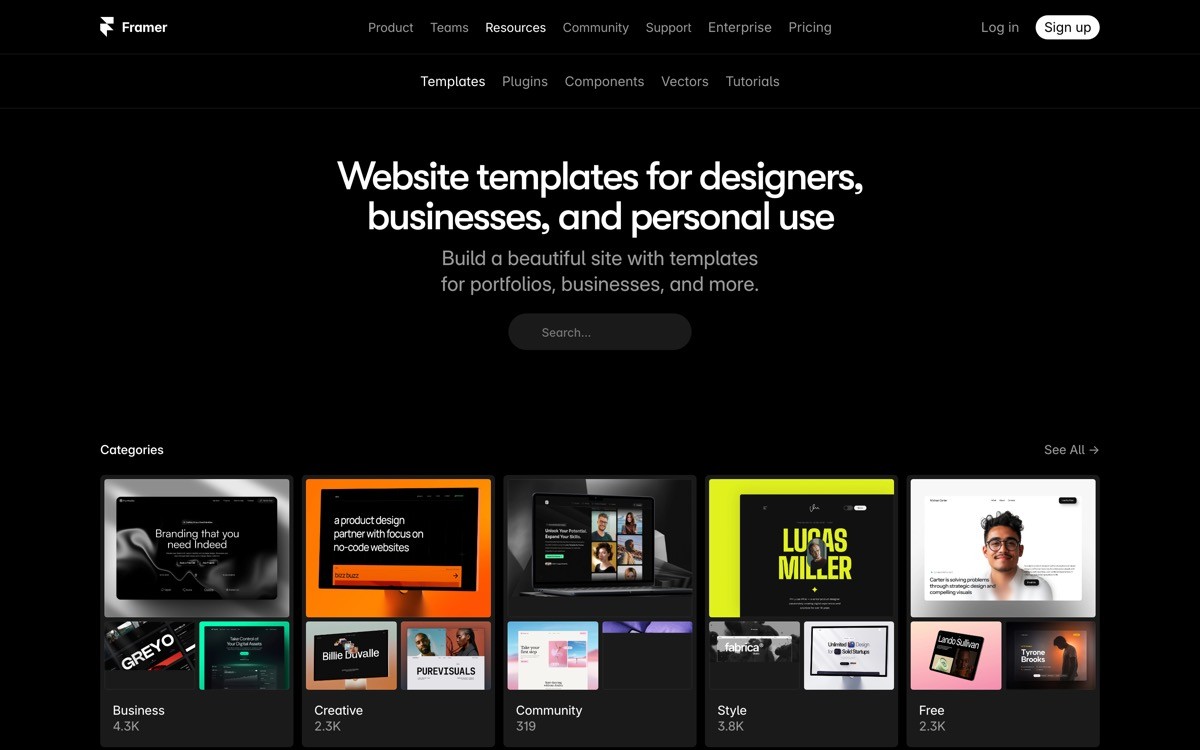
Animation capability is the speed and ease with which a platform lets you ship motion, scroll effects, page transitions, and interactive states without dropping into custom code. For AI SaaS sites that need to feel modern and product-grade, this is one of the highest impact decisions you make.
Framer treats motion as a first-class citizen. Magic Motion handles shared element transitions between pages, breakpoints have independent animation states, and scroll-linked effects are a few clicks rather than a JavaScript file. As of 2026, Framer ships native variants, gesture states, and page transitions that match what you would otherwise pay a developer to write in GSAP or Framer Motion.
Webflow supports interactions and triggers, but the workflow is more verbose. You build timelines in a dedicated panel, manage states with classes, and often write small bits of custom JavaScript to get the same fidelity Framer ships by default. Power users get there, but the iteration loop is longer.
How each handles it
Framer: visual variants, gesture states, page transitions, scroll effects baked into the canvas
Webflow: interactions panel with timelines, triggers, and state classes
Both: support Lottie, embedded video, and custom code for edge cases
Winner
Framer wins for design-led teams and product launch pages where motion is part of the story
Webflow is enough for sites where animation is decorative, not the differentiator
Recommendation
If your homepage hero, feature scroll, and demo section all rely on motion, pick Framer
If interactions are limited to hover states and a sticky nav, Webflow's overhead is not worth fighting
2. CMS power and scale, where Webflow still leads
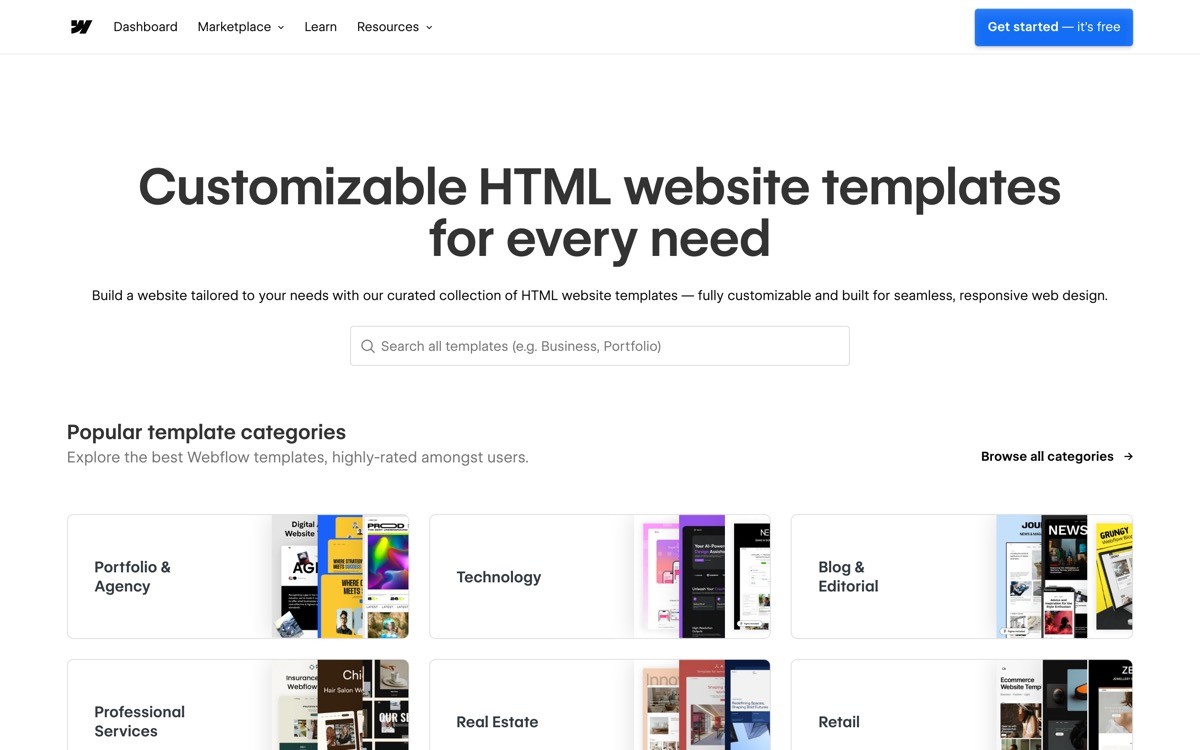
The CMS criterion covers how well a platform models structured content, how it handles relationships between collections, and how far you can push programmatic SEO use cases like location pages, integration pages, and template-driven landing pages.
Webflow has been a CMS-first platform for years. It supports reference and multi-reference fields, nested collection lists, conditional visibility, and CSV import at a level Framer is still building toward. If you plan to ship 200 programmatic SEO pages off one template, or maintain a multi-language site with linked collections, Webflow is the safer bet.
Framer's CMS in 2026 handles blog posts, case studies, changelogs, and author bios cleanly. The Server API shipped in early 2026 and now lets you create or update items from any Node script, which closes the gap for AI-drafted content workflows. Relational modeling and large-scale programmatic SEO are still where Framer asks you to compromise.
How each handles it
Webflow: reference and multi-reference fields, nested collections, advanced filters, CSV import
Framer: flat collections, basic taxonomies, Server API for programmatic ingestion
Both: support draft and published states, scheduled publishing, and webhooks
Winner
Webflow wins for content-heavy marketing sites, programmatic SEO, and multi-language setups
Framer is enough for blog plus case studies plus changelog, which covers most early-stage AI SaaS
Recommendation
Pick Webflow if SEO and content scale are core to your growth plan
Pick Framer if your content needs are predictable and the design and motion matter more
3. Pricing for early-stage AI SaaS
Pricing fairness is the total monthly cost of running a small marketing site on each platform, including the CMS plan, custom domain, and one or two contributor seats. This is where founders get burned after the first year as content grows.
Framer's pricing for a basic site plus CMS is generally lower than Webflow's equivalent. The Framer Mini and Basic plans cover most early-stage needs without forcing you into a higher tier for a hundred CMS items. Add-on seats are reasonable, and you do not pay separately for hosting.
Webflow splits site plans and workspace plans. You pay for the site plan that fits your CMS item count, then a workspace plan for collaborators. The CMS plan jumps significantly once you exceed 2,000 items, and contributor seats can add up for agency or in-house teams. As of 2026, Webflow's pricing remains predictable but climbs faster as you scale content.
How each handles it
Framer: bundled site plus CMS pricing, lower entry point, generous editor seats
Webflow: separated site and workspace pricing, jumps at CMS item thresholds
Both: offer annual discounts and free staging subdomains
Winner
Framer wins for solo founders and small teams shipping a focused marketing site
Webflow's pricing is justifiable for content-heavy sites that need the CMS depth
Recommendation
If your marketing site is under 100 CMS items and 3 editors, Framer will be cheaper
If you are scaling past 1,000 CMS items, model both prices at your projected size before committing
4. Developer workflow and extensibility
Developer workflow is how easily a developer on your team can extend the site beyond what the visual editor supports, including custom components, third-party scripts, headless data ingestion, and Git-based workflows. For AI SaaS teams with at least one engineer, this often decides the platform.
Webflow exposes a strong class system, custom code embeds at the page and site level, and a Data API for headless reads. The class workflow rewards developers who understand BEM-style naming and CSS specificity. Webflow does not have first-party React components, but its embeds support almost any third-party widget.
Framer takes a different path. You can drop in real React components built with code overrides, install plugins that extend the editor, and as of 2026 use the Server API to read and write CMS items from any Node script. For developers used to React and TypeScript, Framer feels closer to writing code; for developers used to clean HTML and CSS, Webflow feels more native.
How each handles it
Webflow: class system, custom code embeds, Data API, Logic for branching
Framer: React code components, code overrides, plugins, Server API for CMS
Both: support webhooks, redirects, and reverse proxies for subfolder hosting
Winner
Webflow wins for teams that think in HTML, CSS, and CMS collections
Framer wins for teams that think in React components and design systems
Recommendation
If your engineers already build the product in React, Framer matches the mental model
If your developer prefers raw HTML and CSS control, Webflow gives them more room
5. Hosting and performance
Hosting and performance covers Core Web Vitals out of the box, CDN reach, asset optimization, and the headroom each platform gives you when traffic spikes after a launch or a viral post.
Both platforms ship on premium CDNs and both score well on Core Web Vitals by default, which is more than you can say for most WordPress builds. Framer uses an edge CDN with strong static page performance, automatic image optimization, and fast time to first byte for marketing pages. Webflow runs on AWS infrastructure with mature cache controls and high traffic ceilings.
The practical performance gap between the two is small for a well-built marketing site. The real differentiators are how much fine-grained control you get over caching, redirects, and custom headers. Webflow gives slightly more control here; Framer optimizes more aggressively by default with fewer knobs to turn.
How each handles it
Framer: edge CDN, automatic image optimization, opinionated defaults
Webflow: AWS-backed CDN, custom redirects, cache controls, high traffic plans
Both: SSL by default, custom domains, staging environments
Winner
Roughly even, with Framer edging ahead for fast defaults and Webflow ahead for fine-grained control
Recommendation
For most AI SaaS marketing sites either platform clears the performance bar; pick on other criteria
If you expect six-figure monthly traffic spikes from launches or PR, validate the highest plan limits on whichever you choose
6. Ecosystem, plugins, and community
Ecosystem covers the depth of the template marketplace, the size and quality of the agency partner network, the volume of tutorial content, and the third-party plugins that extend the platform beyond defaults.
Webflow's ecosystem is the deeper of the two. Webflow University is one of the best free design education resources online, the official template marketplace is large, Finsweet and Memberstack provide enterprise-grade extensions, and there are hundreds of certified Webflow agencies. If you ever need to hand off your site to an external team, the supply of Webflow specialists is significantly larger.
Framer's ecosystem has grown sharply since 2024. The plugin store now covers forms, analytics integrations, animation kits, and CMS importers. The template gallery is high quality with a clear design-led skew. Agency supply is smaller but growing, and the Framer team ships product updates faster than Webflow has in recent years.
How each handles it
Webflow: mature template marketplace, large agency network, Webflow University, deep plugins like Finsweet
Framer: high-quality template gallery, plugin store, growing agency partner program
Both: active communities on YouTube, Twitter, and dedicated forums
Winner
Webflow wins on raw depth, especially for hand-off and education
Framer wins on quality and design polish of templates and plugins
Recommendation
If you plan to outsource or want maximum tutorial coverage, Webflow's ecosystem is the safer bet
If you want a high design floor from templates and a fast-moving roadmap, Framer is hard to beat
7. Team and editor friendliness
Team friendliness is how easy it is for non-designers to make safe edits, how close the editor feels to Figma for designers, and how the platform supports content contributors who only touch copy and images.
Framer's editor feels like Figma. Designers and founders comfortable in design tools pick it up in an afternoon. The downside is that, without guardrails, a non-designer can break layout by dragging the wrong element. Framer added a CMS-only editor view, which helps, but the platform still favors hands-on designers.
Webflow ships a dedicated Editor mode designed for content contributors. They see the live site and can update text, images, and CMS items without touching layout. For teams where marketing or content owns updates and design lives behind a gate, this separation matters.
How each handles it
Framer: Figma-like canvas editor, CMS-only roles, comments for review
Webflow: separate Designer and Editor modes, content-safe permissions, robust roles
Both: support staging, scheduled publishing, and version history
Winner
Framer wins for designer-led teams and solo founders
Webflow wins for marketing-led teams with multiple non-designer contributors
Recommendation
If a designer or founder runs the site directly, Framer's editor will feel right at home
If your content team needs a safe lane that does not touch layout, Webflow's Editor mode is the better fit
How to choose Webflow or Framer for your AI SaaS
1) Is design and motion central to your brand, or is content scale the priority?
If your homepage relies on animation, page transitions, and a high design floor, Framer pays for itself in faster iteration. If you plan to ship hundreds of programmatic SEO pages and run a content-heavy blog, Webflow's CMS depth is worth the extra learning curve.
2) Who owns the site day to day?
A solo founder or in-house designer will move faster in Framer. A marketing team handing copy updates to a content writer will get fewer accidents in Webflow. Pick the platform that matches the seat at the keyboard, not the org chart.
3) What does your engineering team prefer?
React-first teams will feel at home with Framer's code components and Server API. Teams that think in HTML, CSS, and CMS collections will find Webflow more native. Either platform supports custom code, but the natural workflow differs.
4) What is your projected CMS item count in 18 months?
Model both pricing plans at the size you expect to be, not the size you are today. Framer is cheaper under 500 items in most scenarios. Webflow can be more cost effective at scale if you actually use its relational features.
If you've picked the platform but want a design partner to turn the no-code build into a profitable, conversion-grade AI SaaS site, that's what AY Design does. We help AI founders ship Webflow and Framer sites that don't look templated, with landing pages, dashboards, and brand systems built for real users. Book a design audit to see what to fix first.
FAQ
Is Framer better than Webflow for SaaS in 2026?
Framer is better for design-led AI SaaS marketing sites where animation, page transitions, and design polish matter most. Webflow is better when your growth plan depends on content scale, programmatic SEO, or multi-language structure. Neither is universally better; the answer depends on whether design or content is your differentiator.
What is the main difference between Webflow and Framer?
Webflow is a CMS-first platform with deep class systems and reference fields, built for content-heavy marketing sites. Framer is a design-first platform with native motion and React component support, built for designer-led teams. The split shows up most in animation depth and CMS modeling.
Is Framer cheaper than Webflow?
Framer is generally cheaper for small AI SaaS marketing sites under a few hundred CMS items. Webflow's pricing scales with CMS item count and contributor seats, which makes it more expensive for early-stage teams but more justifiable for content-heavy sites.
Can Framer handle programmatic SEO like Webflow?
Framer can handle programmatic SEO at moderate scale using its CMS and the Server API shipped in 2026. Webflow still has the edge for relational modeling, large item counts, and complex filtering. If programmatic SEO is core to your growth plan, Webflow is the safer choice.
Which platform has better animation, Webflow or Framer?
Framer has better native animation in 2026. It ships Magic Motion, native variants, gesture states, and scroll effects that match what you would otherwise write in GSAP or custom JavaScript. Webflow supports interactions and timelines but the workflow takes longer to ship the same fidelity.
Is Webflow harder to learn than Framer?
Webflow has a steeper initial learning curve because of its class system and CSS-style mental model. Framer feels closer to Figma, so designers and founders pick it up faster. The trade-off is that Webflow's depth pays off later, while Framer's surface stays simpler longer.
Can I migrate from Webflow to Framer easily?
There is no one-click migration between Webflow and Framer in 2026. Marketing pages can be rebuilt in a week or two; CMS content can be exported as CSV from Webflow and re-imported into Framer with some manual mapping. Plan for a focused rebuild rather than an automatic transfer.
Which is better for a no-code AI SaaS marketing site?
For most no-code AI SaaS marketing sites in 2026, Framer ships a better default than Webflow with less setup. If your roadmap includes hundreds of CMS pages, multi-language support, or a developer-led extension surface, Webflow remains the stronger long-term call.
Checkout other Blogs:

Multi-agent system UX design guide for 2026
A pattern-by-pattern guide to designing multi-agent system UX in 2026, with a scoring matrix and references from Claude Code, LangGraph, Devin, and Replit Agent.
Author:
AY Designs Team

Human-in-the-loop AI design guide for 2026
A 2026 guide to human-in-the-loop AI design with patterns, scoring framework, and examples from Cursor, Claude Code, Stripe, and Notion AI.
Author:
AY Designs Team

How to design agentic AI products in 2026: a 7-step playbook
A seven-step design playbook for shipping agentic AI products that users actually trust, with scoring matrix and real product references from Cursor, Claude Code, Devin, and Perplexity.
Author:
AY Designs Team

How much does AI SaaS design cost in 2026?
AI SaaS design cost in 2026 by tier and engagement type, with ranges, timelines, and a value scorecard for founders shipping with Lovable, Bolt, and v0.
Author:
AY Designs Team