Animation became table stakes for SaaS landing pages somewhere between 2022 and 2024. A hero that just sits there reads as low-effort, and the gap between a polished page and a templated one is often a single piece of motion done well: a number counting up, a workflow scrubbing in on scroll, a button micro-interaction that signals craft.
The challenge in 2026 is not whether to add animation, it is which library to use without tanking your Core Web Vitals or shipping 200KB of dependencies for one fade-in. This guide compares the best animation libraries for SaaS landing pages in 2026, with attention to bundle size, capability ceiling, framework fit, and the specific motion patterns that move conversion on a B2B page.
TL;DR, for React-based SaaS landing pages, Motion (formerly Framer Motion) is the most pragmatic default; for advanced scroll-driven animation and timelines, GSAP remains unmatched; for vector micro-animations and illustration, Lottie wins.
Best animation libraries for SaaS landing pages: a brief overview
Motion (formerly Framer Motion): Best React animation library, declarative API, gestures, layout animations, and scroll triggers in one package.
GSAP: Best for complex timeline and scroll animation, the standard for award-winning landing pages with no React dependency.
Lottie: Best for vector illustration and micro-animation exported from After Effects or Figma.
Anime.js: Best lightweight, framework-agnostic animation library for simple, tight, vanilla JS work.
Motion One: Best Web Animations API-based library for tiny bundle size and maximum browser performance.
Auto-Animate: Best zero-config animation for list and DOM changes, drop-in for React, Vue, Svelte.
React Spring: Best physics-based animation for React, spring dynamics that feel natural.
Library | Key strength | Pricing | Platforms |
|---|---|---|---|
Motion (Framer Motion) | Declarative React animation with gestures and layout | Open source (MIT) | React, vanilla JS (Motion One) |
GSAP | Industry-standard timeline and scroll animation | Free; Business Green for commercial advanced plugins | Vanilla JS, React, Vue, framework-agnostic |
Lottie | Render After Effects animations as JSON | Open source; LottieFiles paid plans | Web, iOS, Android, React Native |
Anime.js | Lightweight vanilla JS animation | Open source (MIT) | Vanilla JS, any framework |
Motion One | Tiny bundle, Web Animations API | Open source (MIT) | Vanilla JS, React, Vue, Svelte |
Auto-Animate | One-line list and DOM animations | Open source (MIT) | React, Vue, Svelte, Solid |
React Spring | Physics-based spring animation for React | Open source (MIT) | React, React Native |
1. Motion (Framer Motion), best React animation library
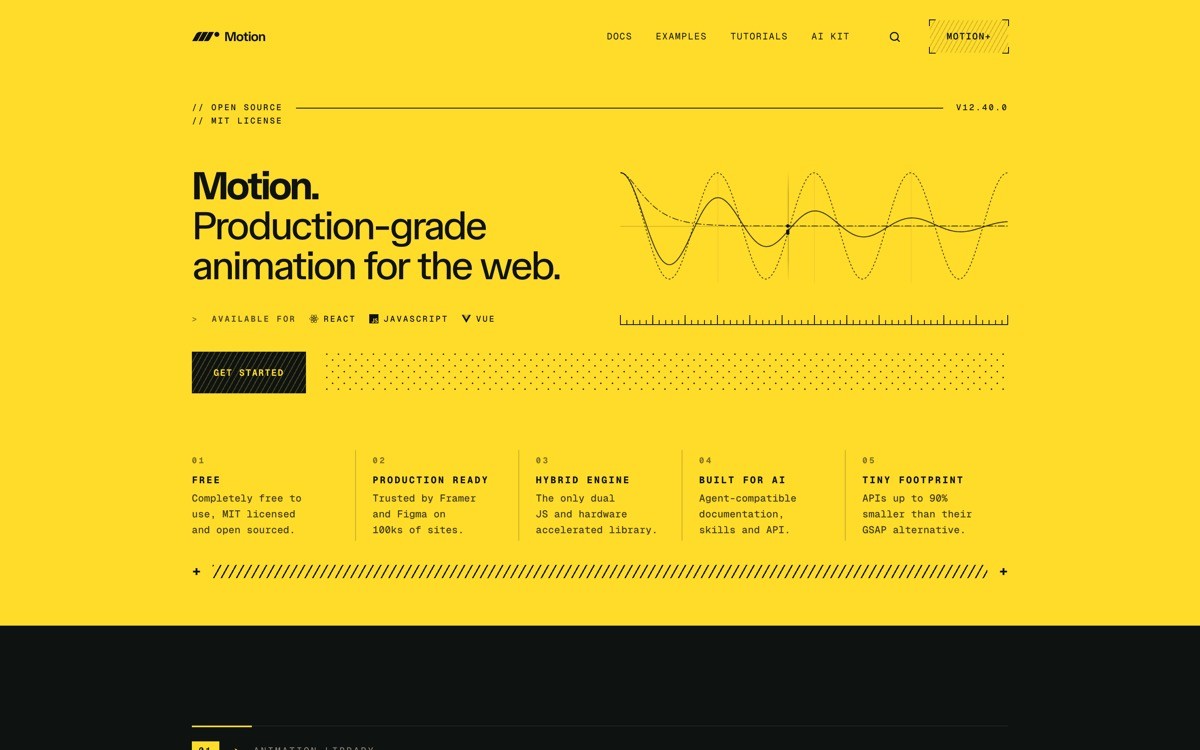
Motion (formerly known as Framer Motion) is a declarative animation library for React, with gestures, layout animations, scroll triggers, and orchestration in a single package. For SaaS landing pages built on React (Next.js, Remix, or Vite), it is the default in 2026 for good reason: the API maps cleanly to how React developers already think about state and props.
The library now ships in two flavors: the full React package with layout animations, and a tiny Motion One core for vanilla JS use cases where bundle size matters more than React ergonomics.
Key strengths
Declarative motion props on React components
Layout animations (FLIP) that smooth DOM changes automatically
Gesture support (drag, hover, tap, pan) with one prop
Scroll-linked animation via useScroll and useTransform
Variants system for orchestrating sequences across components
Strong TypeScript support and active community
Best for
React-based SaaS landing pages built on Next.js or Vite
Teams that want a single library for hover, scroll, and layout animation
Designers and developers comfortable with React component patterns
Pricing
Open source under MIT
No paid tier for the React package
Pros
Best ergonomics for React in 2026
Layout animations are unmatched in the React ecosystem
Active development backed by the Framer team
Cons
Full React package is heavier than Motion One or Anime.js (around 30 to 50KB gzipped)
Locked to React, vanilla JS users should pick Motion One instead
2. GSAP, best for complex timeline and scroll animation
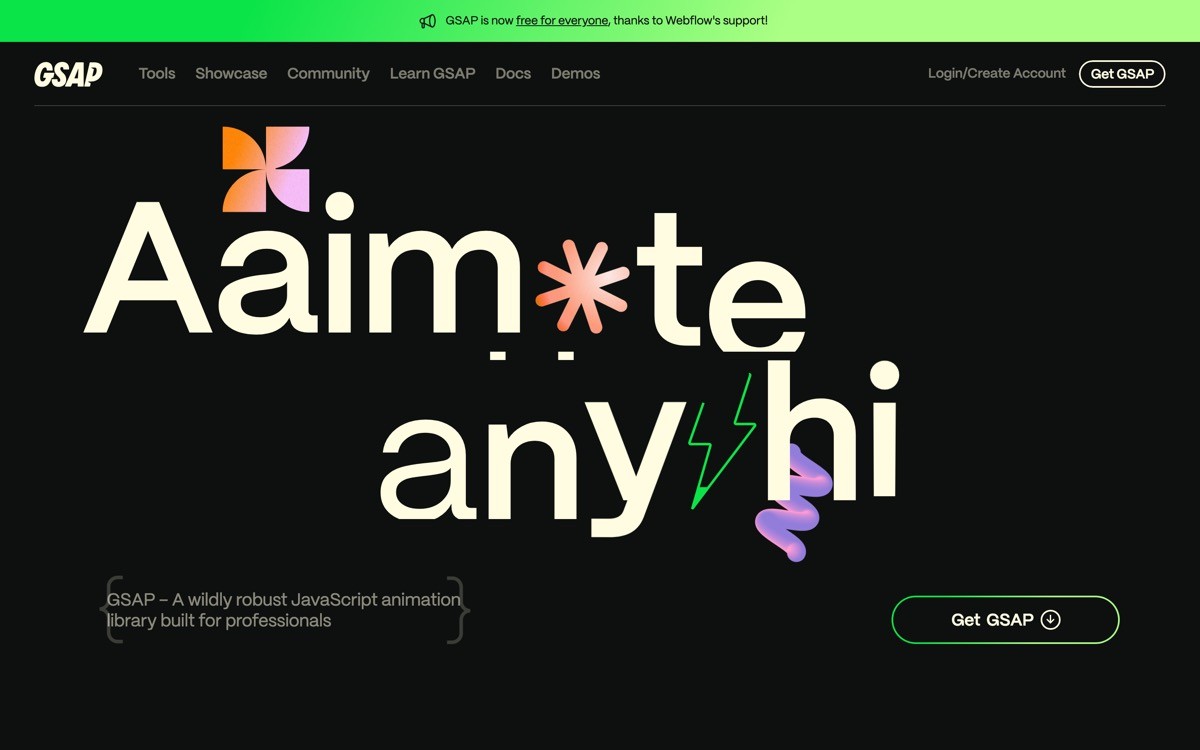
GSAP (GreenSock Animation Platform) is the long-standing industry standard for advanced web animation. ScrollTrigger, MotionPath, MorphSVG, and the timeline API together cover the kind of scroll-driven, multi-element choreography that defines award-winning SaaS landing pages.
GSAP changed its license in 2024: the full library including ScrollTrigger and most plugins is now free for commercial use. Premium plugins (Draggable's advanced features, SplitText, MorphSVG for production) sit behind the Business Green tier.
Key strengths
The most capable timeline API in the web animation space
ScrollTrigger for scroll-driven sequences and pinned scenes
SVG animation including MorphSVG and DrawSVG
Framework-agnostic, works with React, Vue, Svelte, vanilla
Mature documentation and active community
Performance optimizations that often outperform CSS animation
Best for
Design-led SaaS landing pages with scroll-driven scenes
Agencies and freelancers shipping award-show-quality work
Teams that want a single library covering scroll, timeline, and SVG animation
Pricing
Free for commercial use, including ScrollTrigger
Business Green tier for advanced plugins (around $99 per year)
Pros
Industry standard for a reason, the ceiling is the highest in the category
Framework-agnostic, works anywhere
Documentation and examples are exceptional
Cons
Imperative API feels foreign in a React app, requires useGSAP or useEffect glue
Bundle size grows quickly when you add plugins
3. Lottie, best for vector illustration and micro-animation
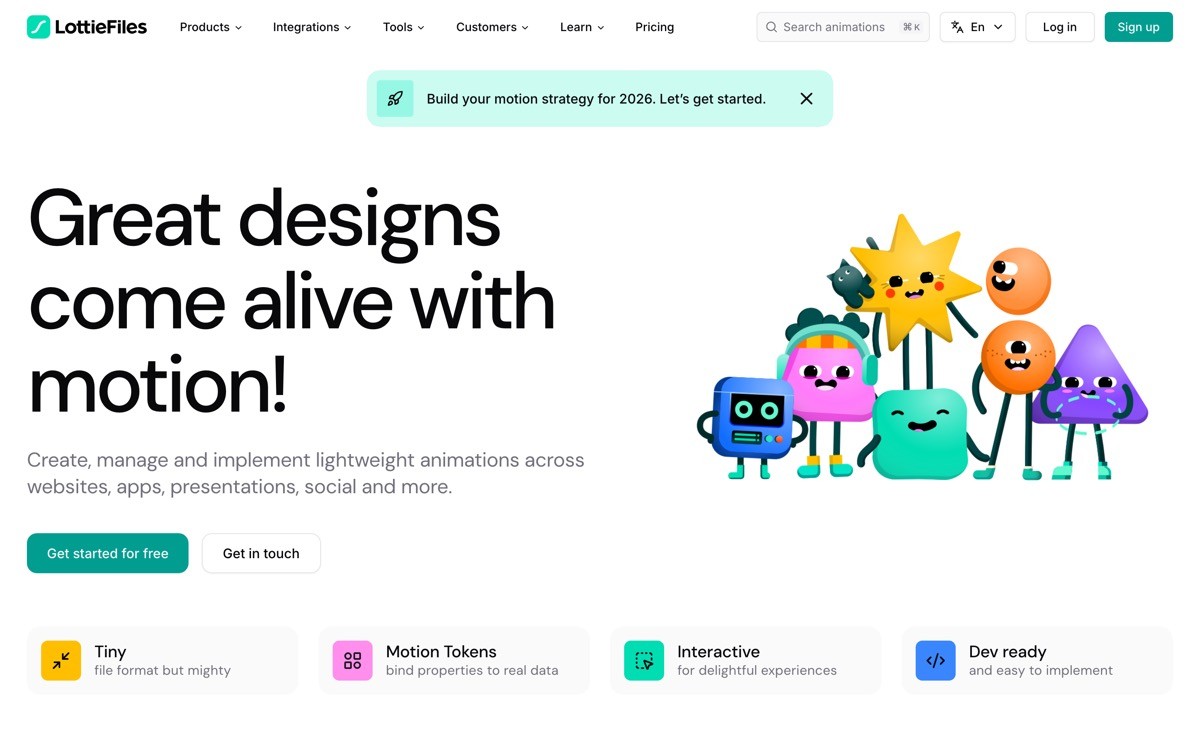
Lottie renders vector animations exported from Adobe After Effects (or Figma via LottieFiles) as JSON, played back natively in the browser. For SaaS landing pages, the most common use cases are illustration-led heroes, animated icons in feature sections, and onboarding micro-animations.
The advantage is craft: a motion designer can produce a high-quality animation in After Effects and ship it to web without rebuilding it in code. The trade-off is the JSON files can grow large for complex compositions.
Key strengths
After Effects to web with no code rebuild
Vector rendering, scales without quality loss
Cross-platform (web, iOS, Android, React Native)
LottieFiles ecosystem with marketplace, editor, and CDN
Interactive Lottie for hover and scroll triggers
Best for
Brand and marketing teams with motion design capability
SaaS pages with illustration-led storytelling
Mobile and web parity where the same animation runs everywhere
Pricing
lottie-web renderer is open source
LottieFiles paid plans for hosting, editing, and analytics
Pros
Motion designers can ship without a developer rebuild
Vector output stays sharp at any size
Marketplace of pre-built animations for fast iteration
Cons
Complex compositions can produce heavy JSON files
Renderer adds 50 to 100KB depending on the variant (dotLottie is lighter)
4. Anime.js, best lightweight vanilla JS animation
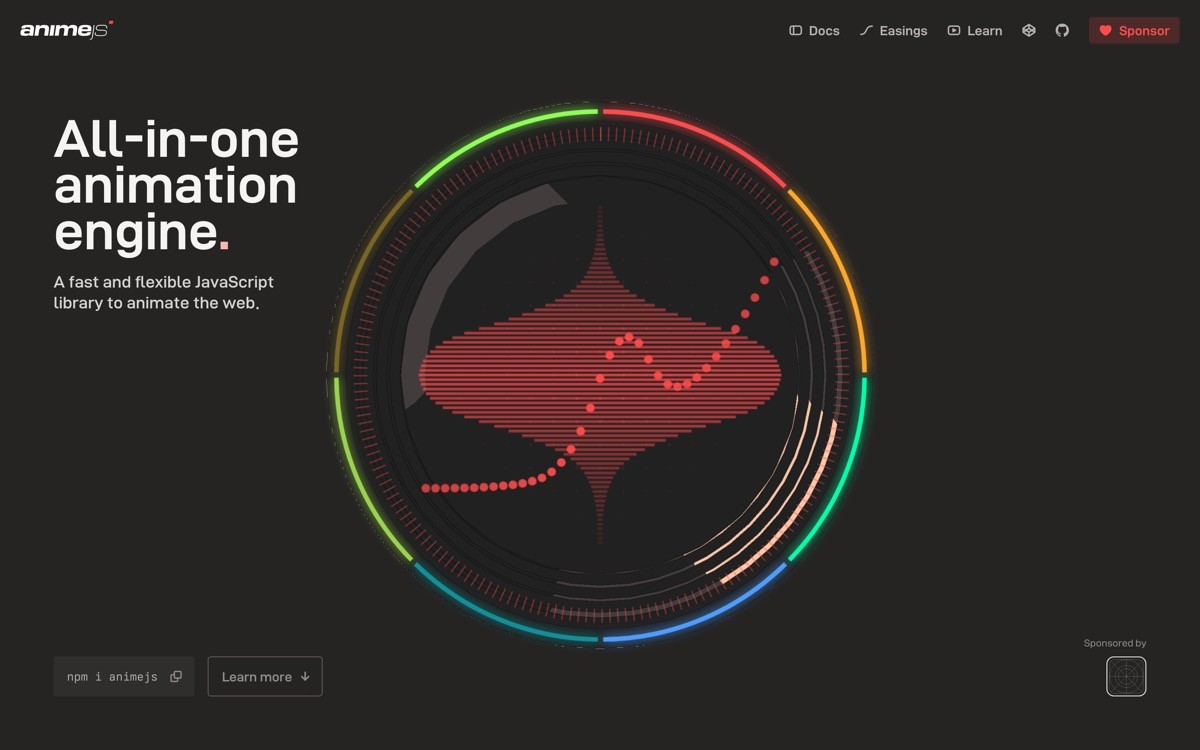
Anime.js is a lightweight animation library with a small footprint, built for CSS properties, SVG, DOM attributes, and JavaScript objects. It is framework-agnostic and pairs well with vanilla JS sites, Astro, or any project where you want capable animation without React or a heavy timeline engine.
For SaaS pages built on a static site generator or a non-React framework, Anime.js sits in the sweet spot between "too simple" (CSS animation) and "too heavy" (GSAP with plugins).
Key strengths
Small bundle (around 10 to 20KB gzipped depending on usage)
Framework-agnostic, works in any stack
Supports CSS, SVG, DOM, and JavaScript object animation
Timeline support for sequencing
Easing presets that cover most product needs
Best for
Static sites, Astro builds, or vanilla JS SaaS marketing pages
Teams that want capable animation without a React dependency
Solo developers shipping small, fast pages
Pricing
Open source under MIT
Pros
Small footprint, fast to learn
Framework-agnostic
Stable and mature, has been around since 2016
Cons
Less active development than Motion or GSAP
Scroll-driven animation requires manual setup (no built-in scroll trigger)
5. Motion One, best for tiny bundle size
Motion One is the lightweight core of the Motion library, built on the native Web Animations API. The base library is around 4KB gzipped, which makes it the smallest serious animation library in 2026, while still supporting timelines, scroll triggers, and easing.
For SaaS landing pages where every kilobyte matters (highly-optimized pages, AMP-style builds, or React apps where you want one animation on the hero without pulling in 30KB), Motion One is the right pick.
Key strengths
Tiny bundle (around 4KB for the core)
Built on Web Animations API for native browser performance
Timeline and scroll trigger support
Framework-agnostic with React and Vue wrappers
Same author ecosystem as Motion (Framer Motion)
Best for
Performance-obsessed SaaS landing pages
Edge-rendered marketing pages where bundle size matters
Teams who want Motion's API in a non-React stack
Pricing
Open source under MIT
Pros
Smallest bundle in the category for the capability
Native Web Animations API performance
Active development from the Motion team
Cons
Smaller community than Framer Motion's React version
Layout animations are less polished than the React package
6. Auto-Animate, best zero-config DOM animation
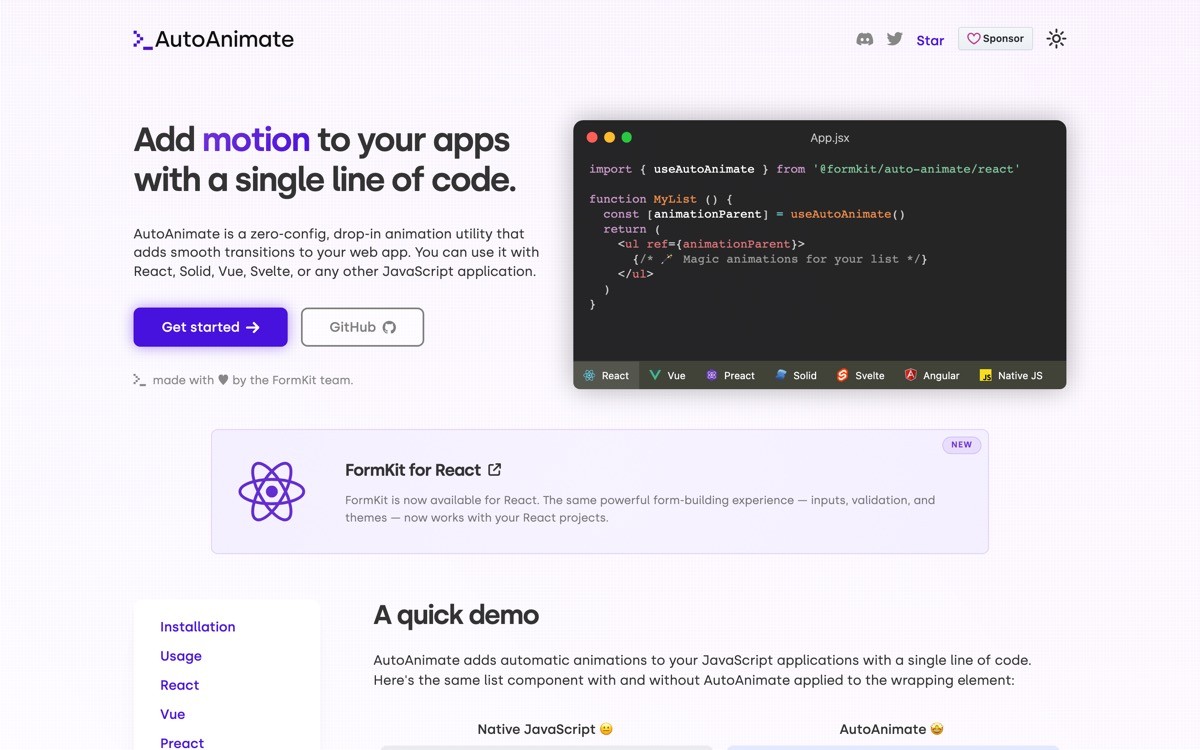
Auto-Animate, from the FormKit team, is a tiny zero-config library that animates DOM changes (additions, removals, reorders) with a single line of code. Add a directive or ref to a parent element and any child changes get smoothly animated without configuring keyframes.
For SaaS landing pages, the best use cases are pricing tier toggles, FAQ accordions, filter results, and any UI where elements come and go.
Key strengths
One line of code to enable
Animates additions, removals, and reorders
Works in React, Vue, Svelte, Solid, and vanilla
Tiny footprint (around 3KB gzipped)
No keyframe configuration required
Best for
SaaS landing pages with toggleable UI (pricing, feature comparisons)
Teams that want polish on list and DOM changes without engineering investment
Indie devs who want craft signal without writing animation code
Pricing
Open source under MIT
Pros
Almost zero learning curve
Tiny bundle
Works across frameworks with the same API surface
Cons
Only handles DOM list changes, not arbitrary animations
Customization is limited by design
7. React Spring, best physics-based animation for React
React Spring is a physics-based animation library where motion is driven by spring dynamics (tension, friction, mass) rather than fixed durations and easings. The result feels more natural than tweened animation for gesture-driven interactions like drags, parallax, and trail effects.
For SaaS pages where interactivity is part of the brand (a draggable product demo, a parallax scroll story, a gesture-based hero), React Spring's springs feel more alive than CSS or duration-based animation.
Key strengths
Physics-based springs that feel natural
Strong gesture integration with use-gesture
Trail and chain animations for orchestrated motion
React Native support
Mature library with years of production use
Best for
React SaaS pages with gesture-driven interaction
Parallax storytelling and scroll-based product demos
Teams that prefer physics over fixed durations
Pricing
Open source under MIT
Pros
Physics-based motion feels more polished for gesture work
Pairs naturally with use-gesture for full interaction stacks
Mature and stable
Cons
Steeper learning curve than Motion's declarative API
Less popular than Motion in 2026, smaller community share
How to choose the right animation library for your SaaS landing page
1) What's your framework?
If you're on React, default to Motion (Framer Motion) unless you have a specific reason not to. If you're on Vue, Svelte, Astro, or vanilla JS, Motion One or Anime.js cover most cases. If you're on a static site generator and want zero JavaScript on the page, lean on CSS animation and add Lottie only for specific illustration moments.
2) Are you doing simple page motion or scroll-driven scenes?
For simple page motion (hero fade-in, hover micro-interactions, FAQ accordion), Motion, Motion One, or Auto-Animate are all sufficient. For scroll-driven scenes where elements pin, scrub, and choreograph across the page, GSAP with ScrollTrigger remains the highest-ceiling pick in 2026.
3) How much do bundle size and Core Web Vitals matter?
If you're aggressively optimizing for INP and LCP (because you compete on paid acquisition or you serve a global audience on slow connections), Motion One or Anime.js give you the best ratio of capability to bundle size. Lottie can be heavy, use dotLottie or lazy-load illustrations below the fold.
4) Do you have motion design talent or just developers?
If you have a motion designer on the team or working with you, Lottie unlocks a workflow where they design in After Effects and ship to web without a code rebuild. If your team is developers-only, GSAP and Motion give engineers the most expressive code-first APIs.
5) How important is craft signal on the page?
Animation is a craft signal: a hero that animates well telegraphs that the company invests in quality. If the brand competes on perceived sophistication (AI products, design tools, premium B2B), the right call is usually GSAP for scroll choreography plus Motion for component-level polish. If the brand competes on speed or simplicity, lean on Auto-Animate and Motion One.
If you've picked your animation library but want a design partner to build a SaaS landing page where motion actually moves conversion (not just decoration), that's what AY Design does. We design and ship marketing sites that use animation with intent, paired with the conversion architecture that turns motion into pipeline. Book a design audit to see what to fix first.
FAQ
What is the best animation library for SaaS landing pages in 2026?
For React-based SaaS landing pages, Motion (formerly Framer Motion) is the most pragmatic default in 2026. For scroll-driven choreography and timelines, GSAP remains the industry standard. For illustration and micro-animation, Lottie is unmatched. The right choice depends on framework, scope, and team skillset.
Is Framer Motion still called Framer Motion?
The library was renamed to Motion in 2024, but most developers and documentation still refer to it as Framer Motion interchangeably. The npm package is now `motion` and includes both the React package and the Motion One vanilla JS core. Existing imports of `framer-motion` still work via a compatibility package.
Is GSAP free for commercial use in 2026?
Yes, GSAP changed its license in 2024 and the full library including ScrollTrigger is now free for commercial use. The Business Green tier (around $99 per year) covers premium plugins like SplitText and MorphSVG for production, plus priority support. Most SaaS landing pages do not need the paid tier.
What animation library has the smallest bundle size?
Motion One has the smallest bundle in the category at around 4KB gzipped for the core, built on the Web Animations API. Auto-Animate is similar at around 3KB for DOM list animations. Anime.js sits around 10 to 20KB depending on usage. Full Framer Motion (React) is 30 to 50KB.
Should I use CSS animation or a JavaScript animation library?
For simple hover, focus, and fade-in animations, CSS is the right call: zero JavaScript, native browser performance, and no library dependency. For anything involving orchestrated sequences, scroll triggers, gesture interaction, or dynamic values from state, a JavaScript library like Motion or GSAP gives you the control CSS cannot.
Does animation hurt SEO or Core Web Vitals?
Animation does not hurt SEO directly, but heavy animation libraries can hurt Core Web Vitals (LCP, INP) if loaded eagerly on the page. The fix is to lazy-load animation libraries below the fold, use lighter alternatives like Motion One for above-the-fold work, and avoid animating layout-shifting properties like width and height (animate transform instead).
What is the best animation library for landing page hero sections?
For React SaaS heroes, Motion is the easiest to ship: declarative API, hover and scroll built in, layout animation when state changes. For non-React stacks or maximum performance, Motion One or Anime.js. For scroll-driven hero scenes where the hero animates as the user scrolls, GSAP with ScrollTrigger remains the right pick.
Can I use Lottie animations on a SaaS landing page?
Yes, Lottie is a common pick for SaaS landing pages with illustration-led storytelling, animated icons, and onboarding sequences. The two things to watch are file size (use dotLottie format and avoid complex compositions with many shapes) and renderer weight (lottie-web is 50 to 100KB, the lighter dotLottie player is closer to 20KB).
Checkout other Blogs:

Multi-agent system UX design guide for 2026
A pattern-by-pattern guide to designing multi-agent system UX in 2026, with a scoring matrix and references from Claude Code, LangGraph, Devin, and Replit Agent.
Author:
AY Designs Team

Human-in-the-loop AI design guide for 2026
A 2026 guide to human-in-the-loop AI design with patterns, scoring framework, and examples from Cursor, Claude Code, Stripe, and Notion AI.
Author:
AY Designs Team

How to design agentic AI products in 2026: a 7-step playbook
A seven-step design playbook for shipping agentic AI products that users actually trust, with scoring matrix and real product references from Cursor, Claude Code, Devin, and Perplexity.
Author:
AY Designs Team

How much does AI SaaS design cost in 2026?
AI SaaS design cost in 2026 by tier and engagement type, with ranges, timelines, and a value scorecard for founders shipping with Lovable, Bolt, and v0.
Author:
AY Designs Team